 PortraitArt


DIY Wedding Portraits: Turn Your Wedding Photos into Art
A painted wedding portrait is one of the most loved keepsakes a couple can own, but commissioning one usually costs hundreds or thousands of dollars and takes weeks. The DIY route is much simpler: take a wedding photo you already love and turn it into an oil painting, watercolor, pencil sketch or pop art portrait yourself, in a few minutes, with no art skills.
Quick answer: To make a DIY wedding portrait, upload a clear wedding photo to PortraitArt's wedding portrait tool, pick a style such as oil painting, watercolor or line drawing, and download the high-resolution result to print or share. Every image on this page was made from the same single photo.
Why make your own wedding portrait?
A hand-painted commission is a wonderful heirloom, and if you have the budget and time, it's worth it. For most couples, though, the price and the wait are the reasons it never happens. Small commissioned paintings commonly start around $200, mid-size pieces often run $1,000 to $3,000, and established portrait artists charge far more. You also usually get a single style, chosen up front, with paid revision rounds.
Here's how the two approaches compare:
| Commissioned artist | DIY with PortraitArt | |
|---|---|---|
| Typical cost | About $200 to $3,000+ per painting | A small fraction of that (see pricing) |
| Turnaround | Weeks to months | Minutes |
| Styles | Usually one, decided before work starts | 80+ styles from the same photo |
| Trying options | Revisions often cost extra | Generate several versions and keep your favorites |
| What you receive | A physical, hand-made original | A high-resolution digital file you can print anywhere |
The DIY approach also means you don't have to choose just one look. Many couples make an oil painting for the living room, a line drawing for thank-you cards and a cartoon version for social media, all from the same photo.
How to create a DIY wedding portrait in 4 steps
- Choose your photo. Pick a wedding photo where both of your faces are clear and in focus. A portrait from your photographer's gallery is ideal (see the photo tips below).
- Upload it and pick a style. Open the wedding portrait tool, upload the photo and choose an art style. Not sure which? Start with oil painting or watercolor, the two most popular choices for wedding portraits.
- Generate and compare. Your artwork is ready in moments. Try a few styles side by side; the one you expect to like isn't always the one you end up framing.
- Download, print and share. Download the high-resolution file and print it on canvas, fine-art paper or cards, or post it straight to social media.
80 wedding portrait styles to try
All of the portraits below were created from the same reference photo (shown in the corner of each frame), so you can compare styles directly. Click a style name to see more examples.
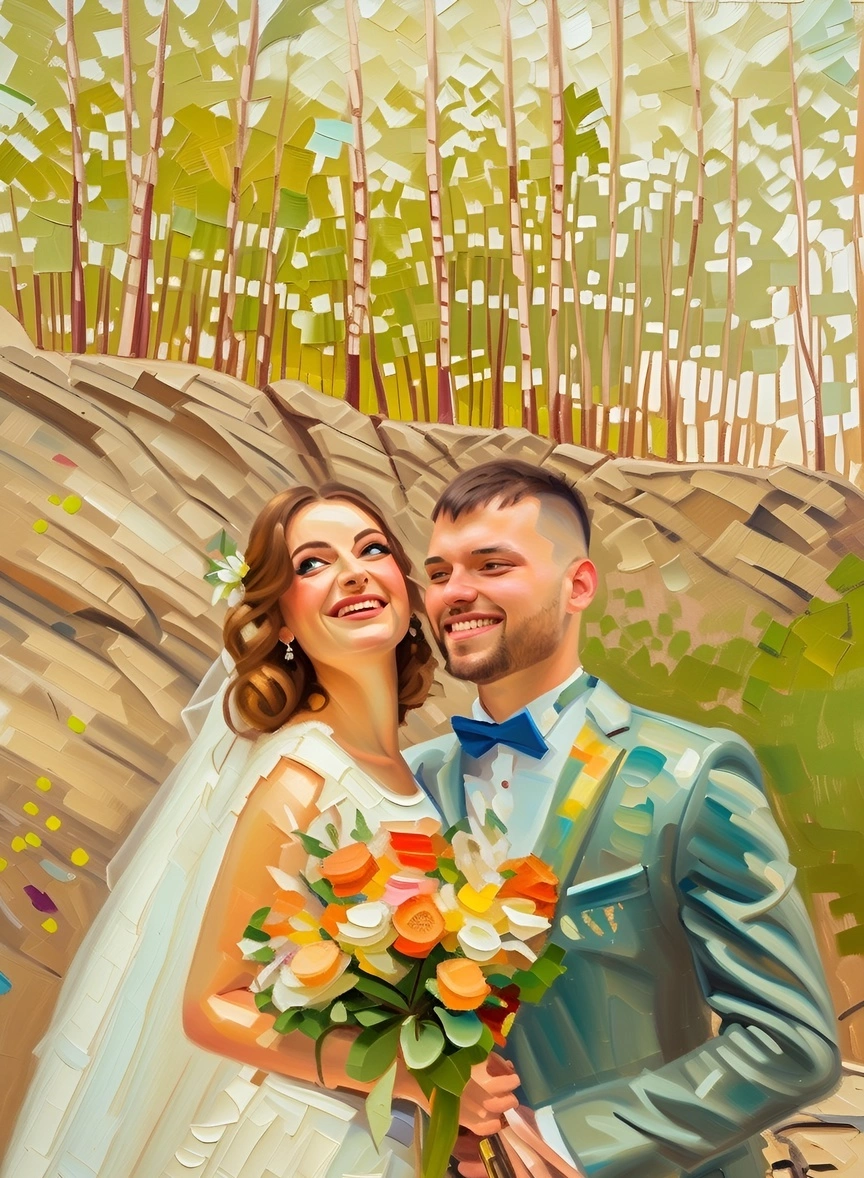
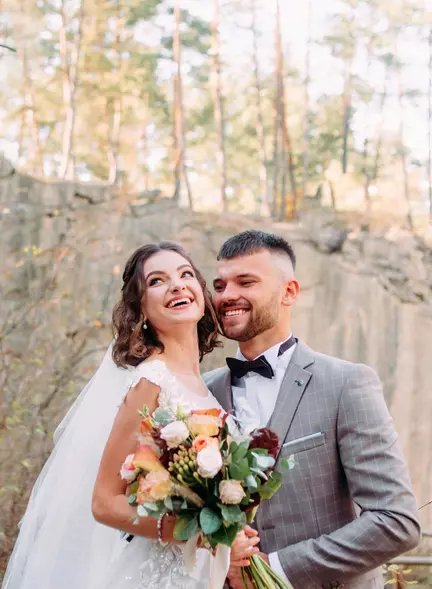
Oil Painting
Rich color and visible brushwork give your photo the feel of a classic commissioned portrait. The go-to choice for a framed canvas above the mantel.
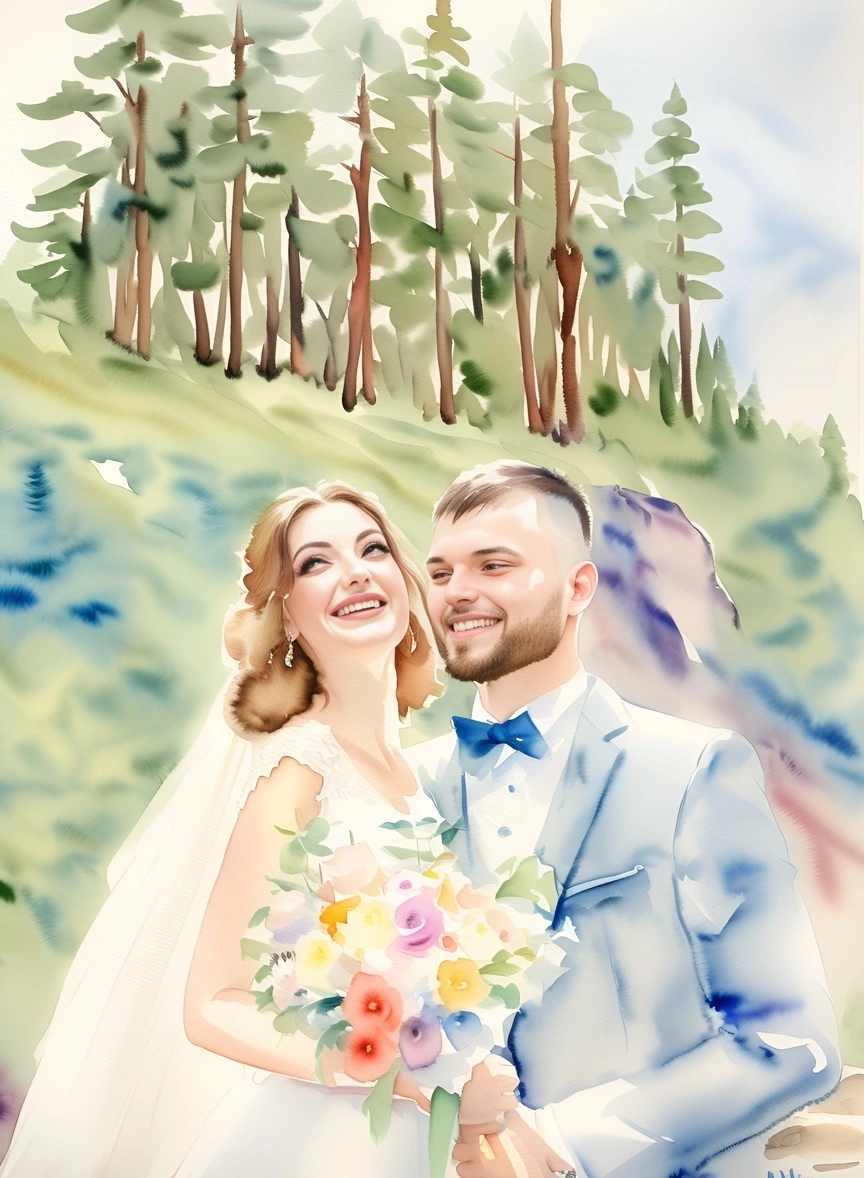
Watercolor
Soft, airy washes of color that suit romantic outdoor and garden weddings. Looks beautiful printed on textured fine-art paper.
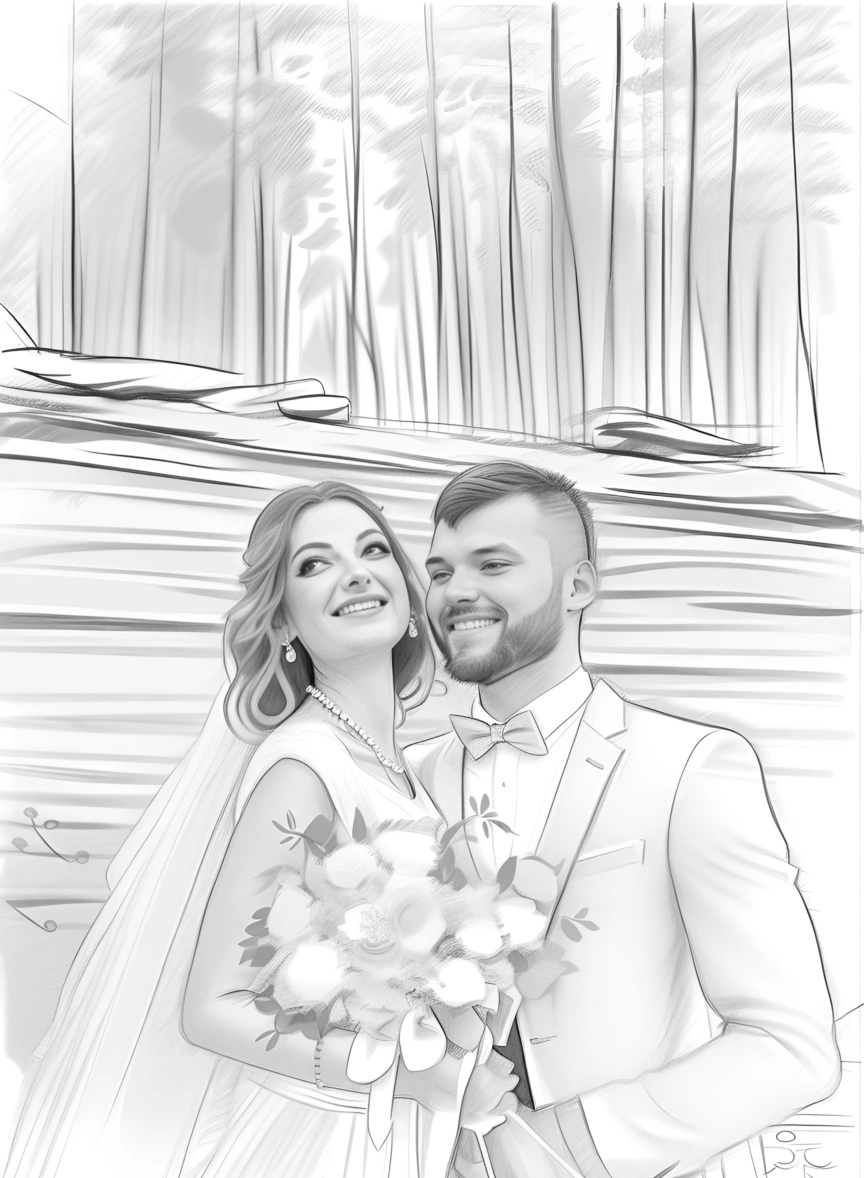
Pencil Sketch
Timeless graphite shading in black and white. Elegant for thank-you cards, guest-book prints and minimalist interiors.
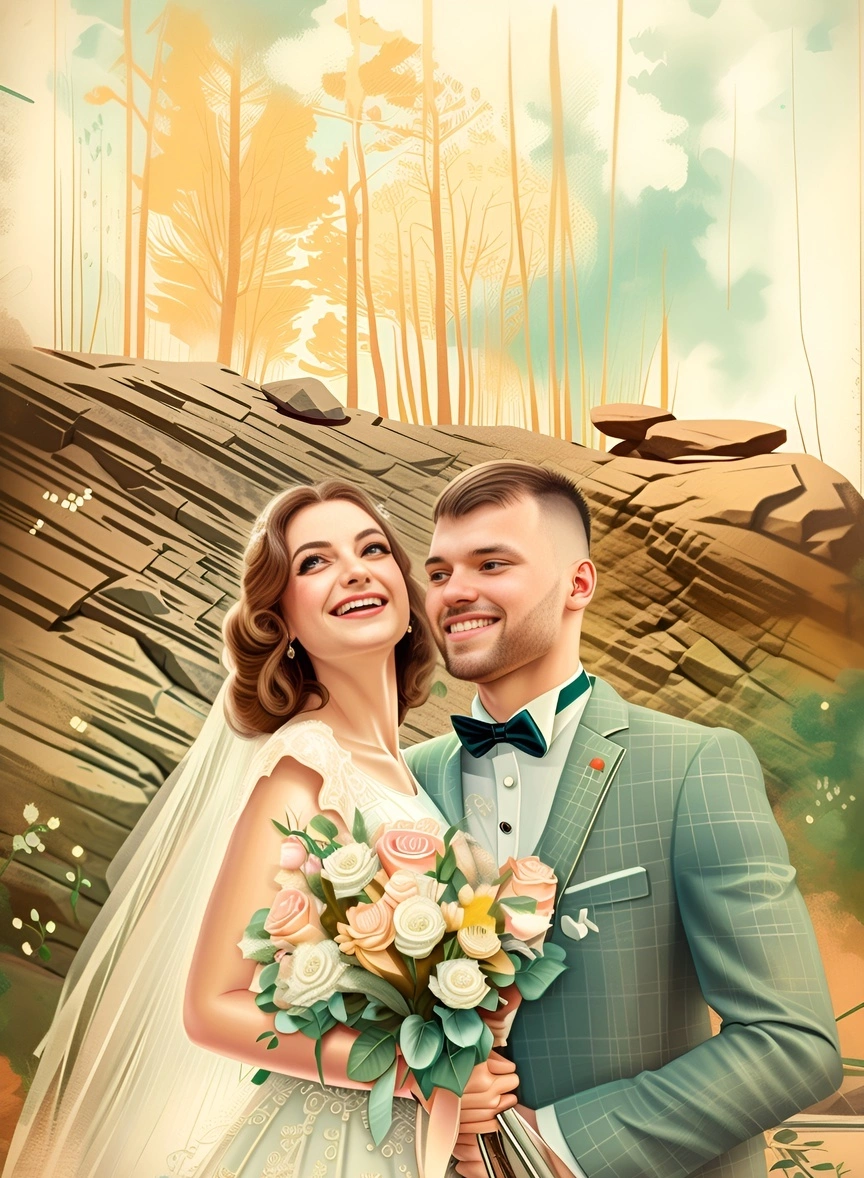
Vintage
Warm, aged tones that make a modern photo look like a treasured family heirloom. Lovely as an anniversary gift for parents or grandparents.
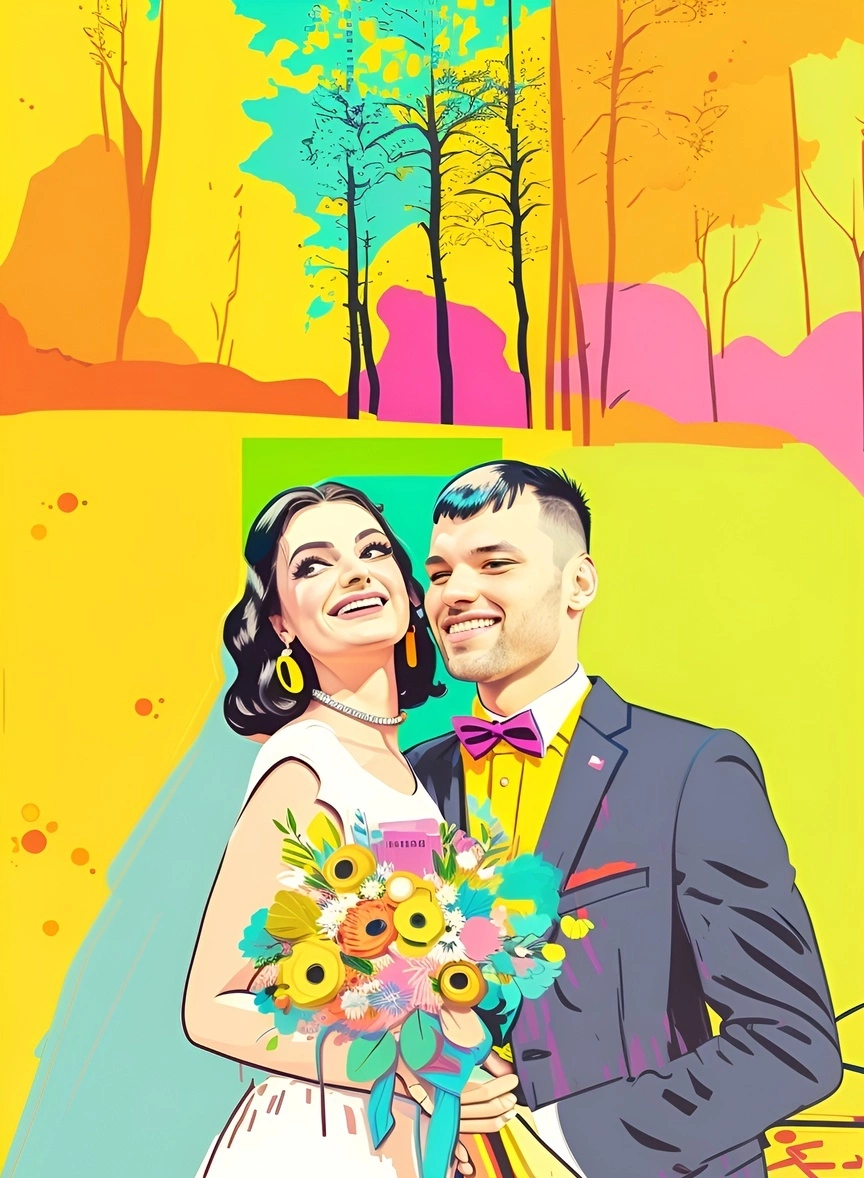
Pop Art
Bold color blocks and graphic outlines for couples who want something fun and modern. Great as a statement piece or social media post.
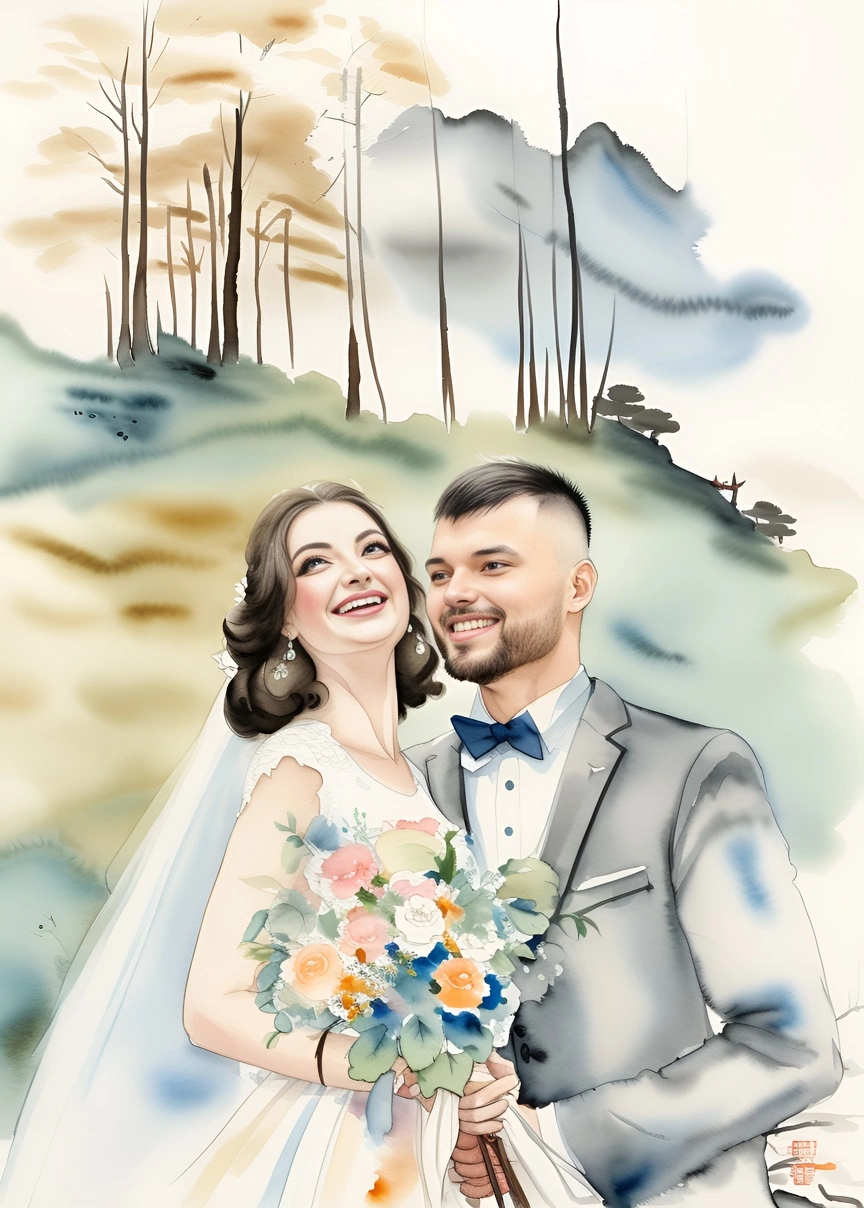
Chinese Ink
Flowing brush strokes inspired by traditional ink painting. A meaningful choice for tea ceremonies and multicultural weddings.
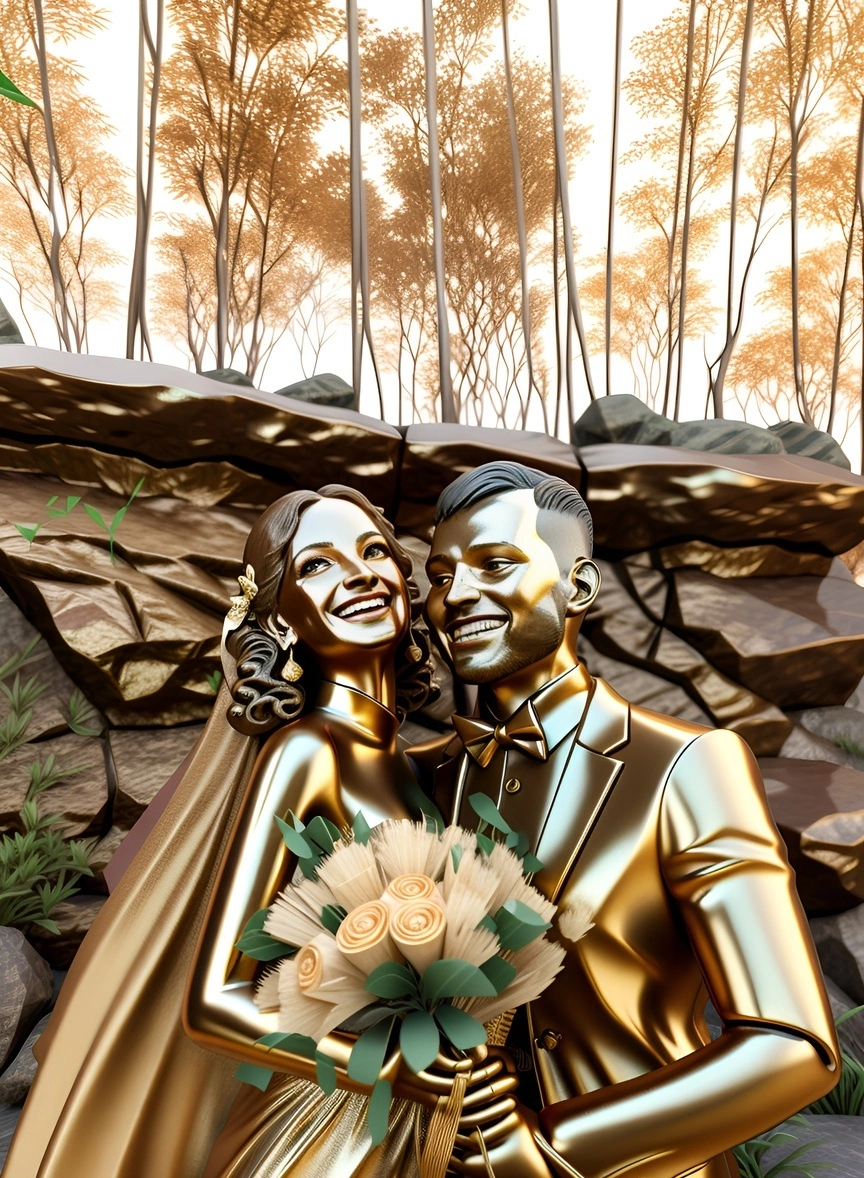
Sculpture
Your photo reimagined as a bronze statue. Unexpected, memorable and a guaranteed conversation starter.
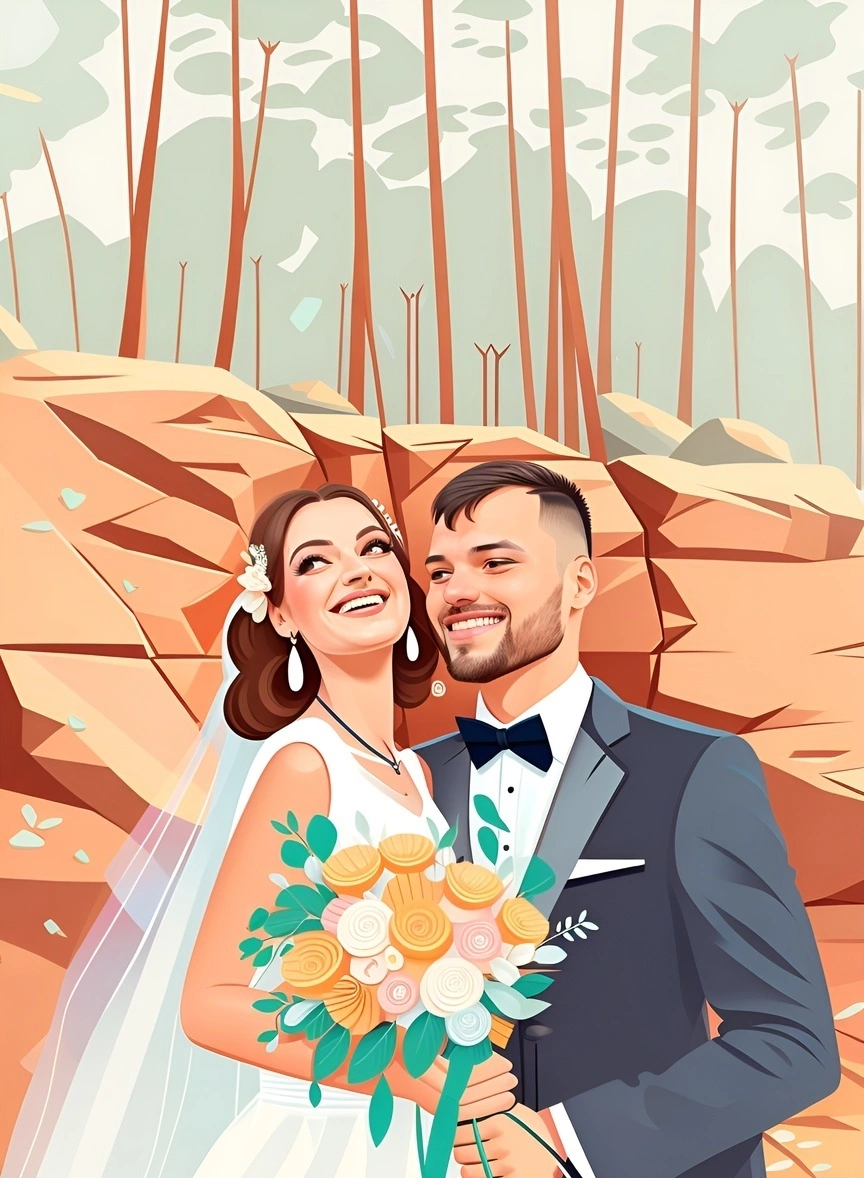
Illustration
Clean, flat vector art that works perfectly on invitations, save-the-dates, welcome signs and wedding websites.
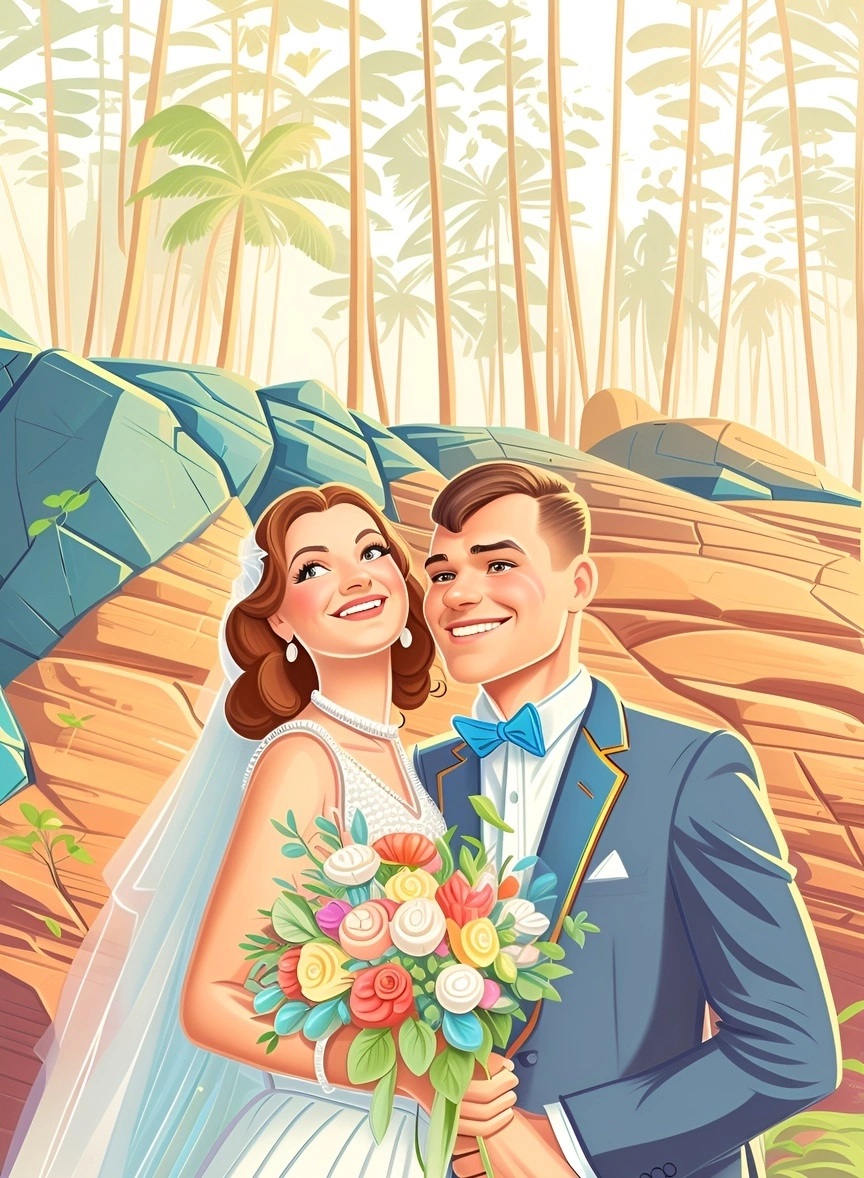
Cartoon 2D
A playful hand-drawn cartoon of the two of you. Ideal for stickers, napkins, favors and custom wedding merch.
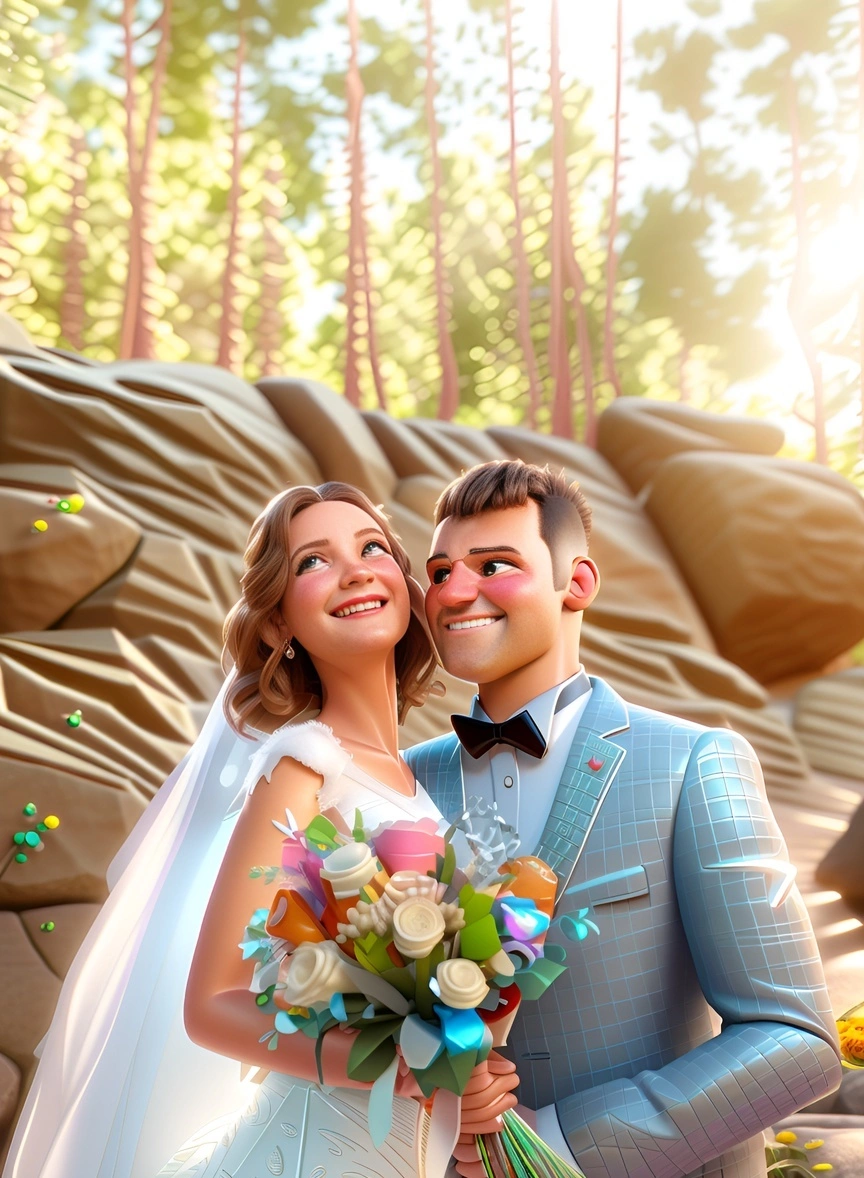
Cartoon 3D
Turn yourselves into characters from an animated movie. A crowd favorite for reception slideshows and sharing with friends.
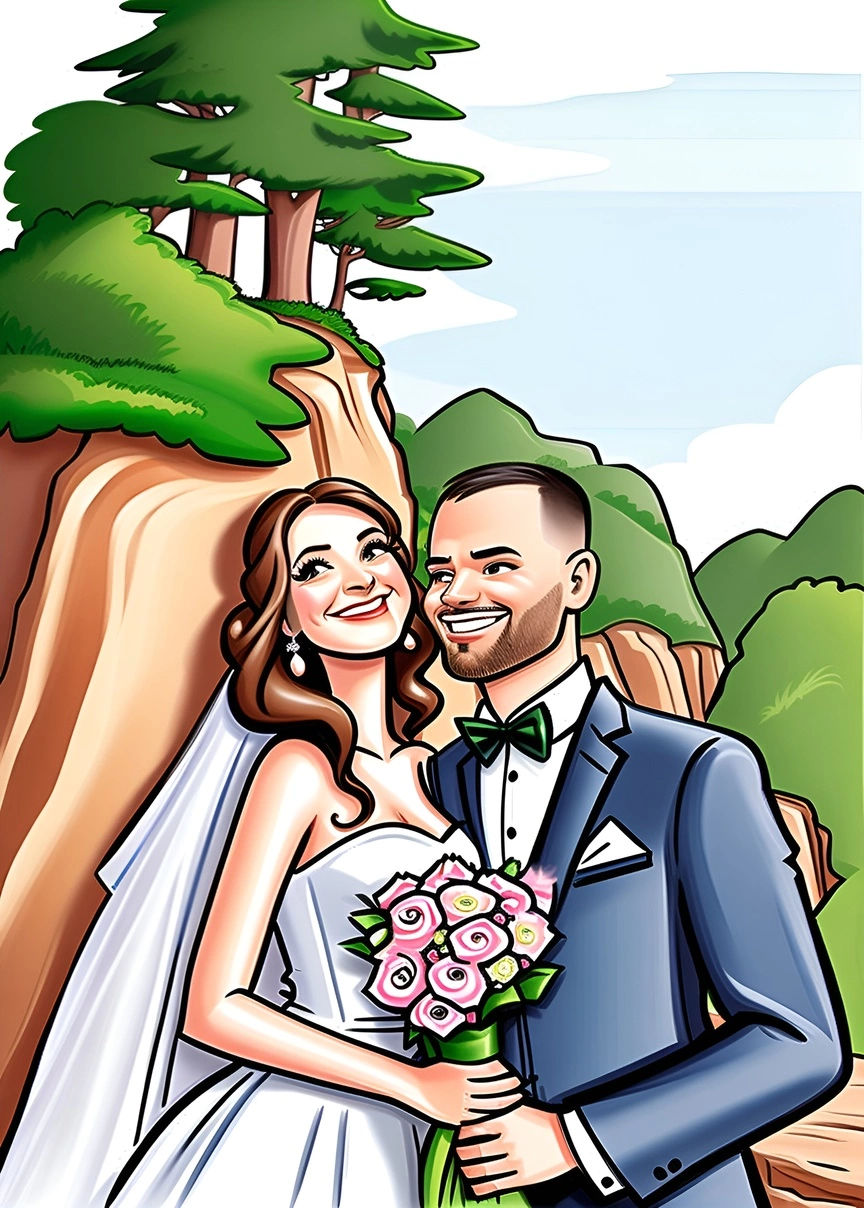
Caricature
Lighthearted exaggerated features, like the caricature artists hired for receptions, without the booking fee.
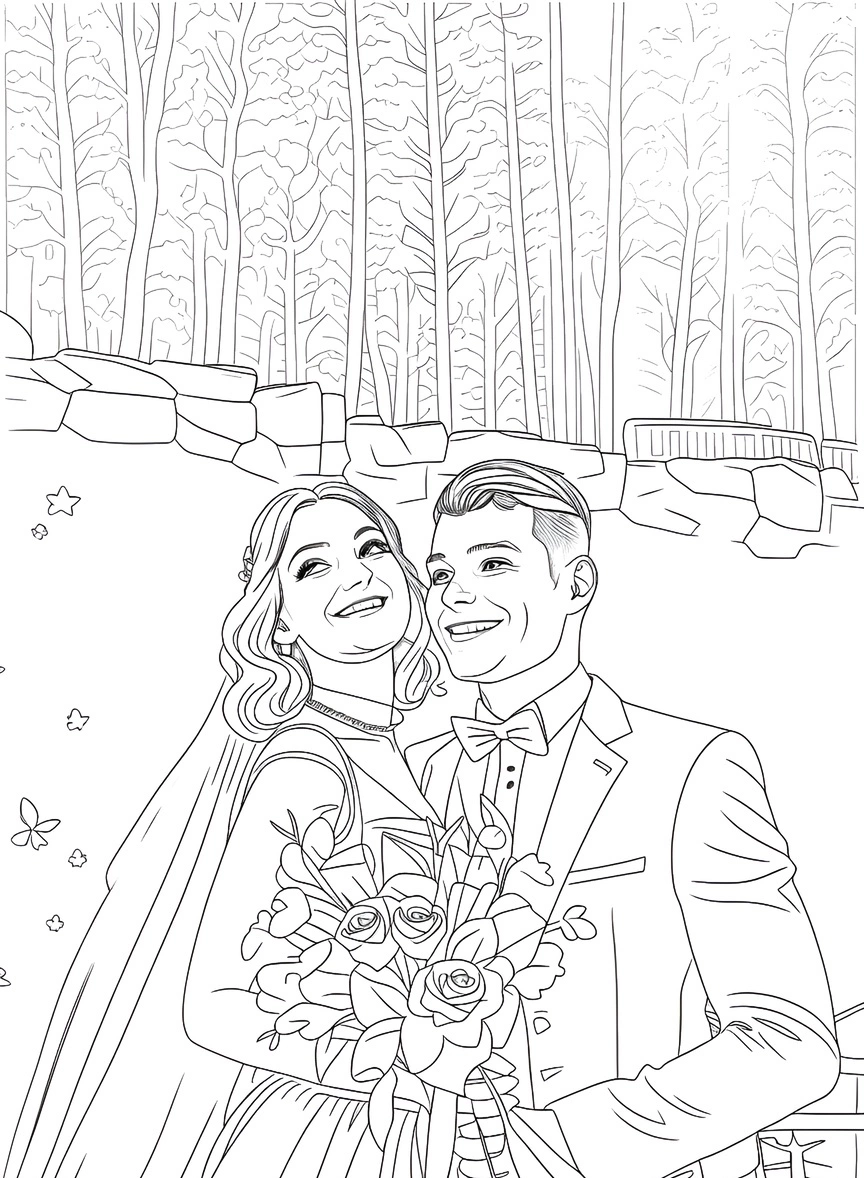
Coloring Page
Clean line art of the couple that guests can color in. A sweet activity for the kids' table at the reception.
How to choose the best photo for your portrait
The quality of your source photo has the biggest impact on the final artwork. A few minutes choosing the right one pays off:
- Clear, in-focus faces. Faces are what make the portrait feel like you. Avoid motion blur and shots where faces are tiny in the frame.
- Use the original file. Download the full-size image from your photographer's gallery instead of a screenshot or a copy saved from social media, which loses detail to compression.
- Even lighting. Soft daylight or golden-hour light works best. Harsh shadows or a strongly backlit sunset can hide facial features.
- A simple background. Busy reception scenes can distract from the couple. Crop in closer if needed.
- Crop to your print shape first. If you plan to print at 8×10, crop to a 4:5 portrait ratio before uploading so nothing important gets cut off later.
- Fewer people means more detail. Couple portraits give the most detail per face. For the whole wedding party, pick a photo where everyone is facing the camera.
Printing and displaying your wedding portrait
Once you've downloaded your artwork, you can print it at any local print shop or online print service. Matching the print material to the style makes a big difference:
- Canvas: oil painting, vintage and Chinese ink portraits look closest to an original painting on stretched canvas.
- Fine-art or watercolor paper: best for watercolor and pencil sketch styles, where paper texture adds depth.
- Metal or acrylic: makes the bold colors of pop art and 3D cartoon styles pop.
- Cards and stationery: illustration, line-style and sketch portraits make standout thank-you cards and anniversary cards.
Size tip: for prints viewed up close, aim for about 300 pixels per inch (an 8×10 print needs roughly 2400×3000 pixels). Canvas and large wall prints viewed from a distance still look good at around 150 pixels per inch. Check your downloaded file's dimensions before ordering, and pick the print size accordingly.
Wedding portrait gift ideas
A DIY portrait isn't only for your own wall. Couples and guests use them for:
- First anniversary gifts. The traditional first-anniversary gift is paper, so a portrait printed on fine-art paper is a natural fit.
- Thank-you gifts for parents. A framed oil or vintage portrait is a heartfelt way to thank the people who helped make the day happen.
- Guest book alternatives. Print a sketch or watercolor portrait with a wide mat for guests to sign at the reception.
- Welcome signs and stationery. Use an illustration of the two of you on welcome signs, save-the-dates, programs and menus.
- Holiday cards and ornaments. Your first holiday season as a married couple is the perfect moment for a custom portrait card.
- Wedding gifts from guests. Have the couple's photo from the engagement shoot? Turn it into a painting for a personal gift that costs far less than a commission.
Frequently asked questions
Do I need any art or design skills?
No. You upload a photo and choose a style; the AI does the painting, sketching or illustrating. If you can upload a photo to social media, you can make a wedding portrait.
How long does it take?
Each portrait is generated in moments. Most people spend more time choosing their favorite style than waiting for the result.
Will the portrait still look like us?
The artwork is built from your own photo, so pose, outfits and composition carry over and faces stay recognizable. Results can vary by photo and style, so generate a few versions and keep the one that looks most like you. A clear, well-lit source photo helps most.
Can I print my wedding portrait?
Yes. Downloads are high-resolution and suitable for printing on canvas, paper, metal or cards. See the size tip above to choose the right print size.
Can I use a photo with more than two people?
Yes, you can use photos with family or the full wedding party. Couple photos give the most detail per face, so for large groups choose a photo where everyone faces the camera.
How much does it cost?
Far less than a commissioned painting. You can start with trial credits and see the current plans on the pricing page. There's no subscription required.
Is this a replacement for a hand-painted portrait?
It's a different option. A hand-painted original from an artist is a unique physical object. A DIY portrait gives you many styles in minutes at a fraction of the cost, and some couples use it to find the style they love before commissioning a painting.
Turn your wedding photo into art today
Upload your favorite photo, try 80+ styles and download a print-ready portrait in minutes.
Create My Wedding Portrait