PortraitArt


Turning your photos into stylish illustrations

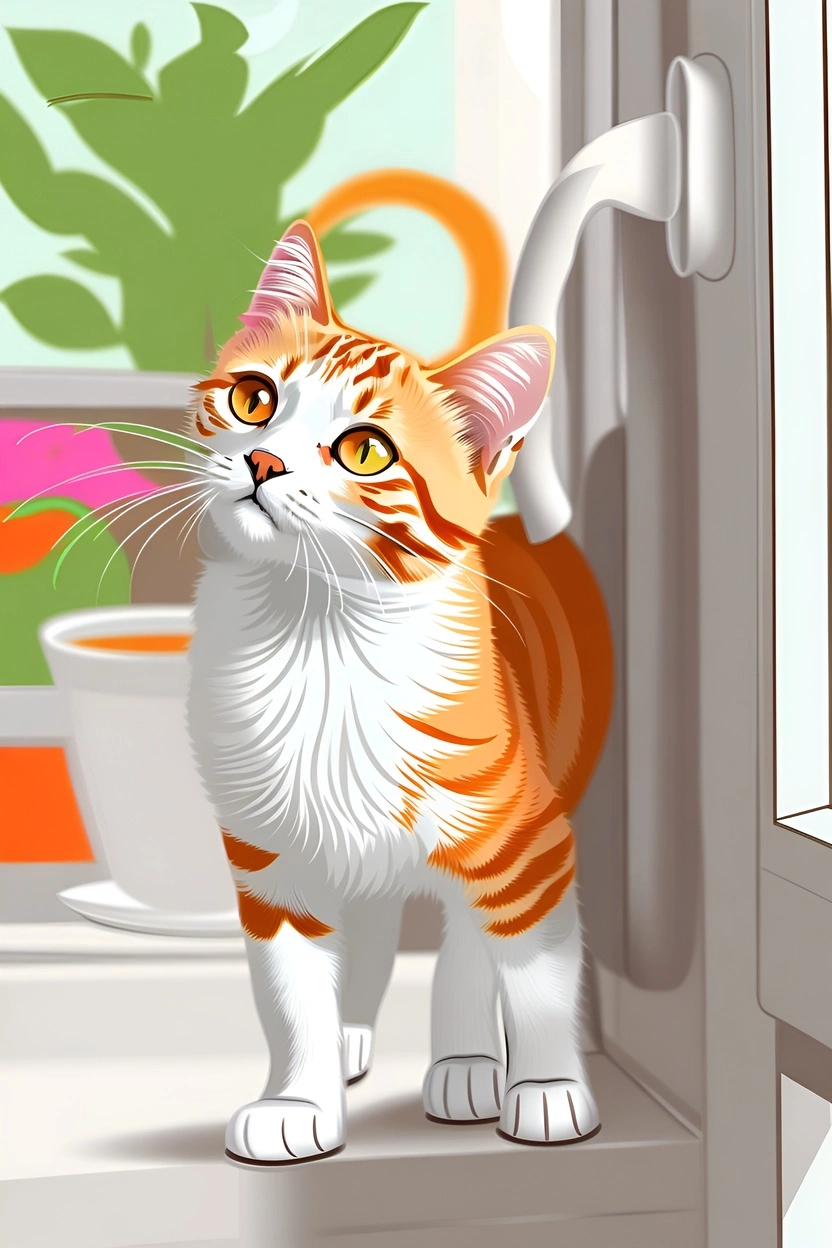
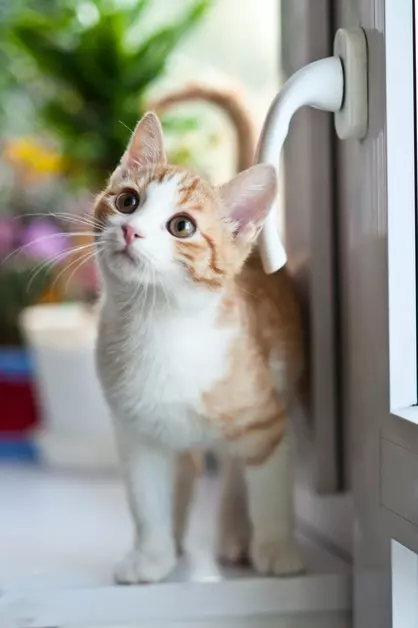
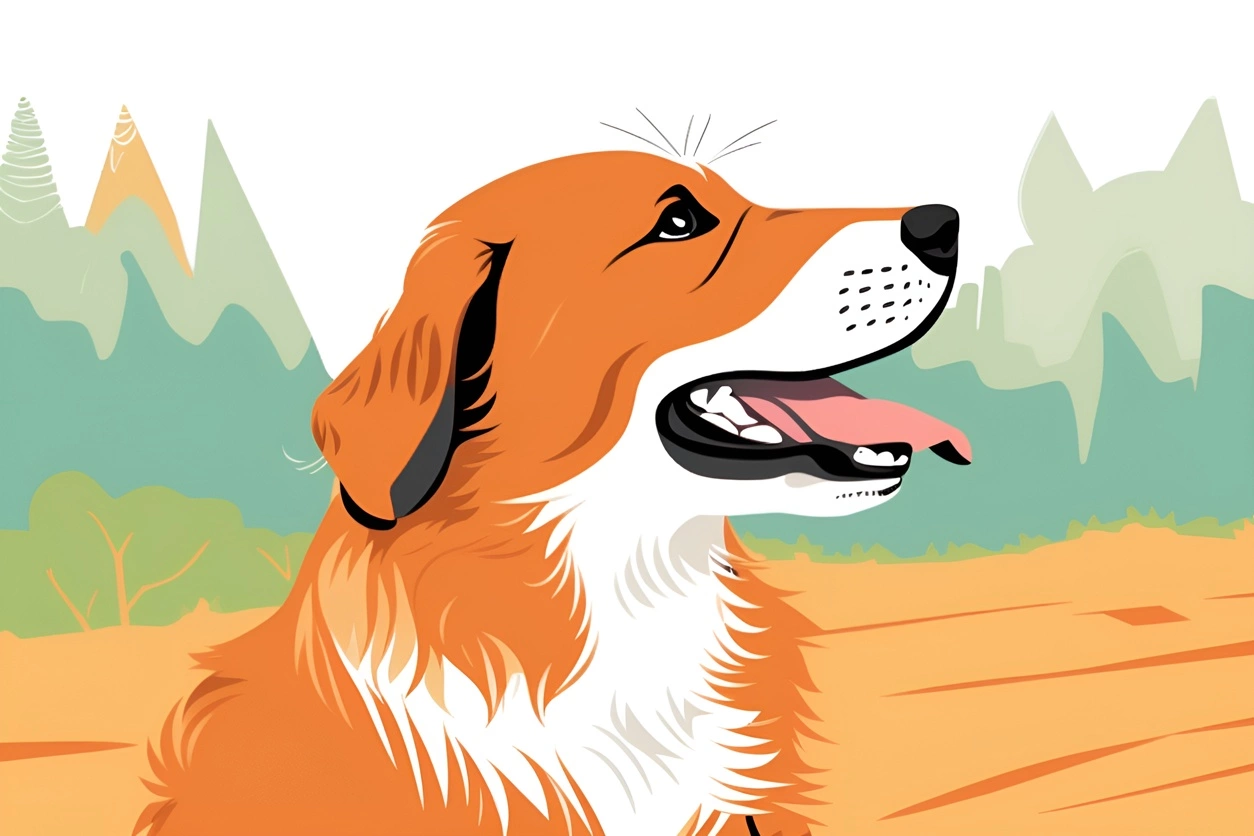
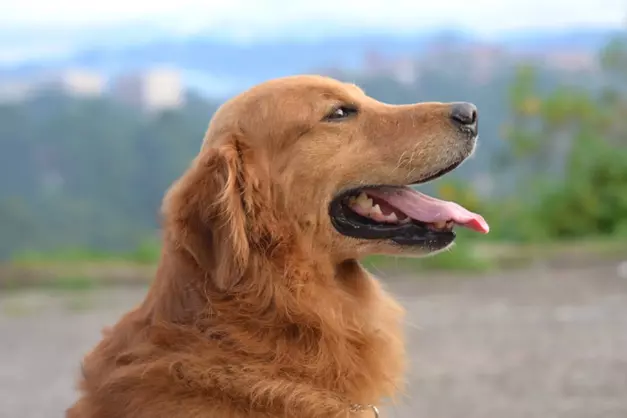
Have you ever looked at a photo of your beloved pet and wished you could turn them into an illustrated character? Or maybe you have a stunning landscape shot that you'd love to infuse with a more artistic, imaginative feel. The good news is that now you can take your own photographic images and transform them into one-of-a-kind illustrative figures, with PortraitArt.
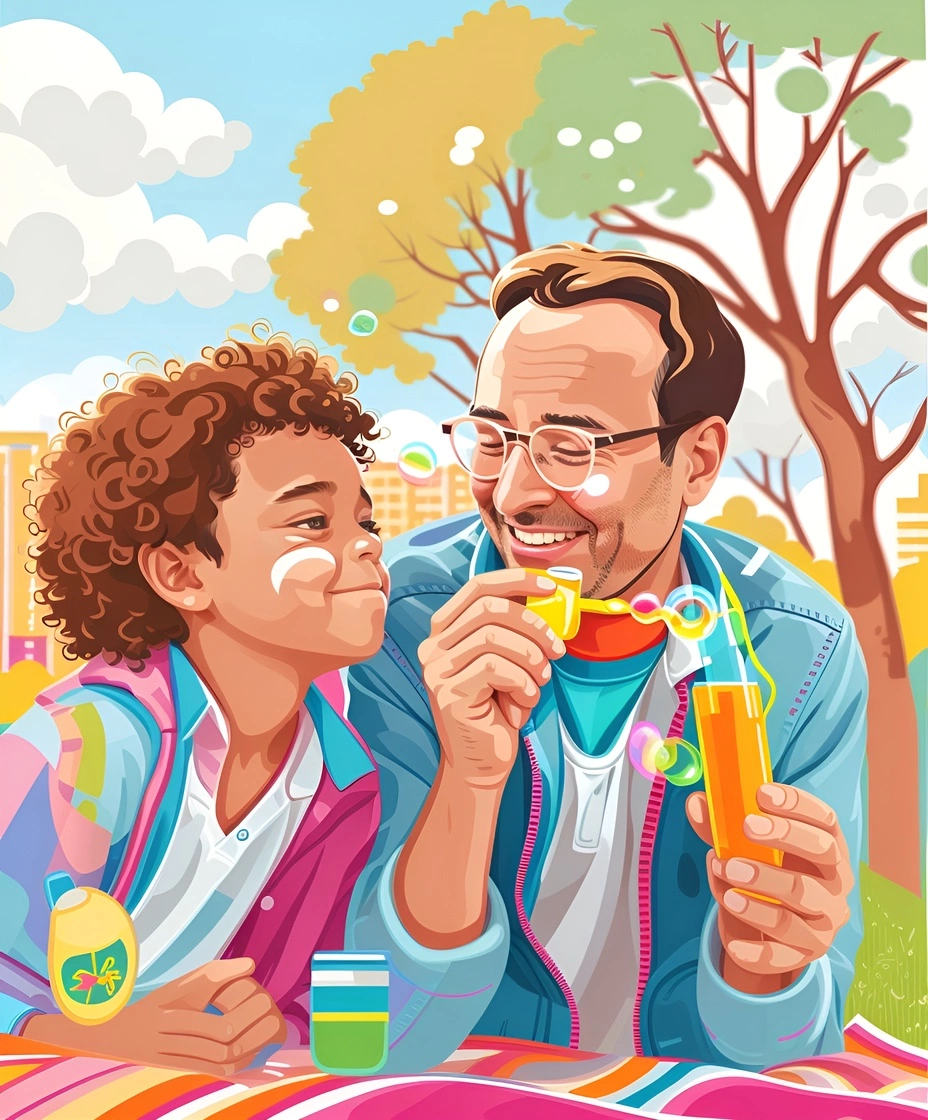
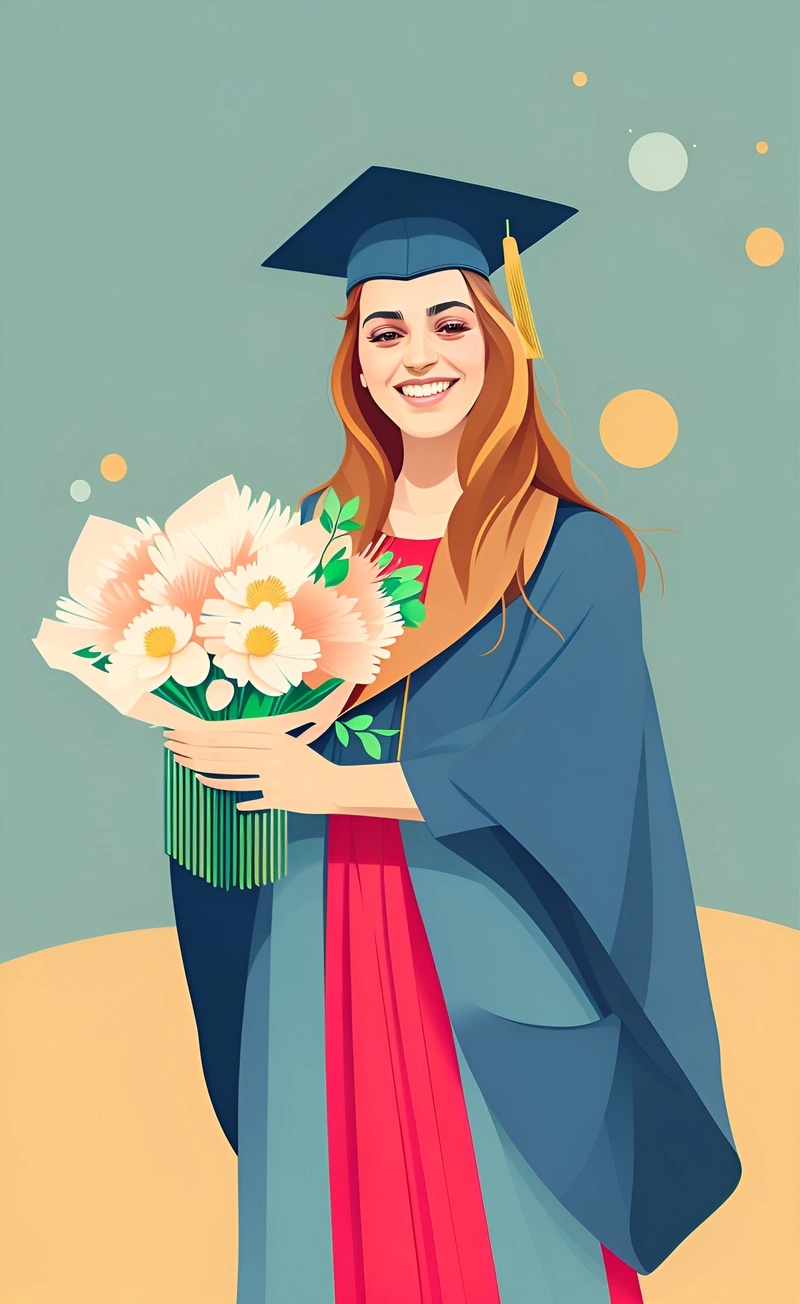
The beauty of this approach is that you get to leverage the realism of your own photographs while infusing them with a unique, imaginative twist. The resulting images can be striking, surreal, and emotionally evocative - a perfect blend of the photographic and the illustrative. Illustrated figures can be used in various creative projects, making them suitable for personal use, meaningful gifts, or professional applications.
PortraitArt specializes in transforming photos into stylish illustrations, ideal for diverse applications like presentations, publications, book figures, and more. Additionally, you can use the built-in “Vectorize” tool to transform these illustrations into clean, precise vector graphics.
Here are the simple steps:
- Load your photo: Select a photo from your computer or phone.
- Choose “Illustration” styles from a list of more than 80 art styles.
- Optionally, select “More…” → “Vectorize” to convert the image into a vector format and download it as a PDF or SVG.
If you are not satisfied the results, you can click on the "🎲 Resample" button (or the "Illustration" button from the style list) to generate another sample.