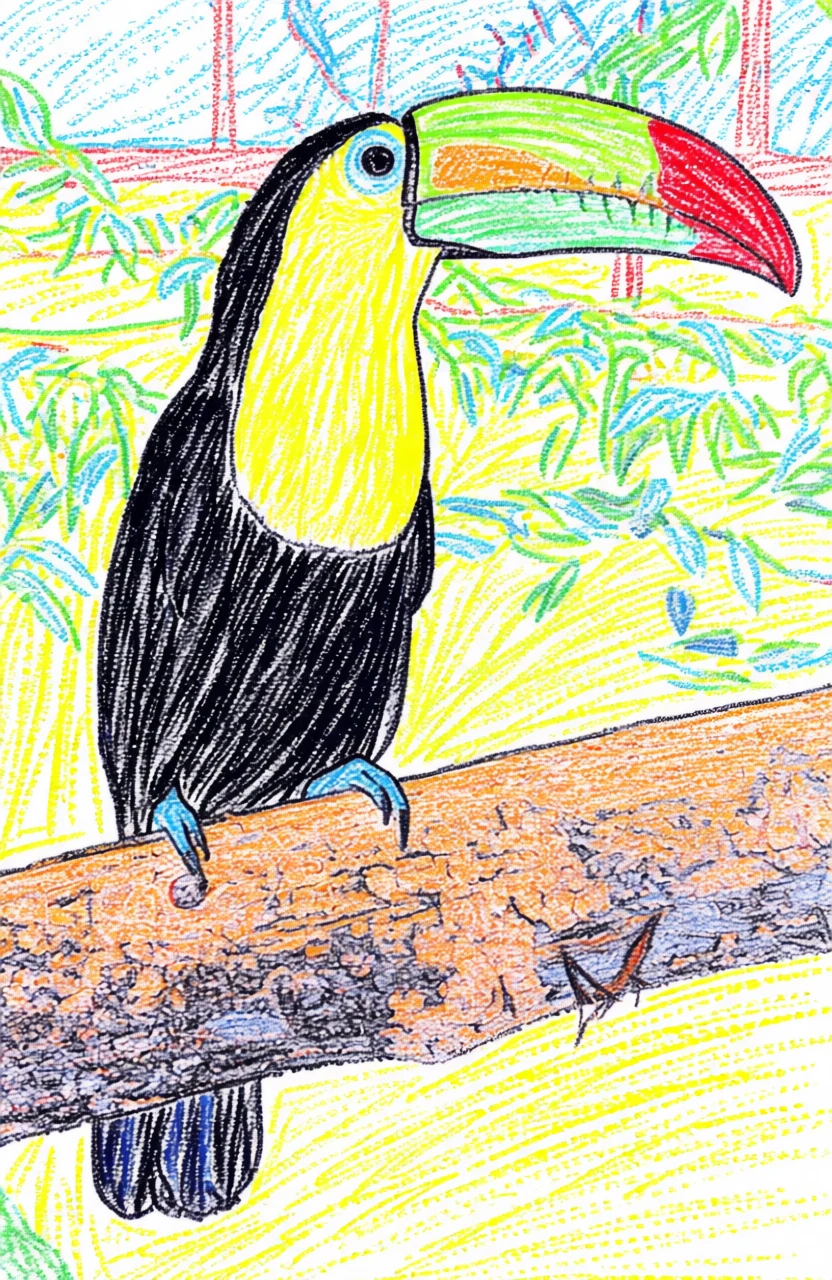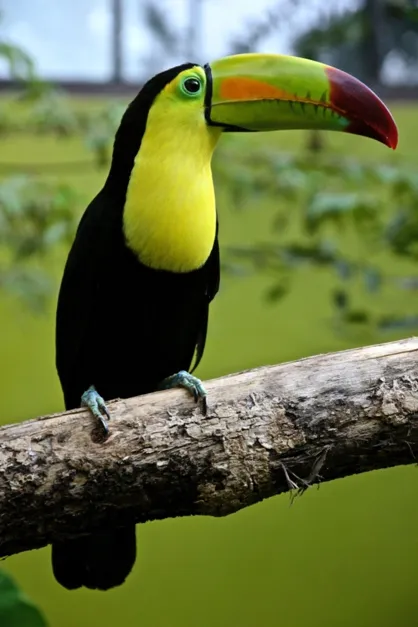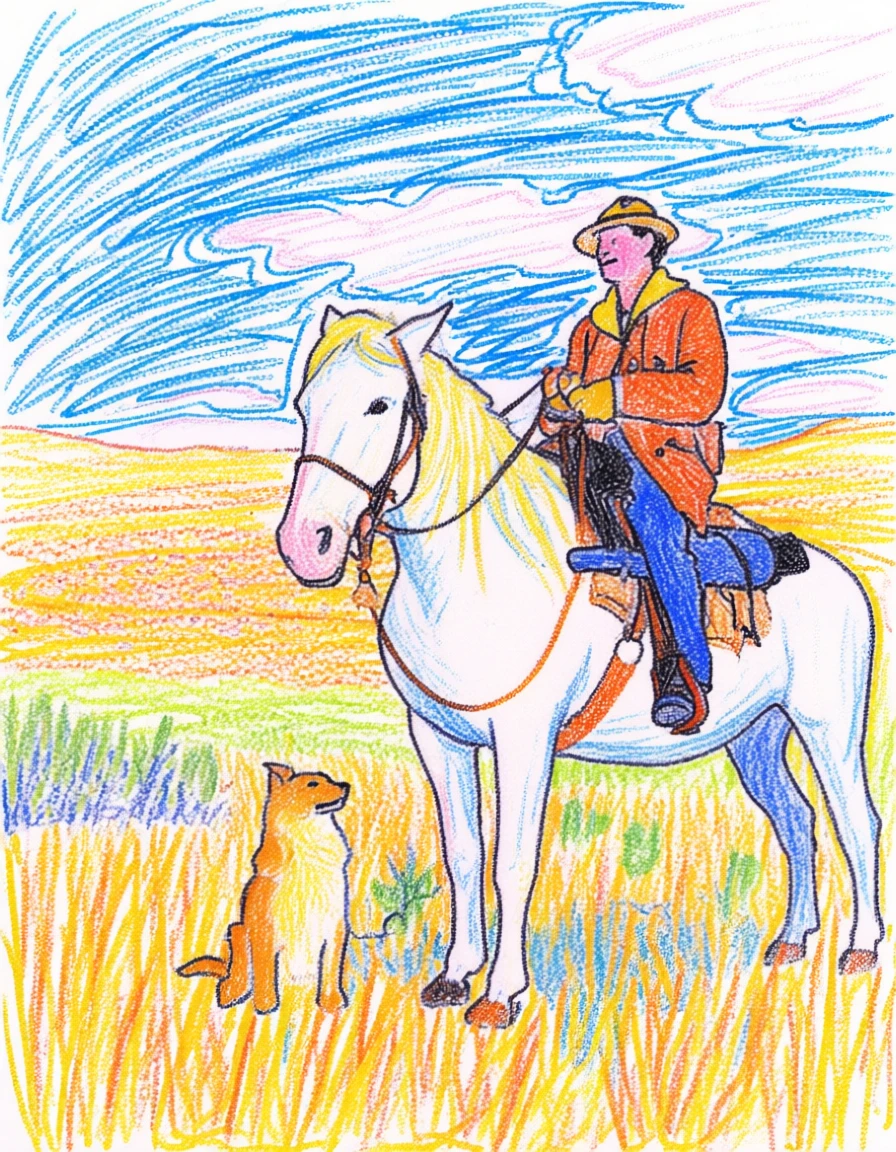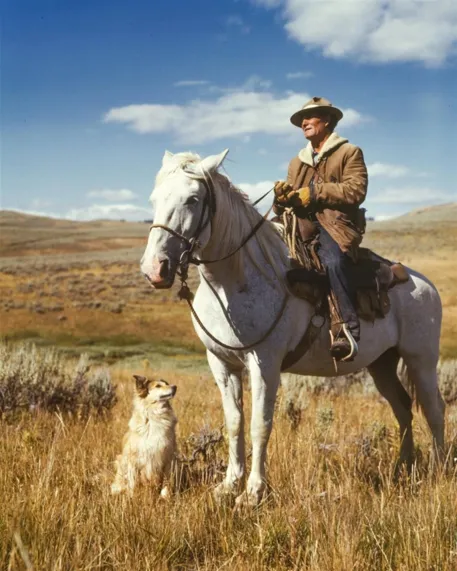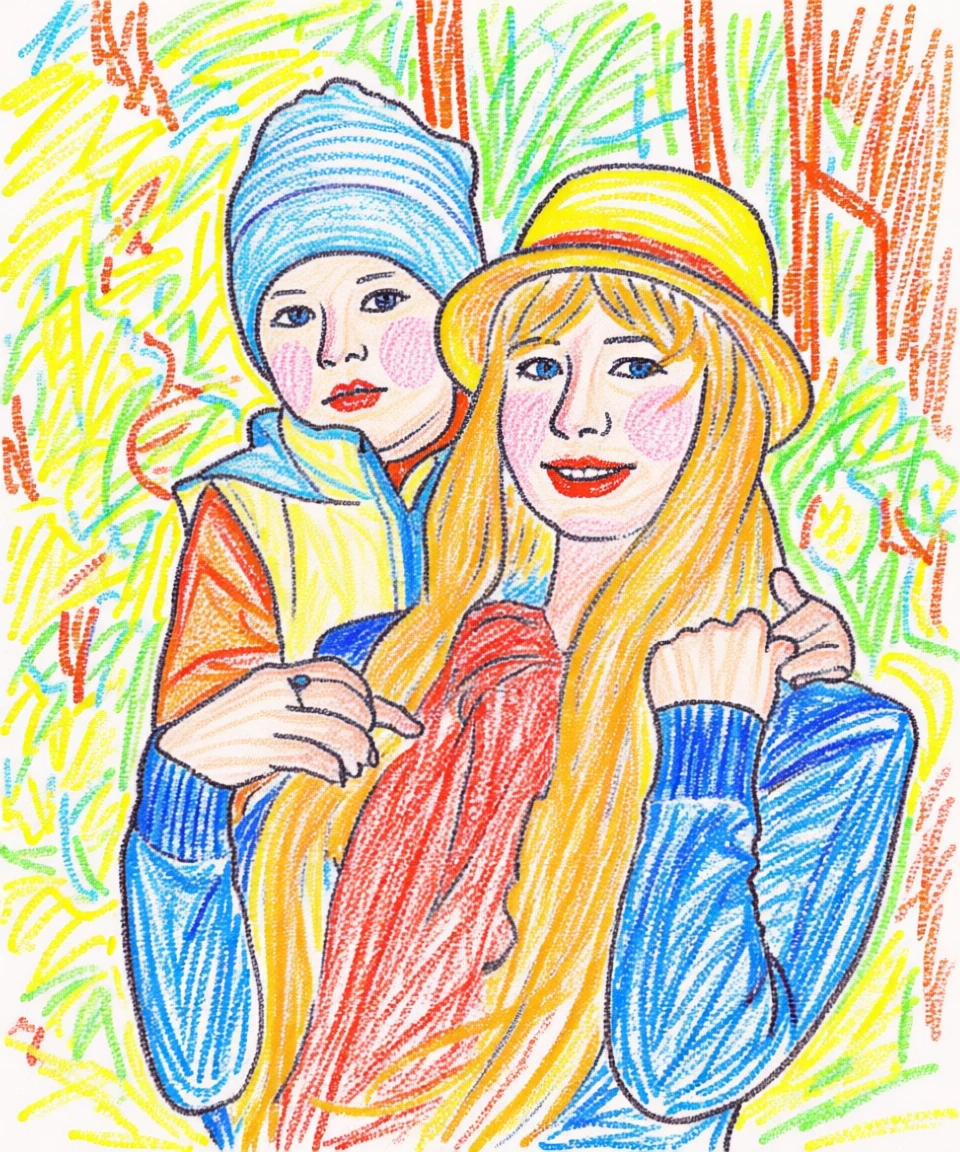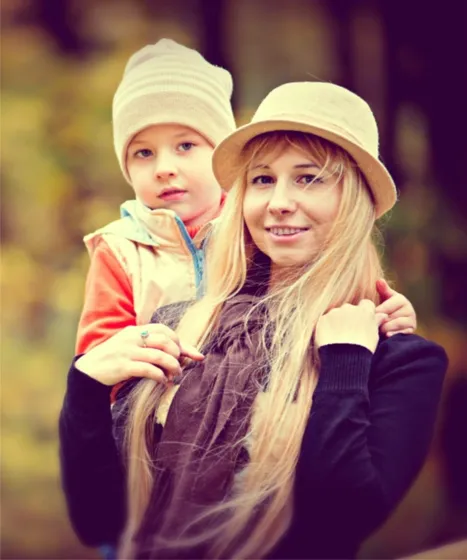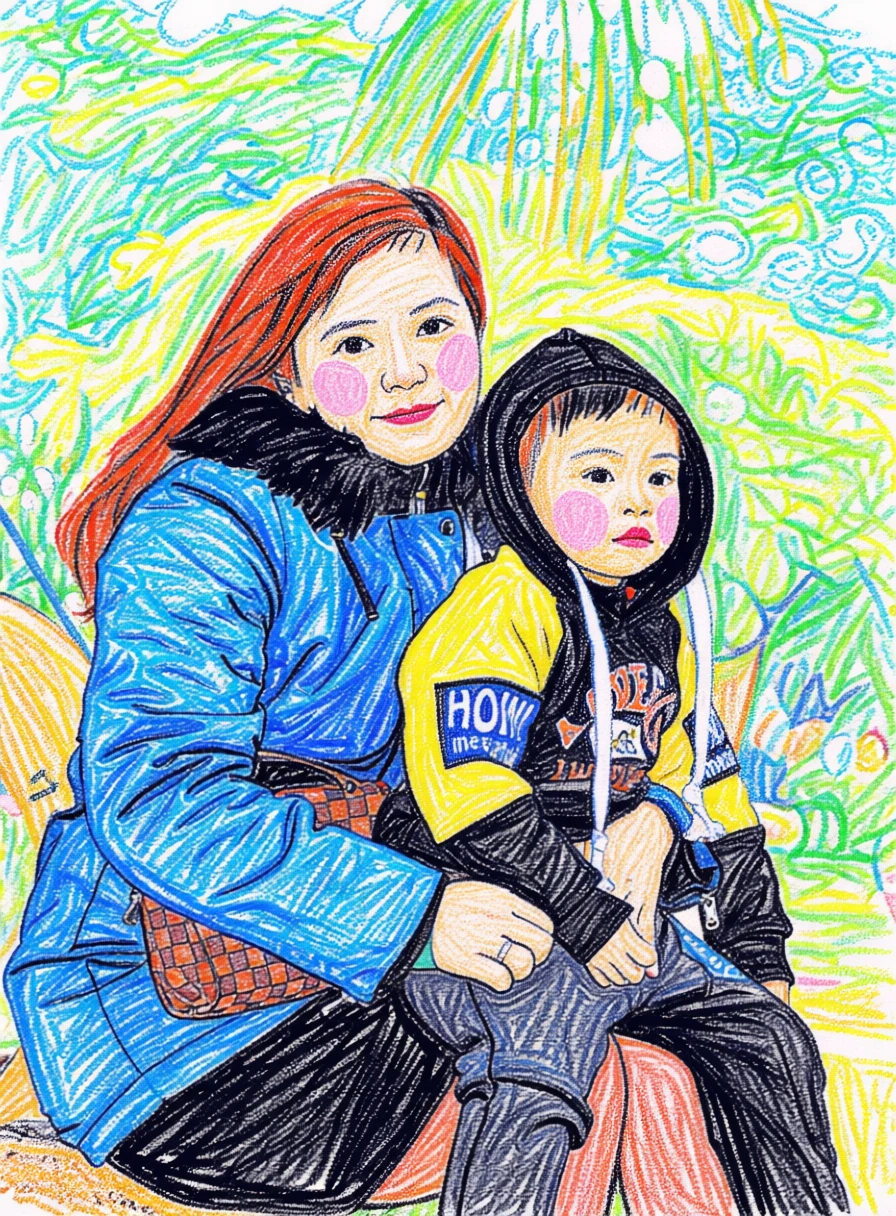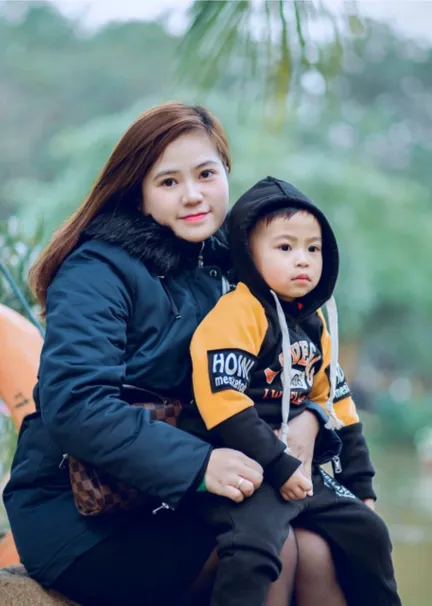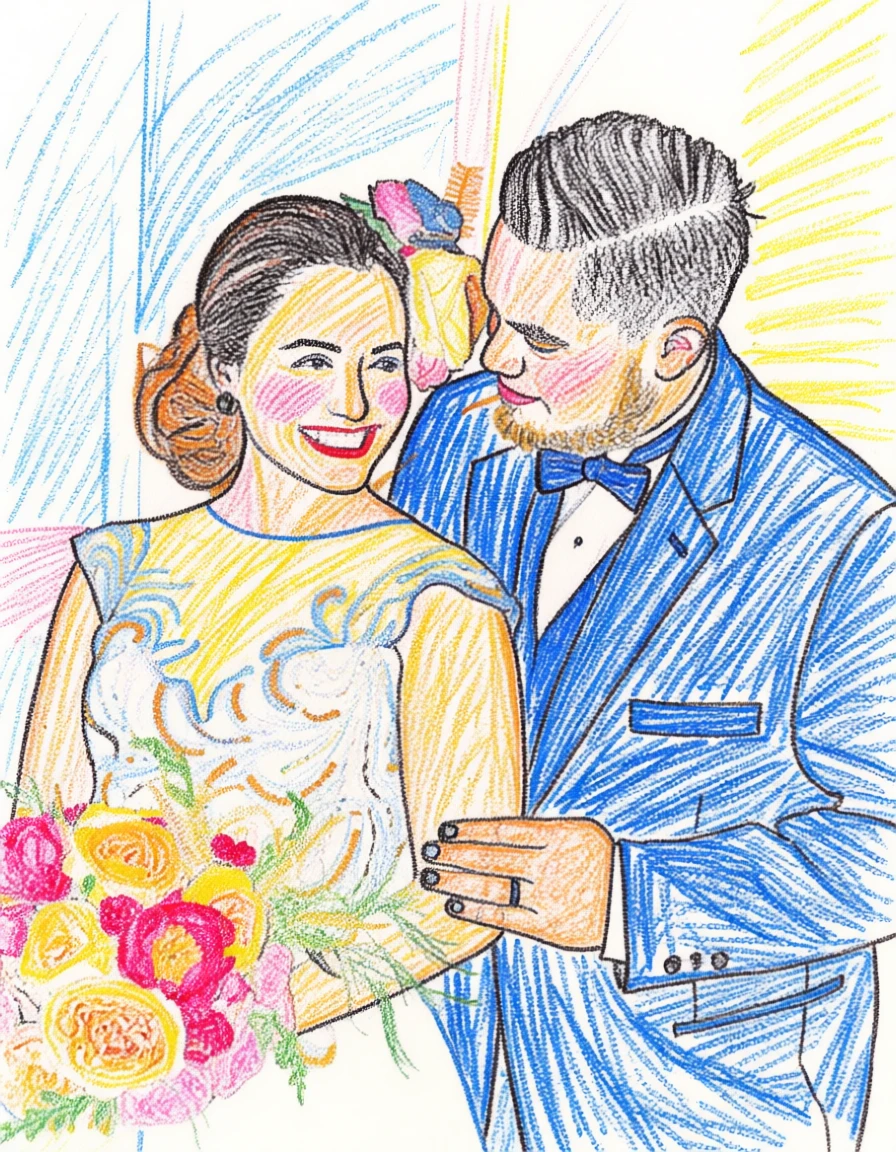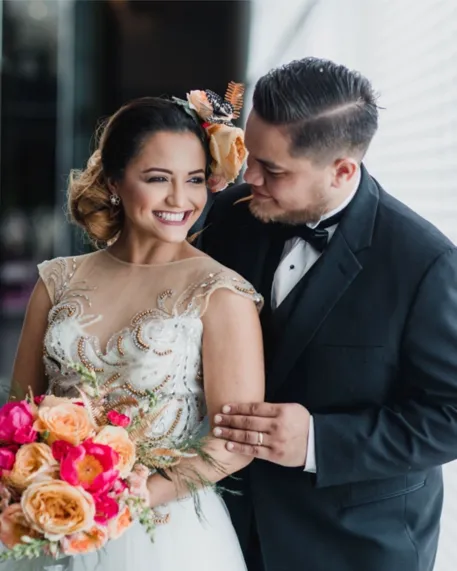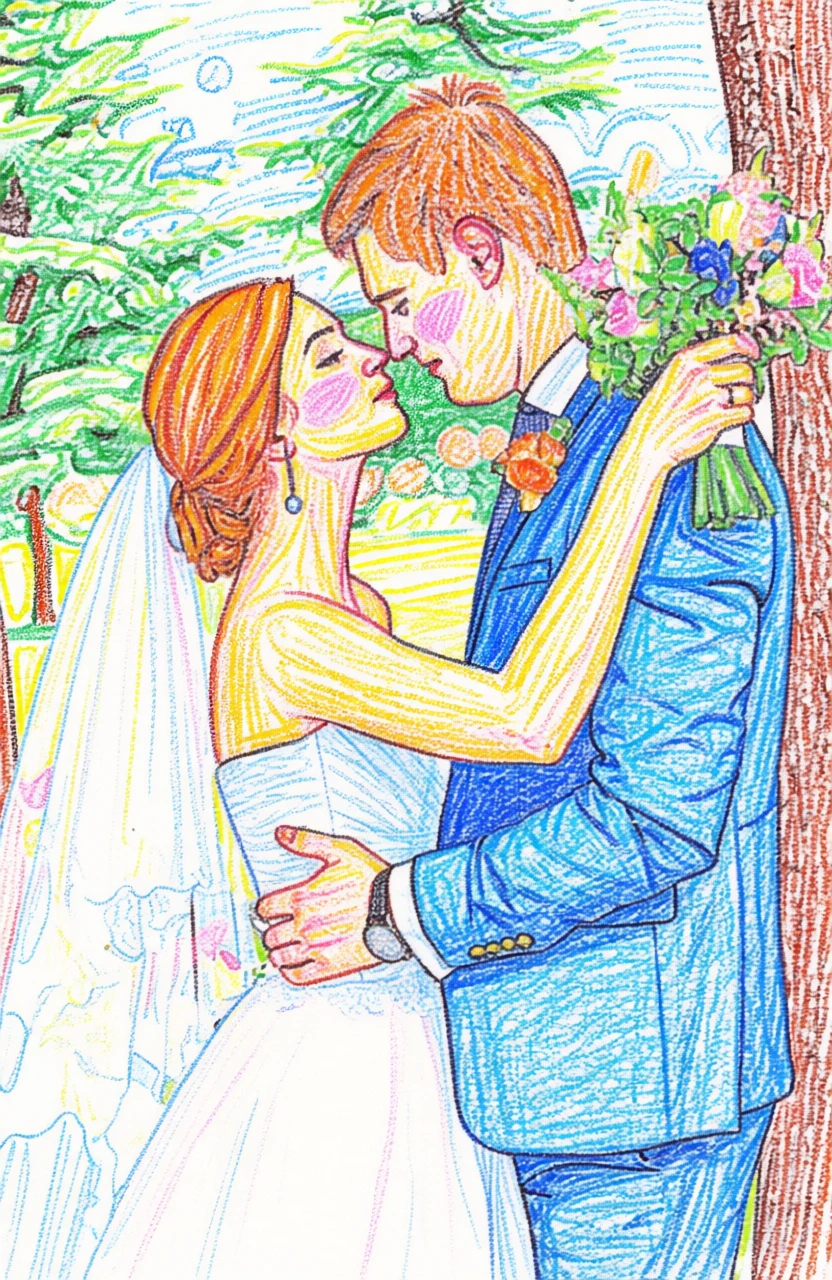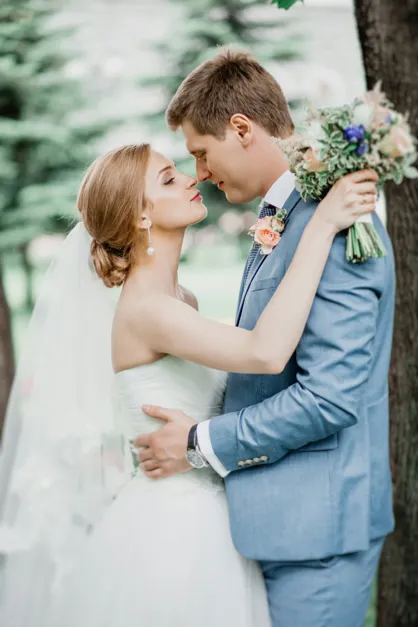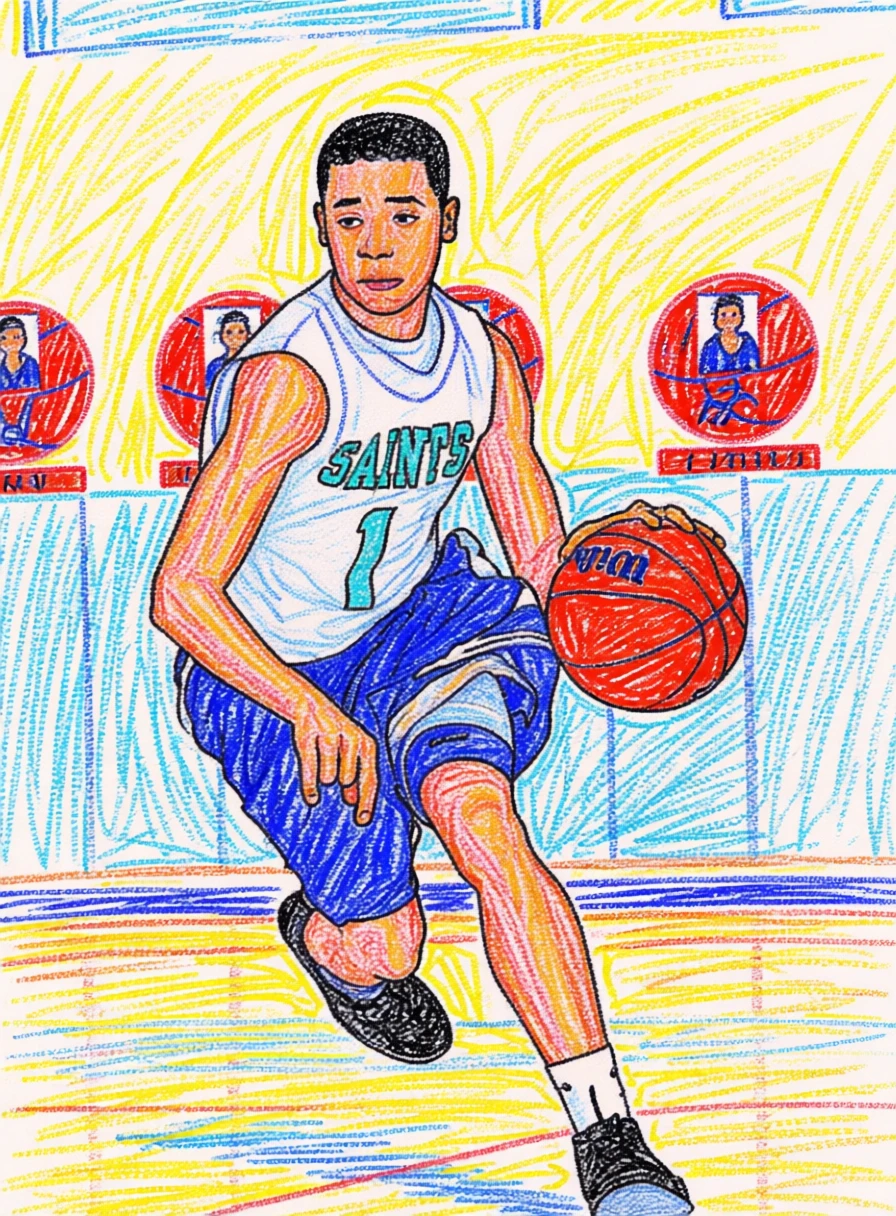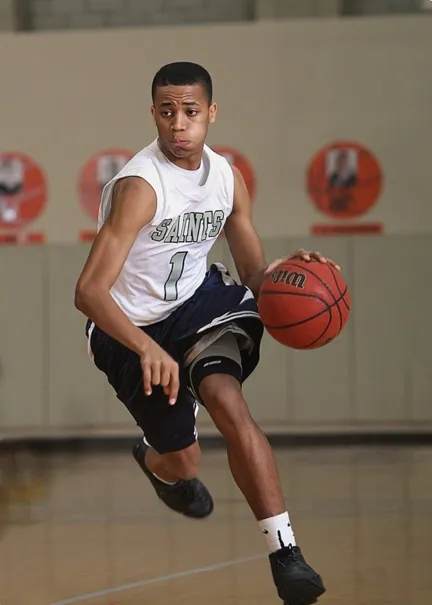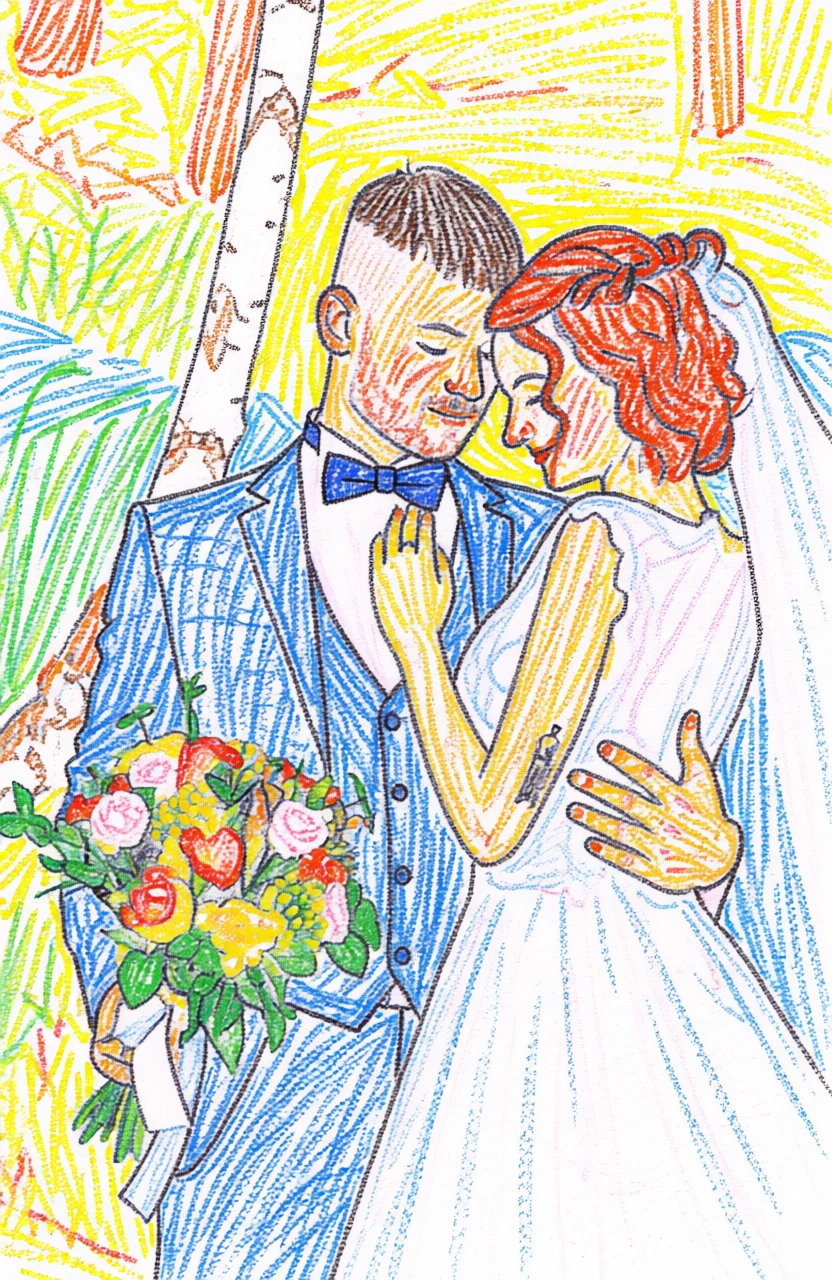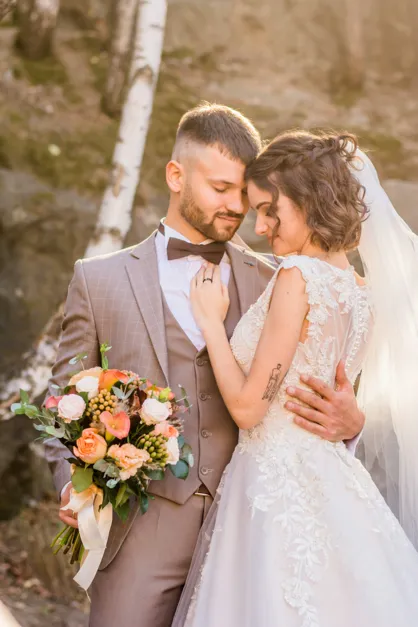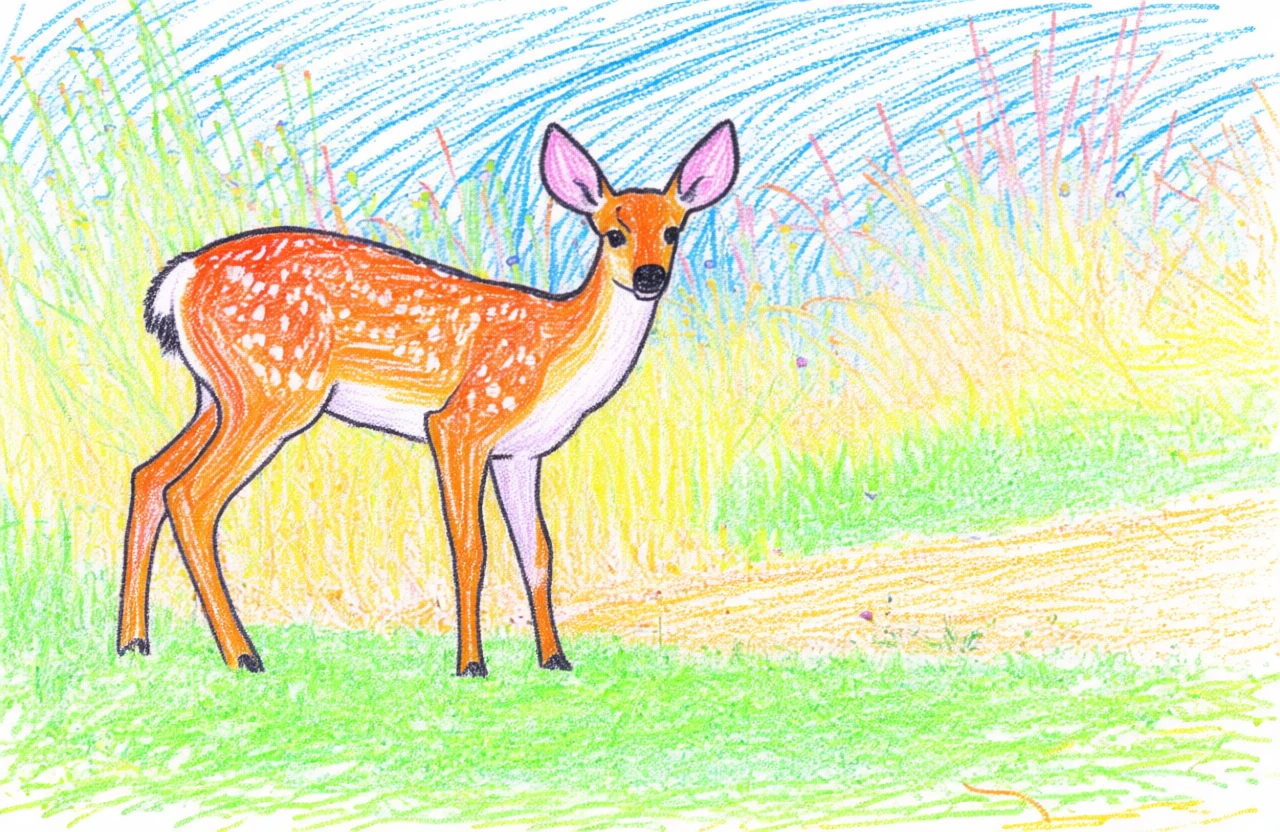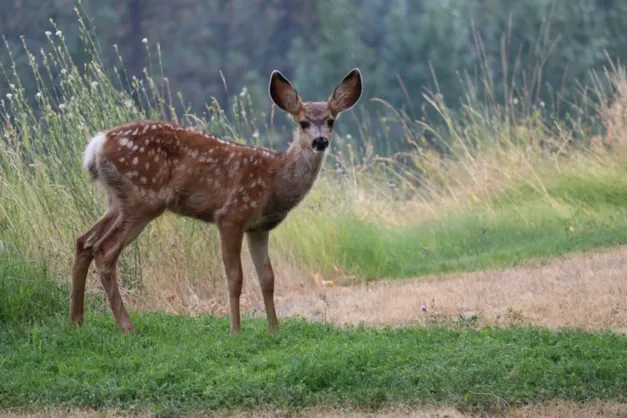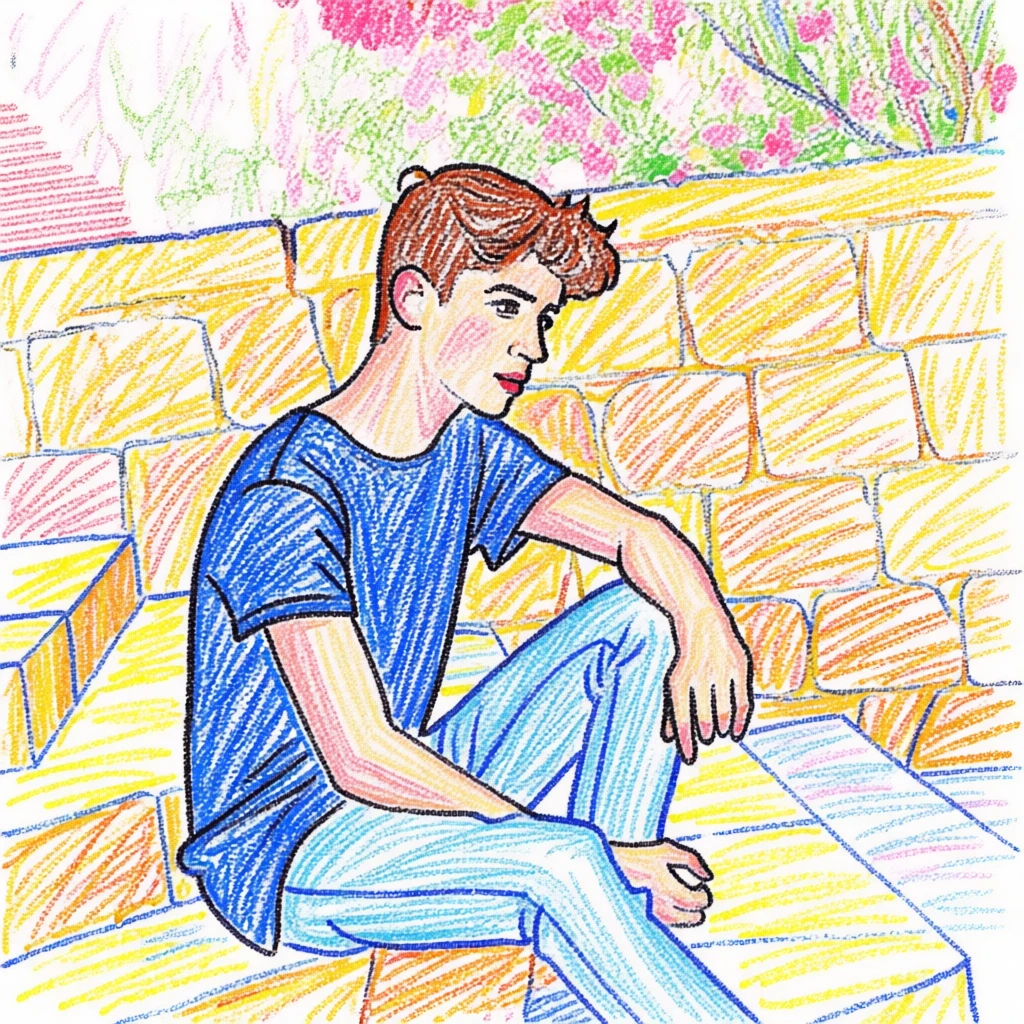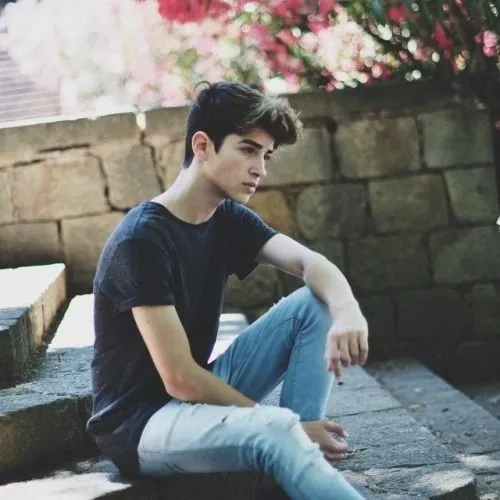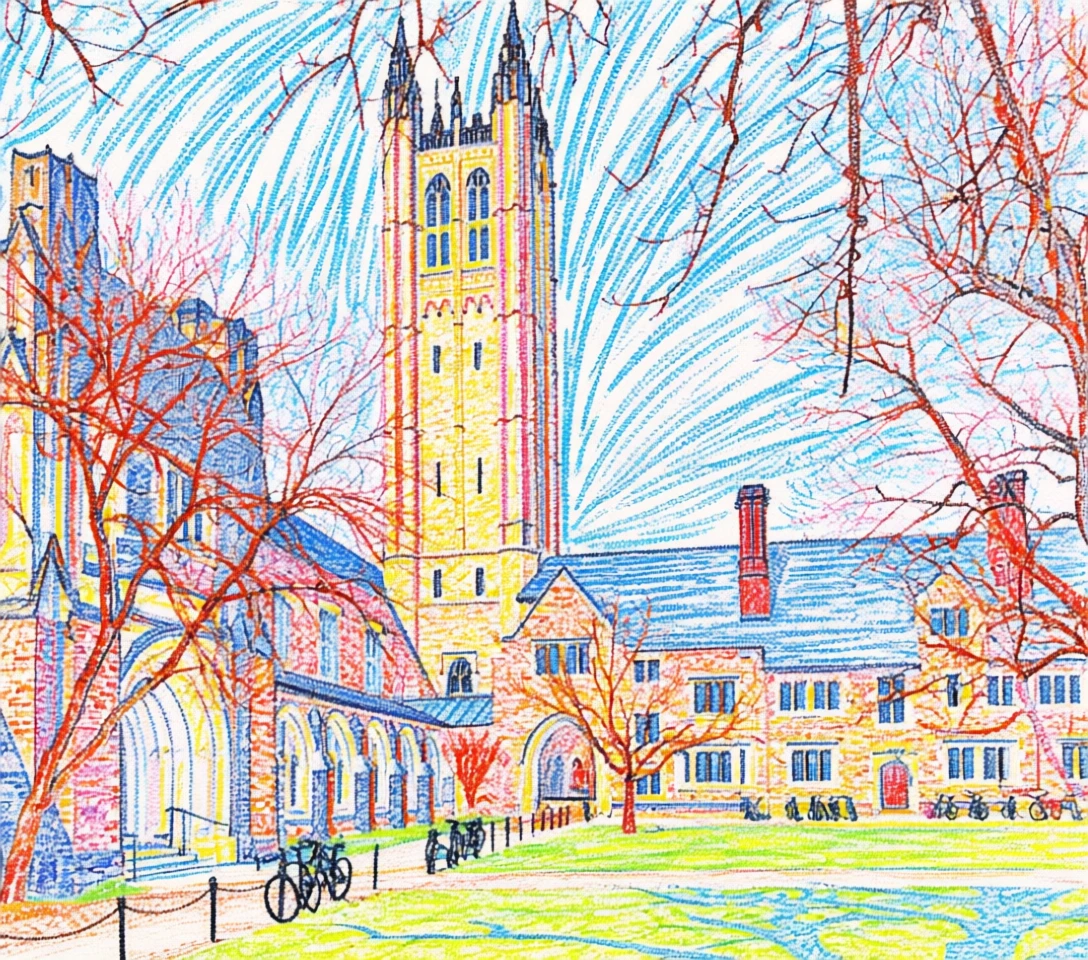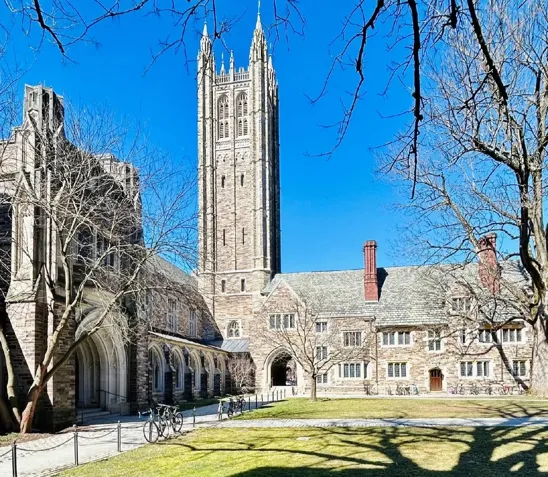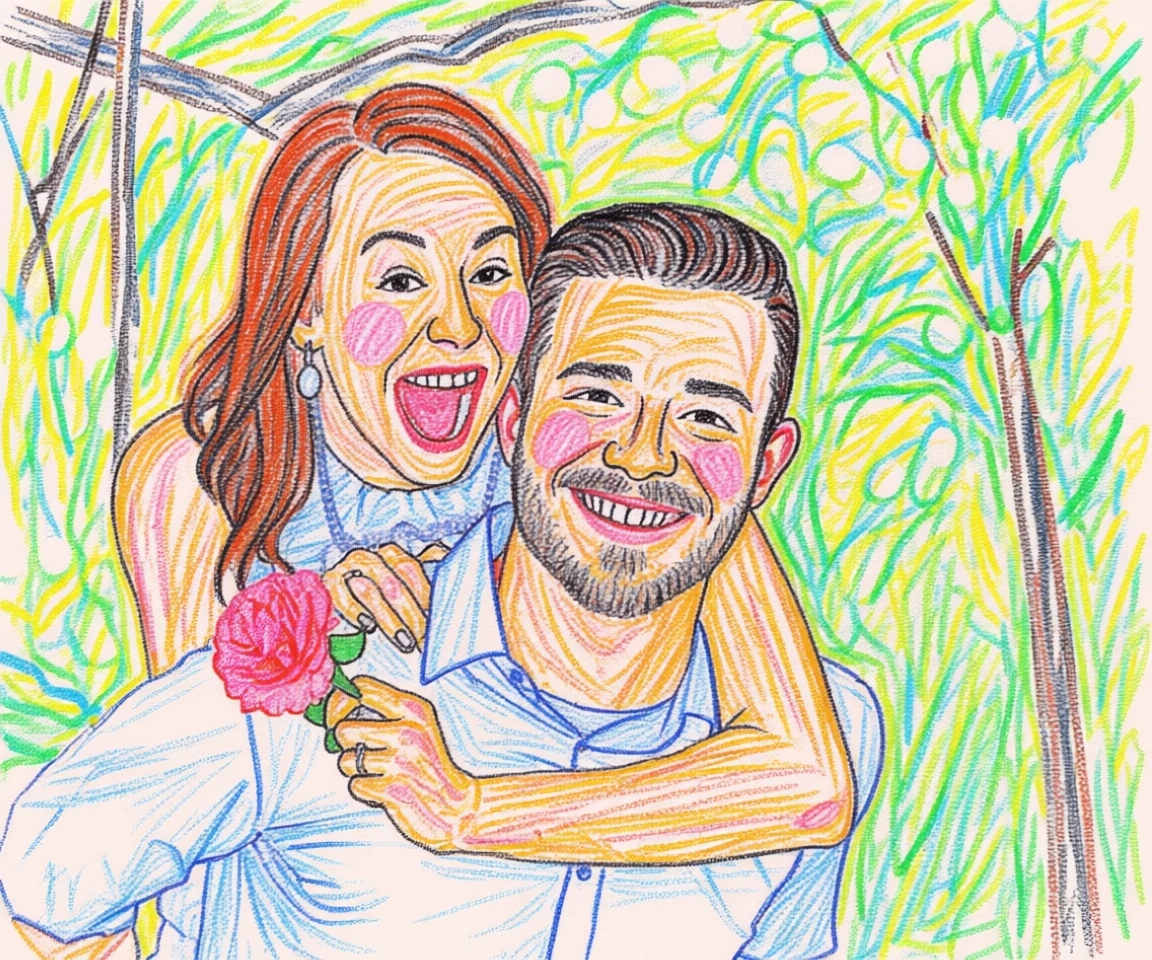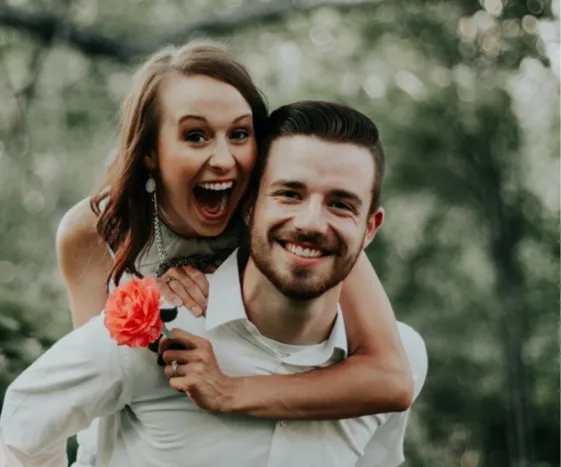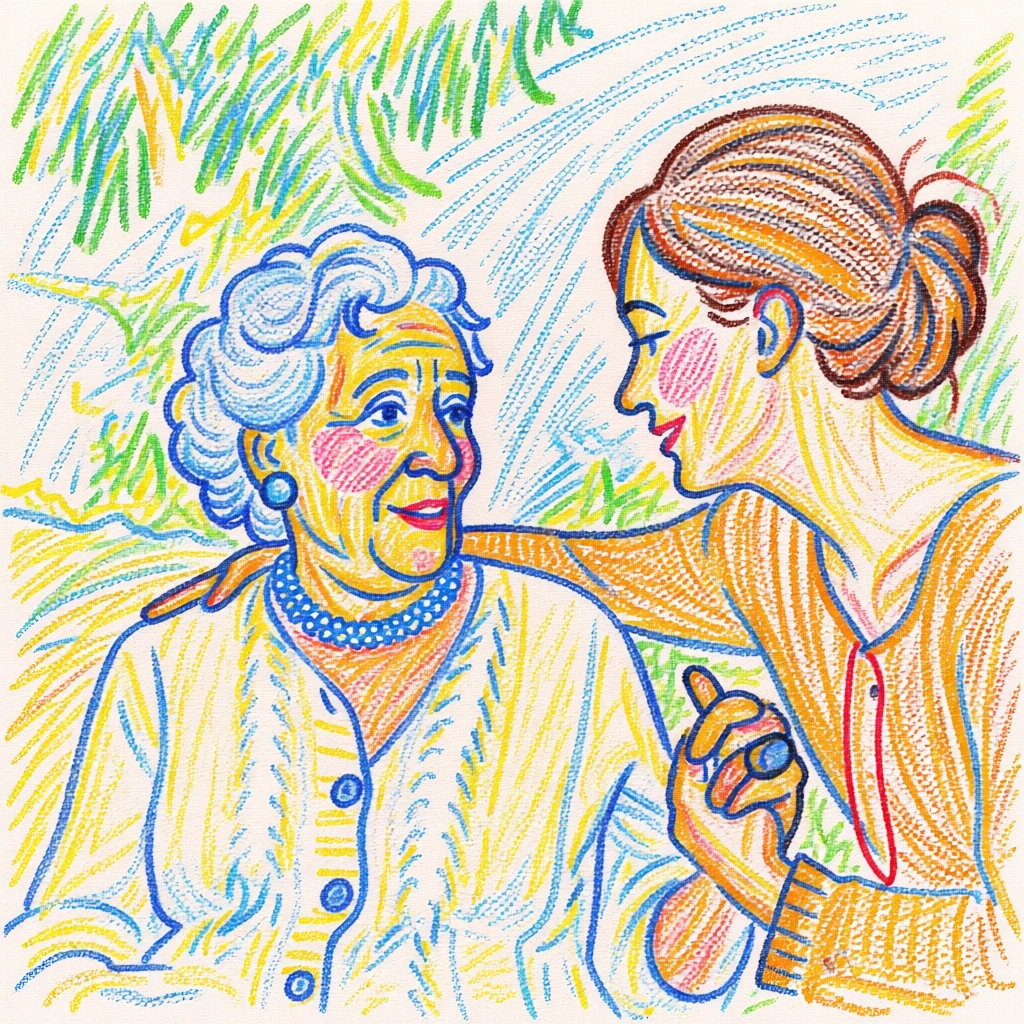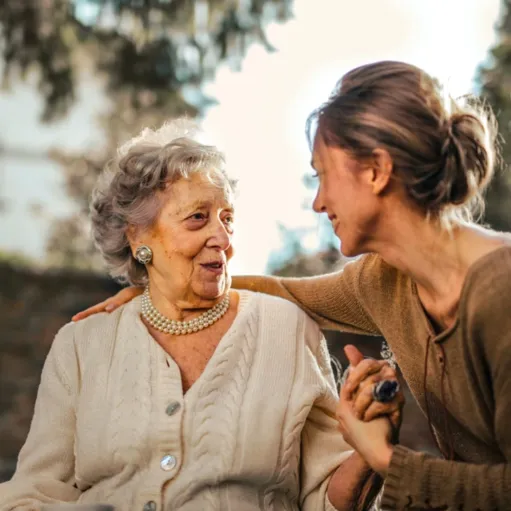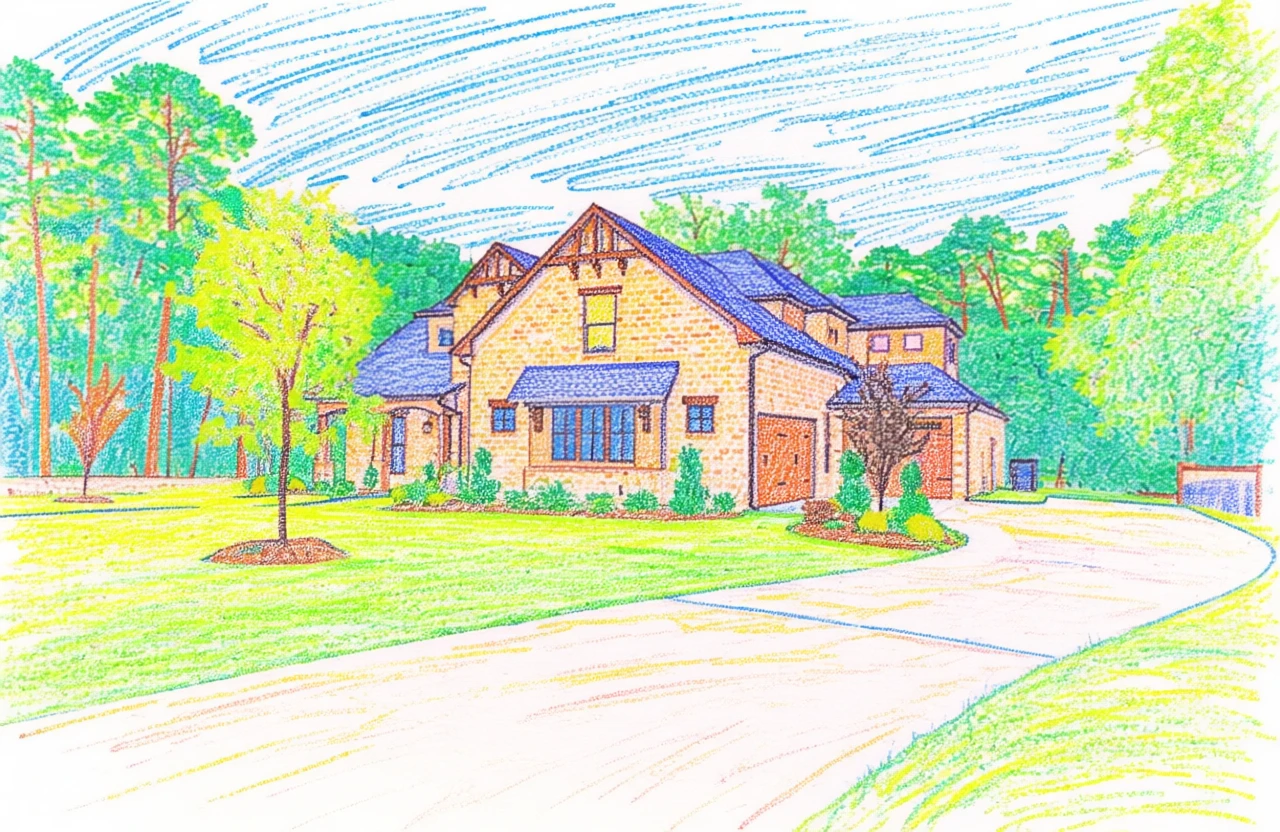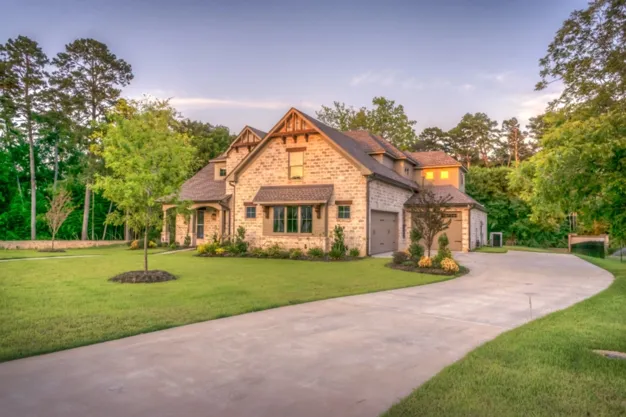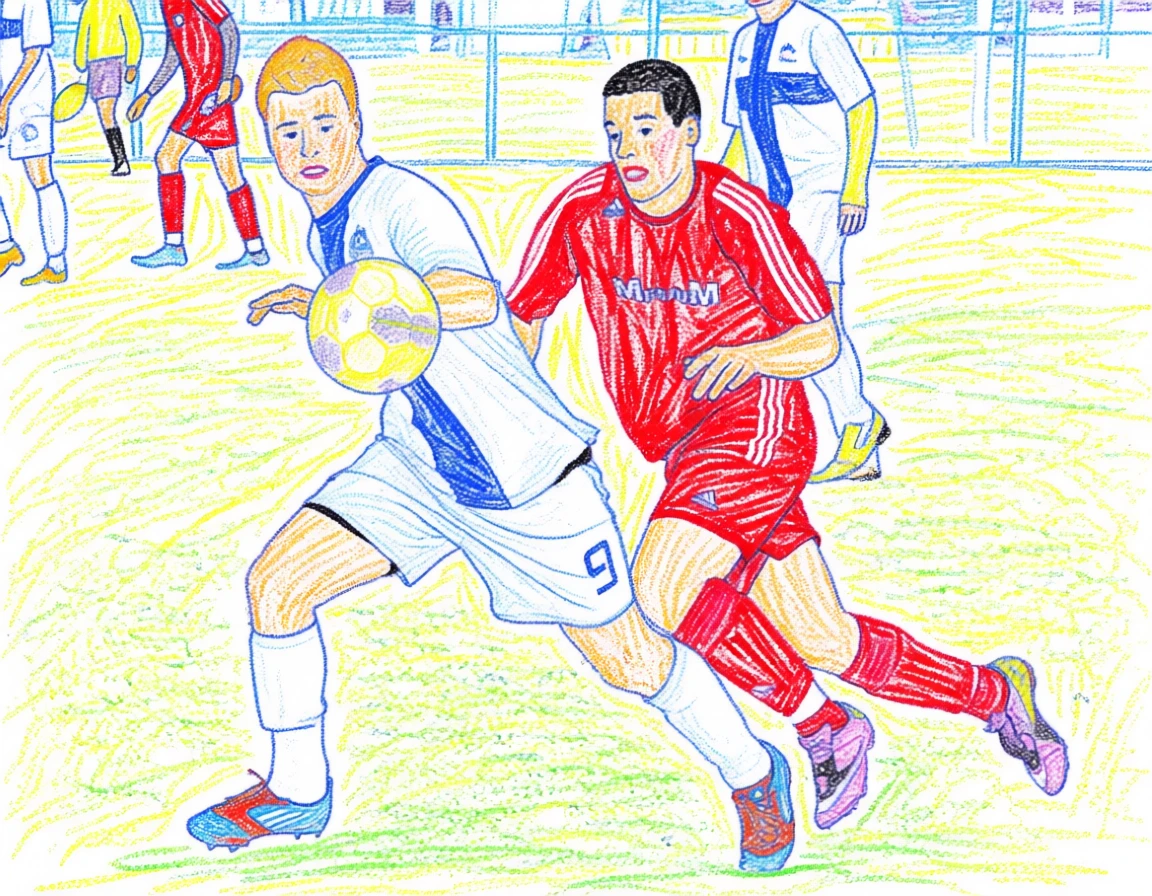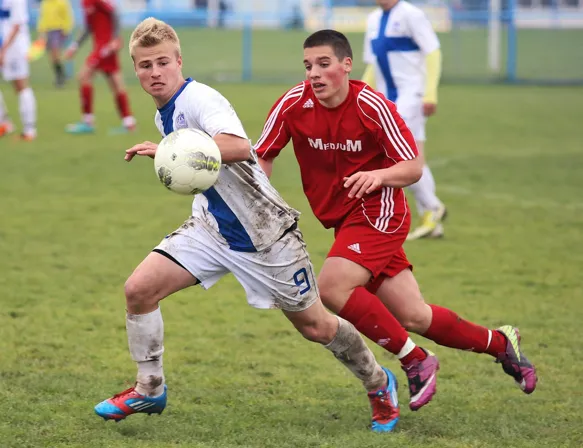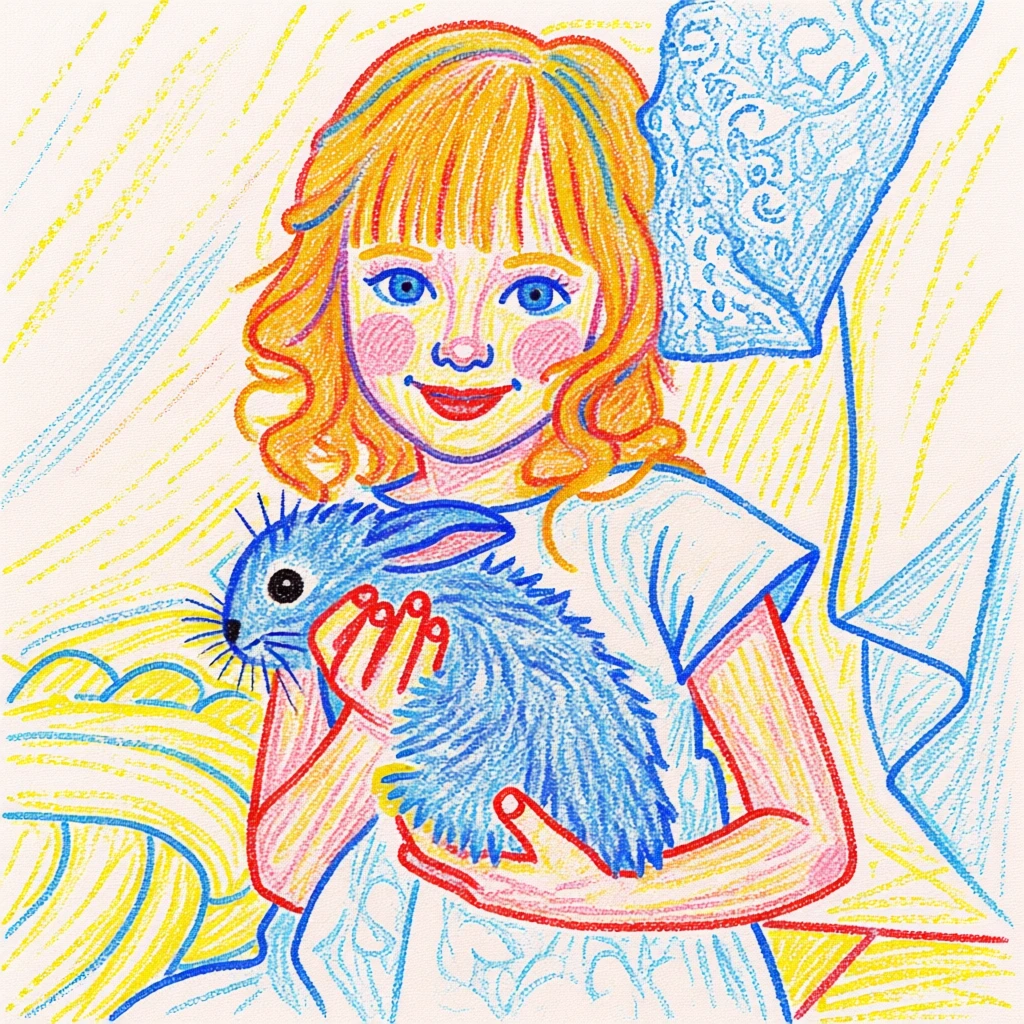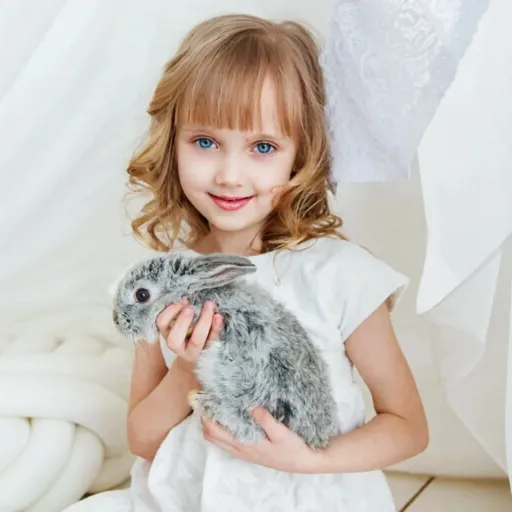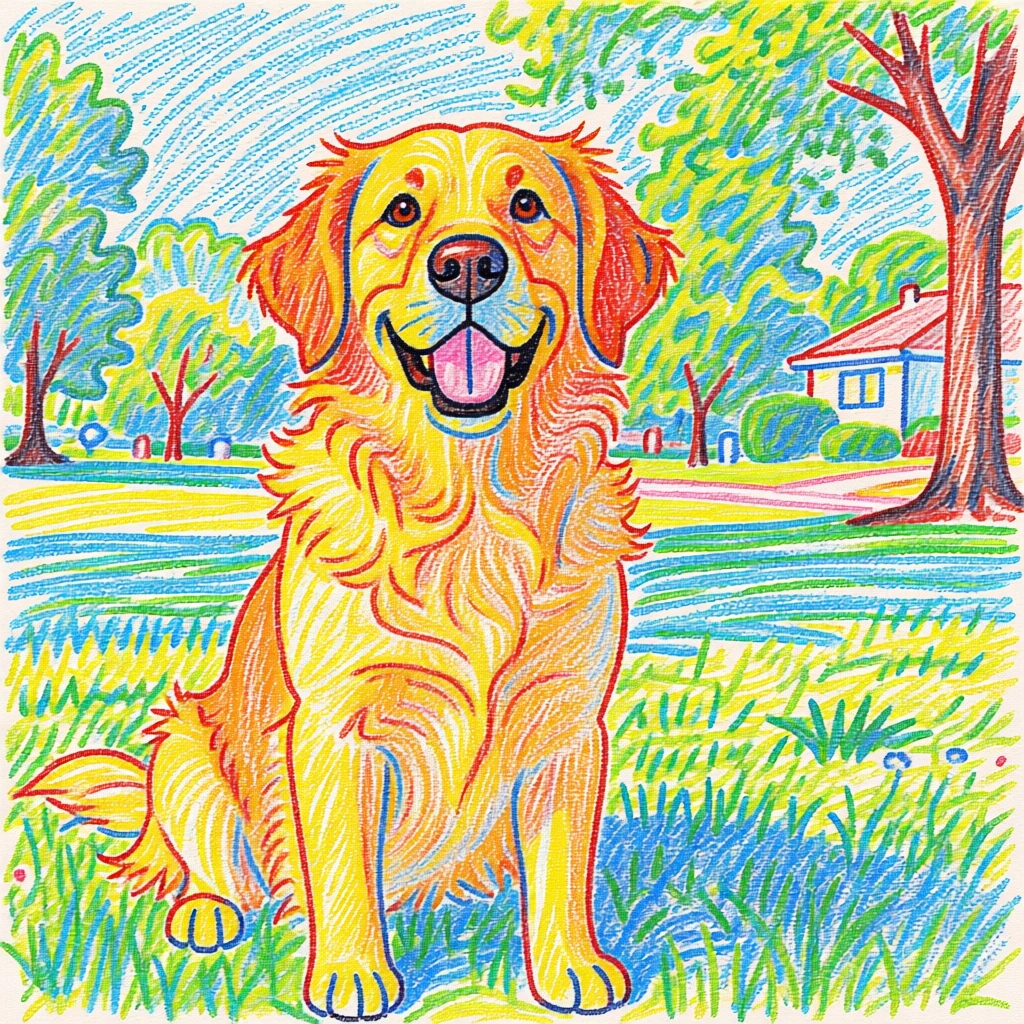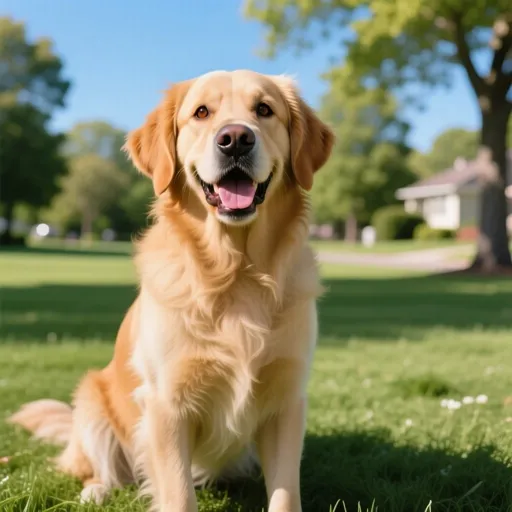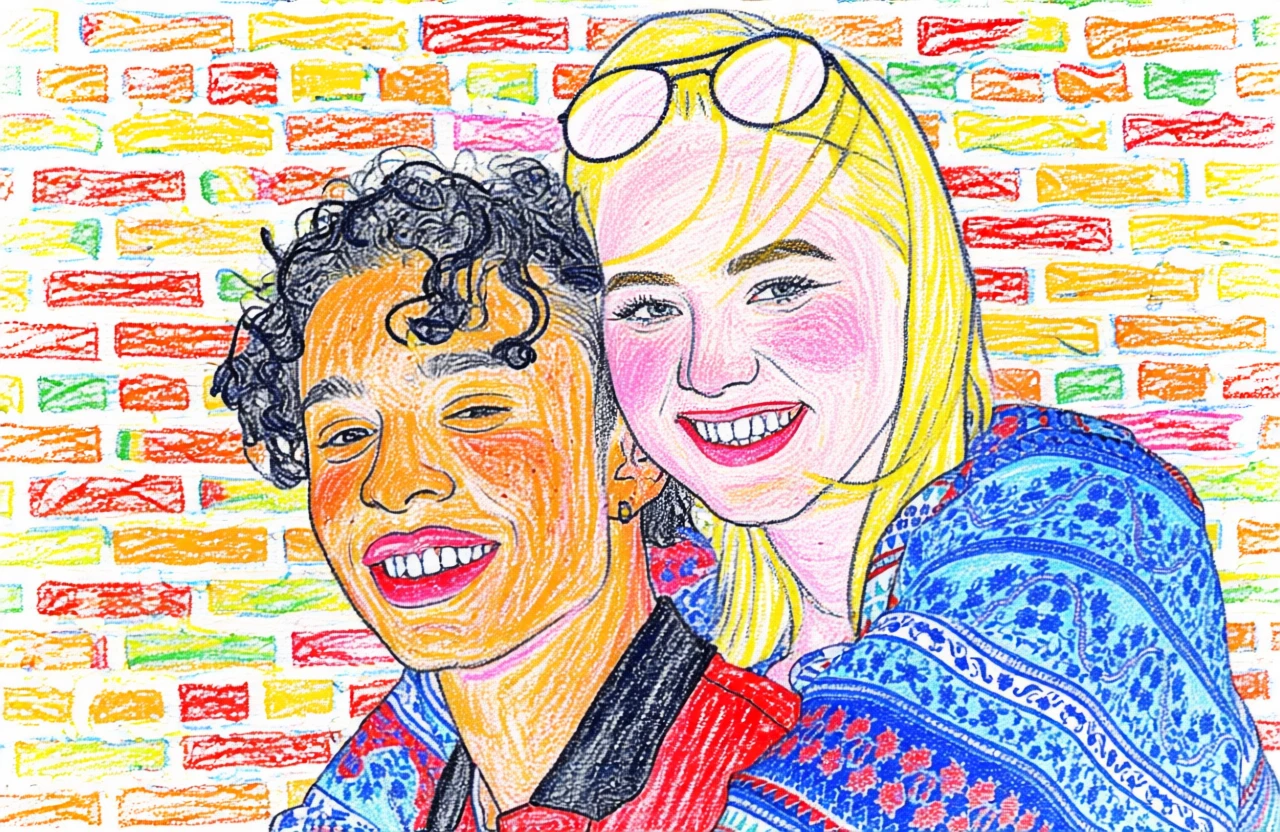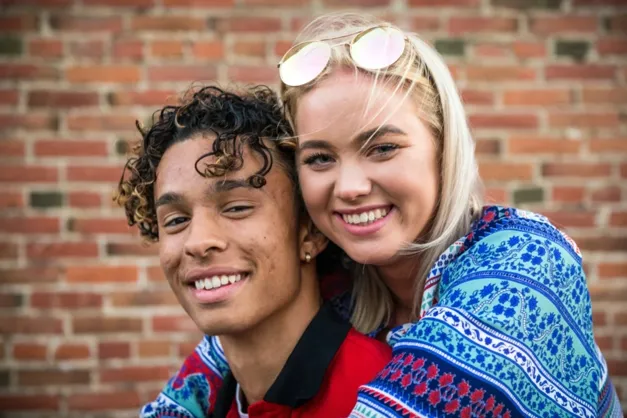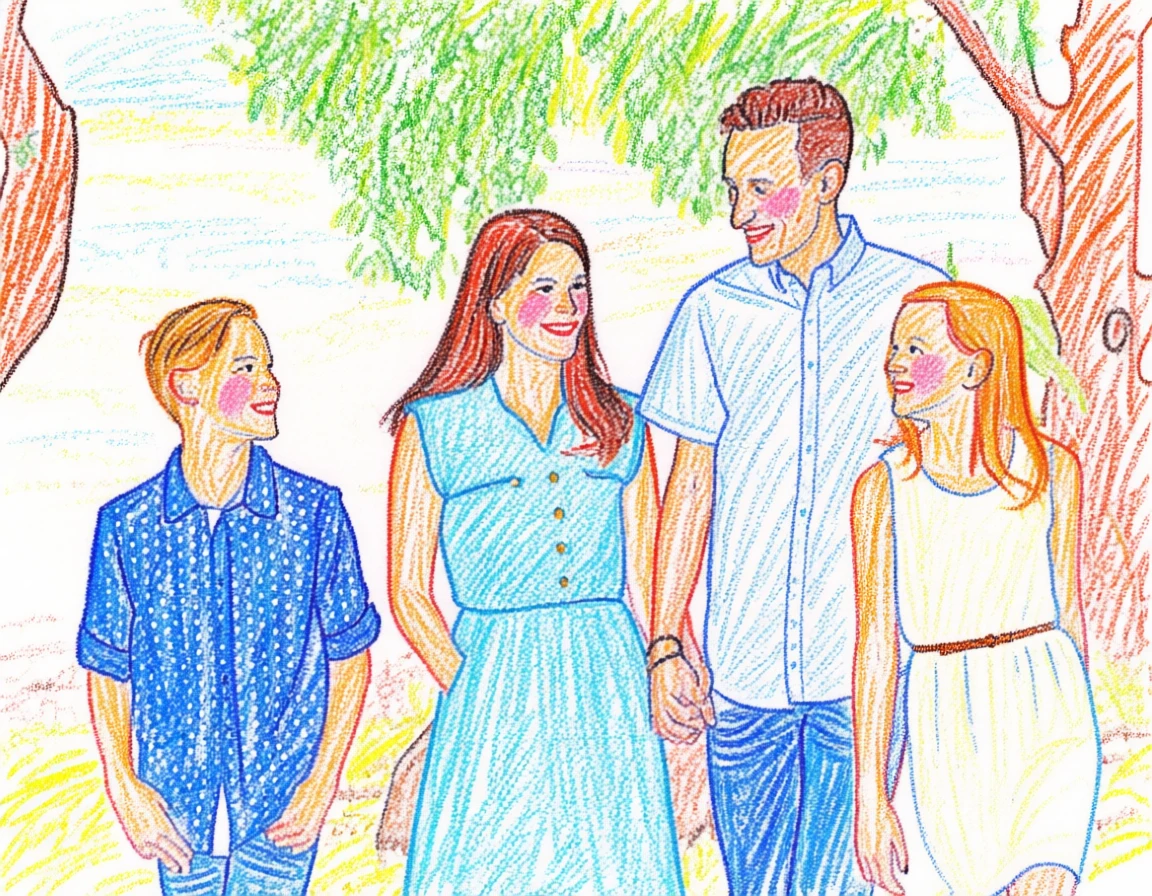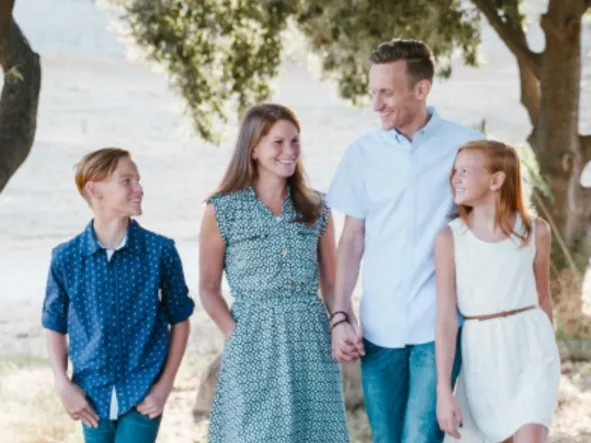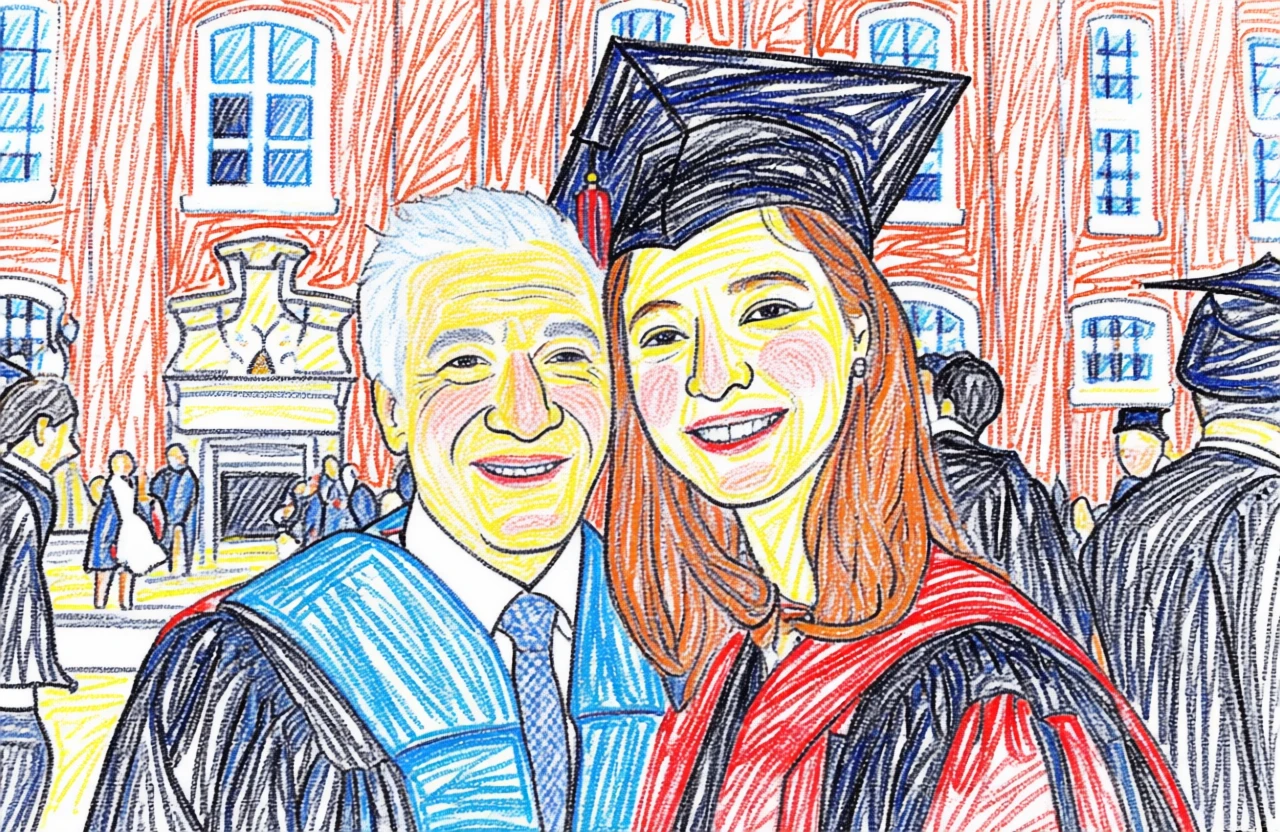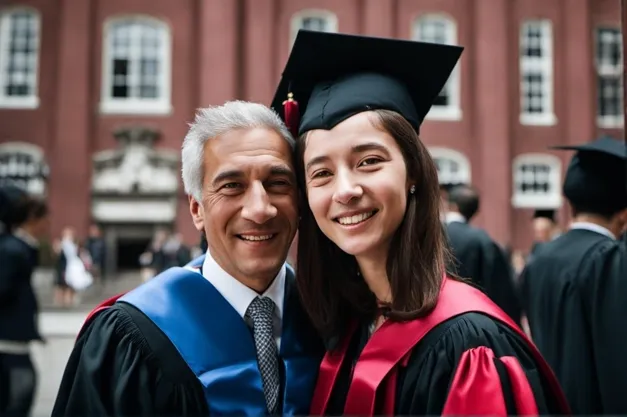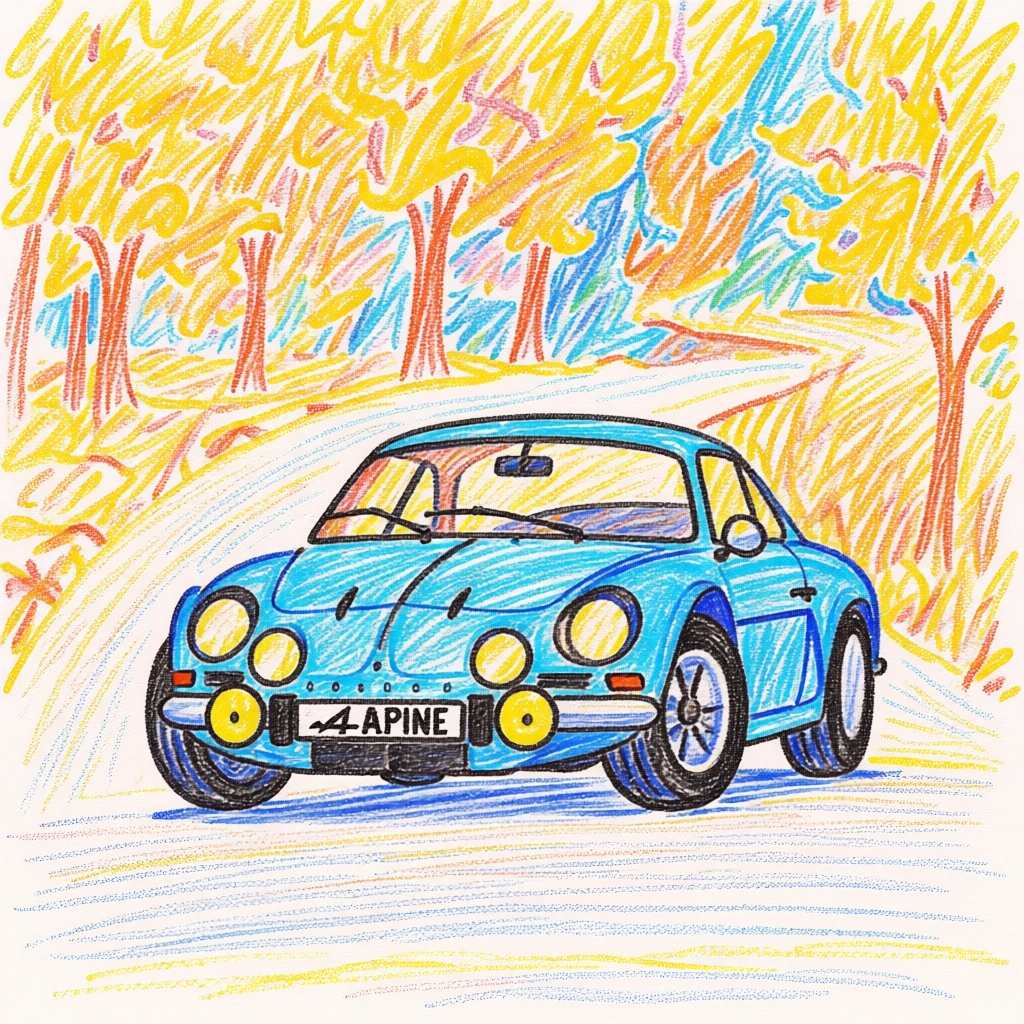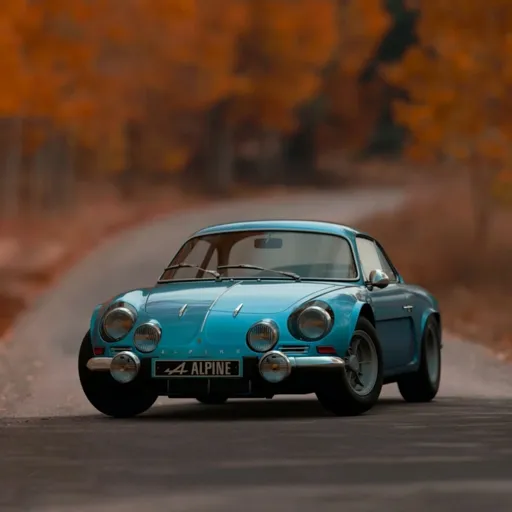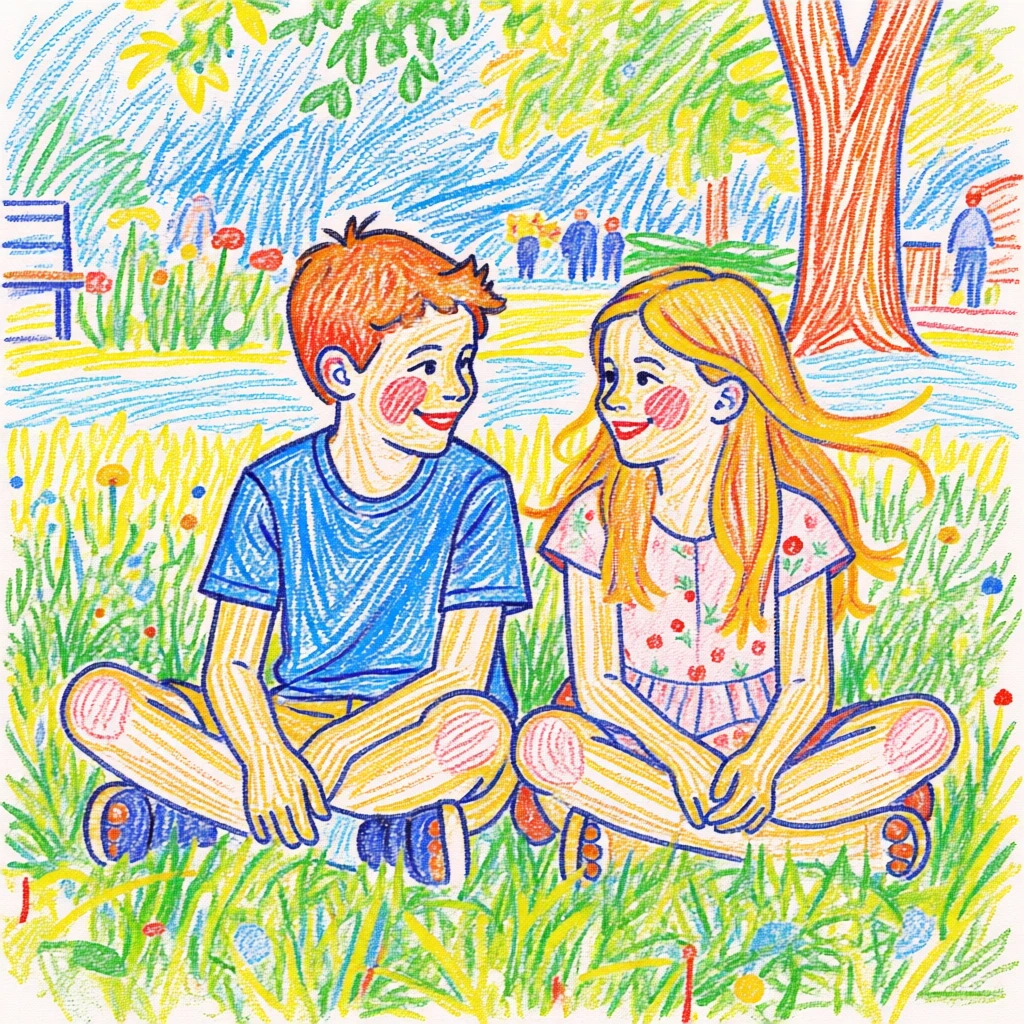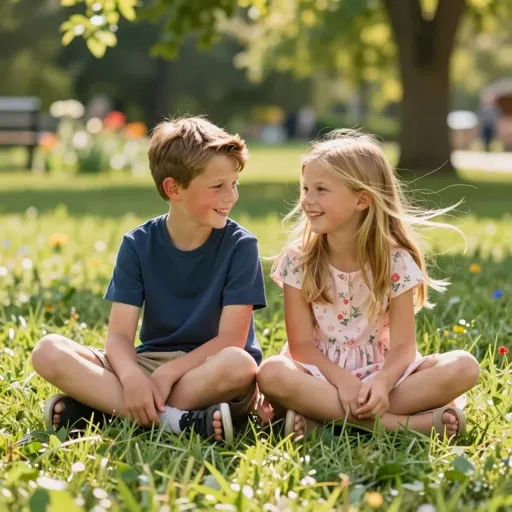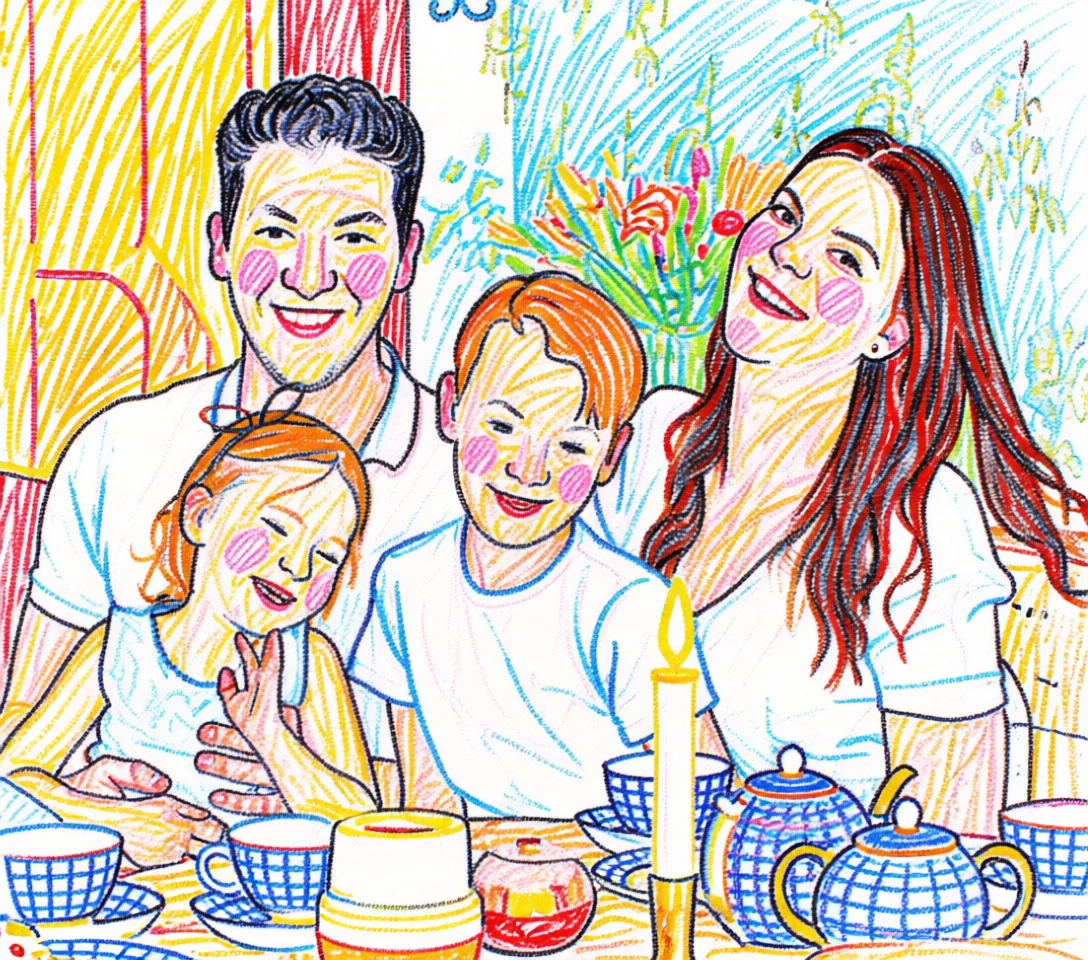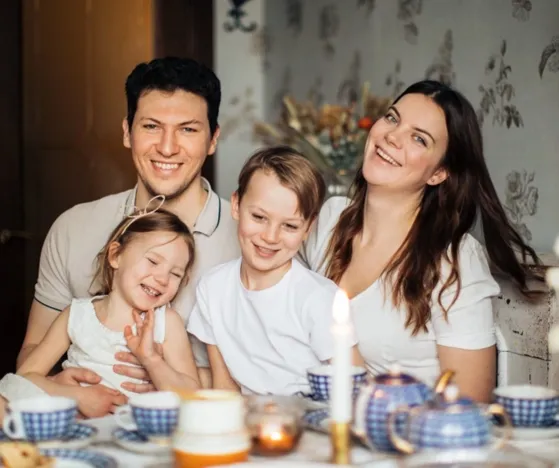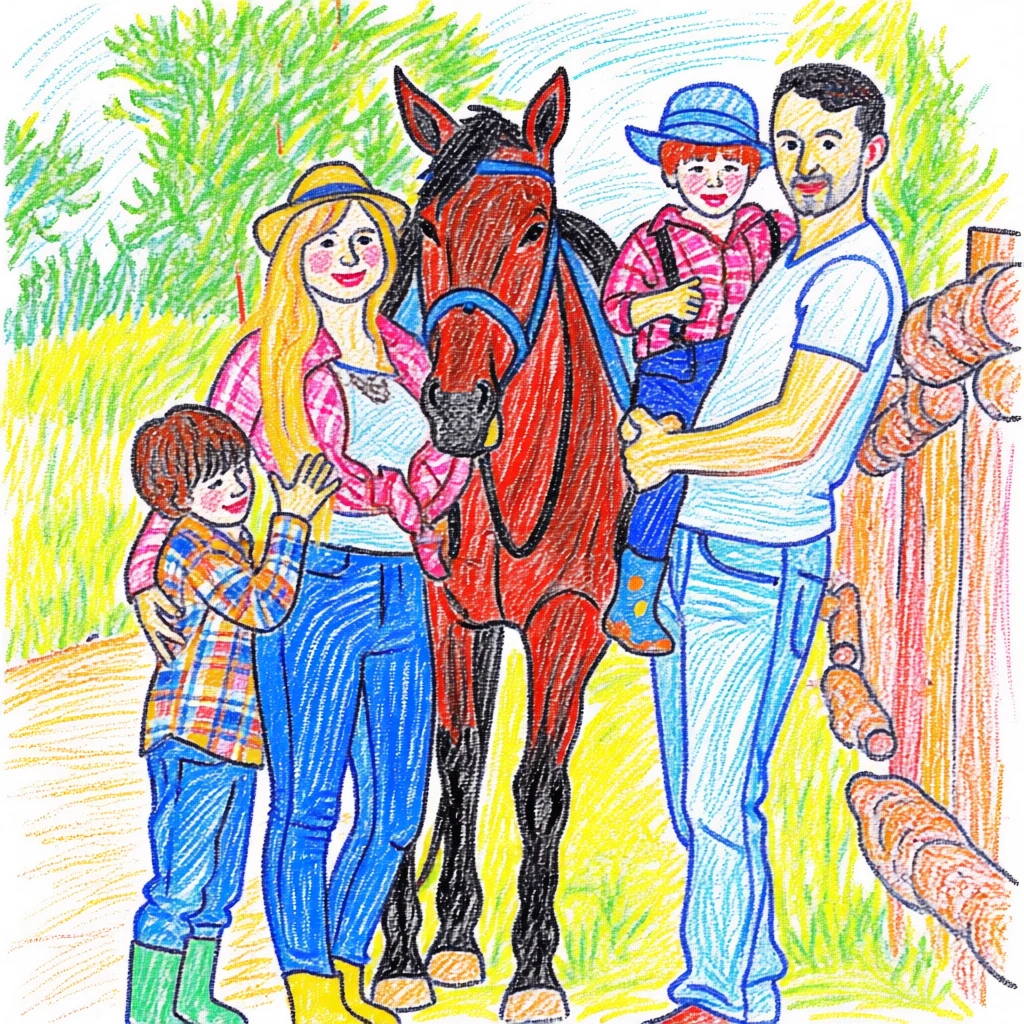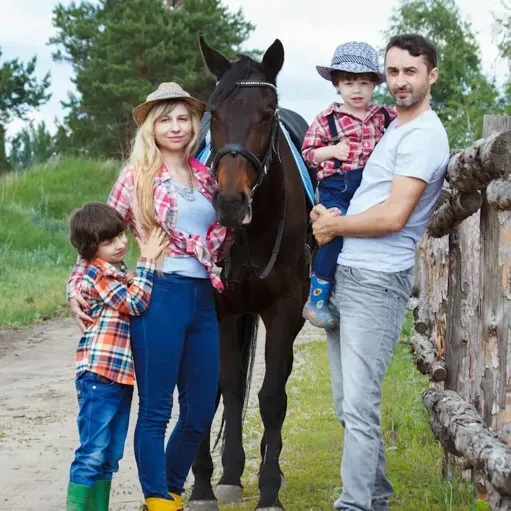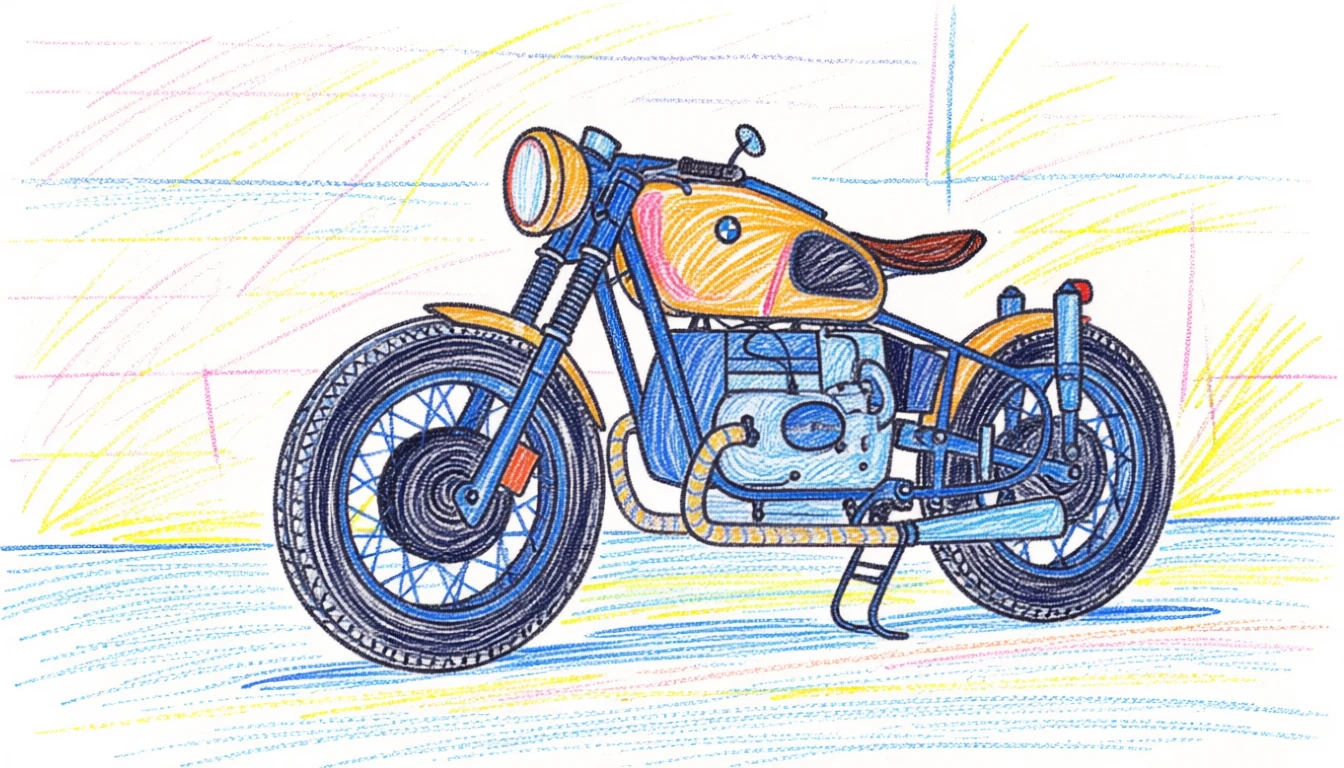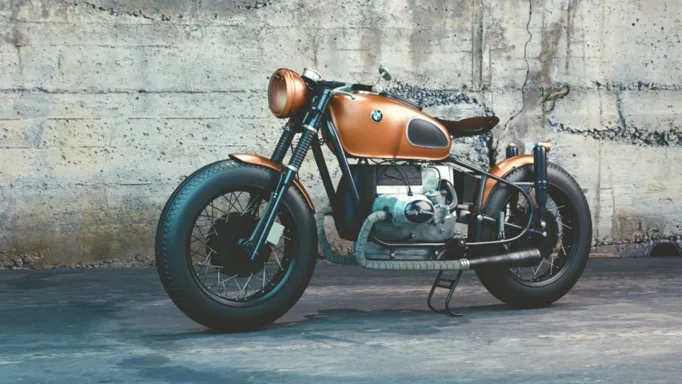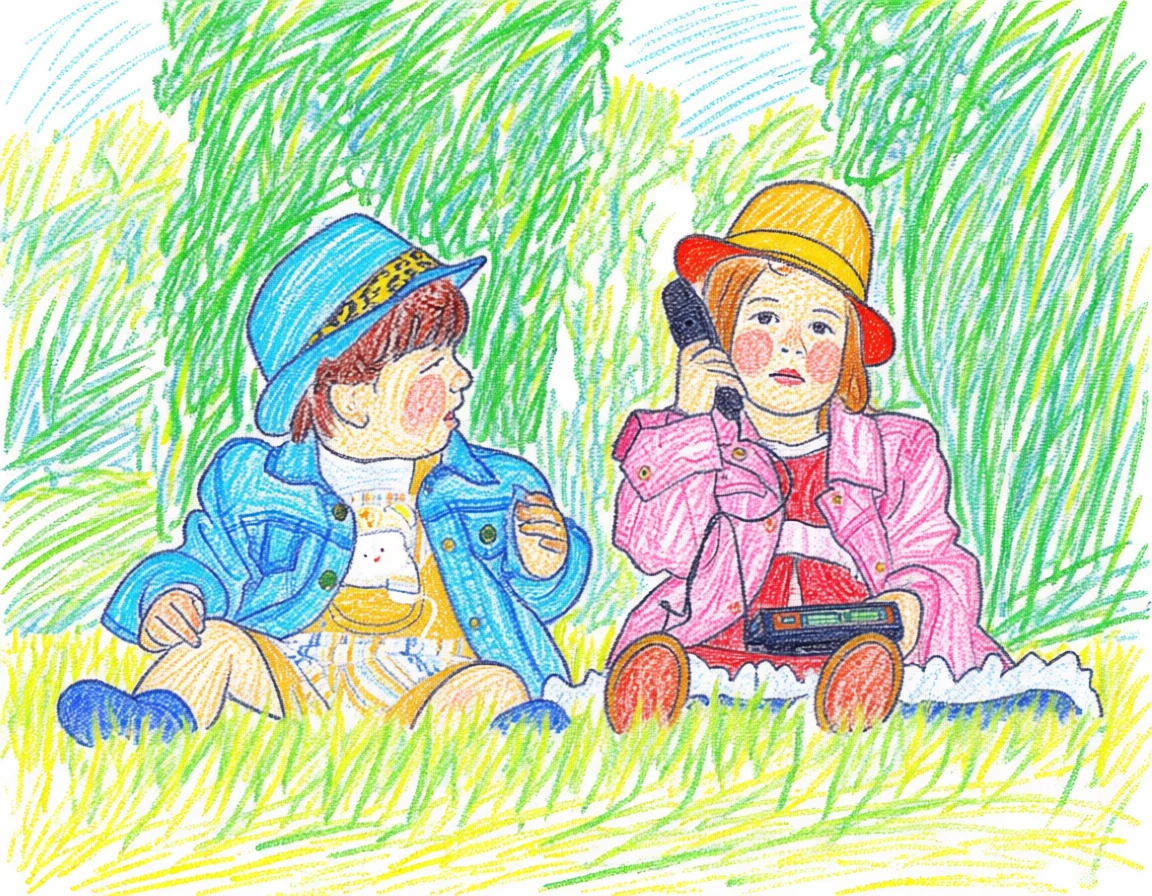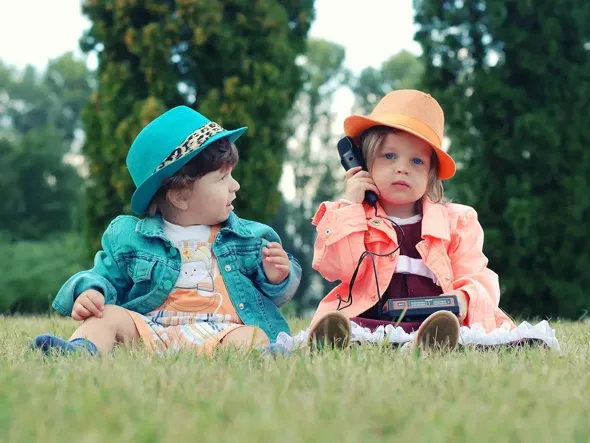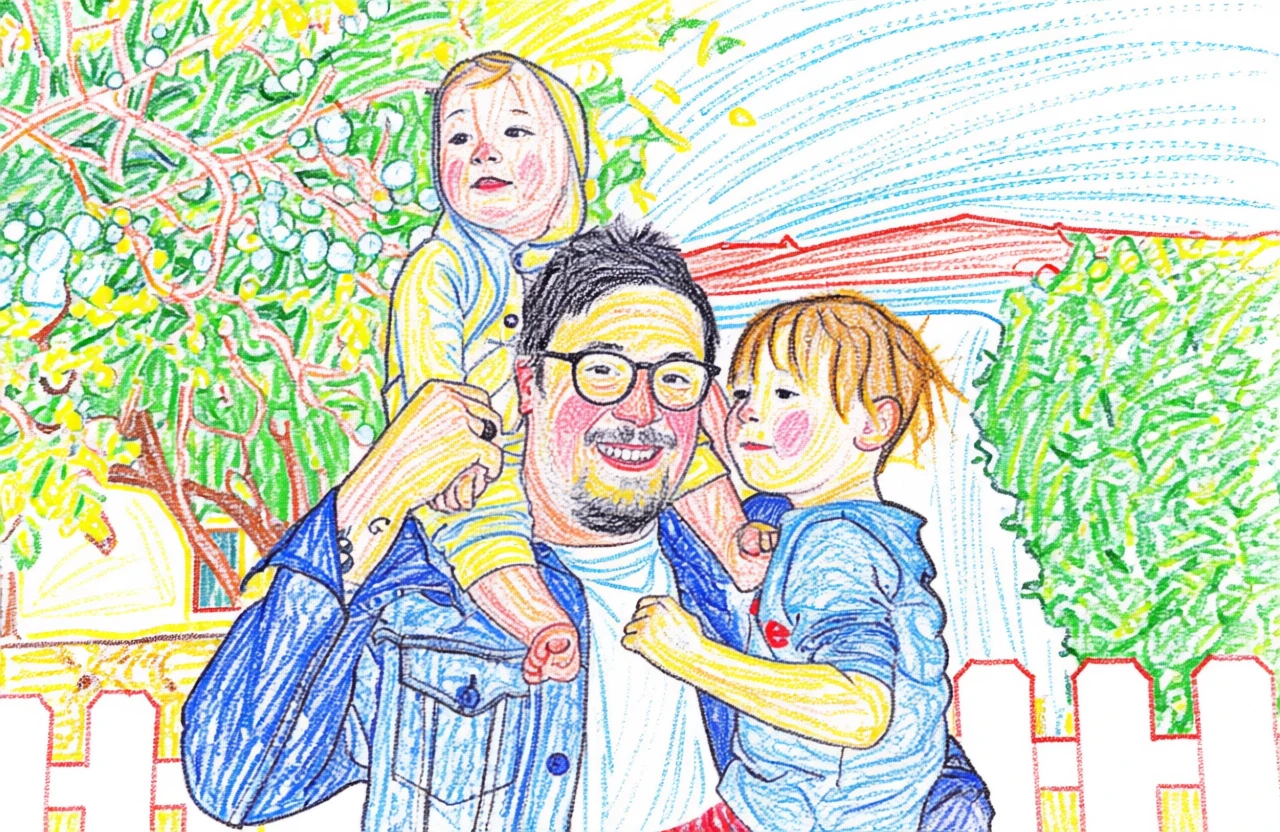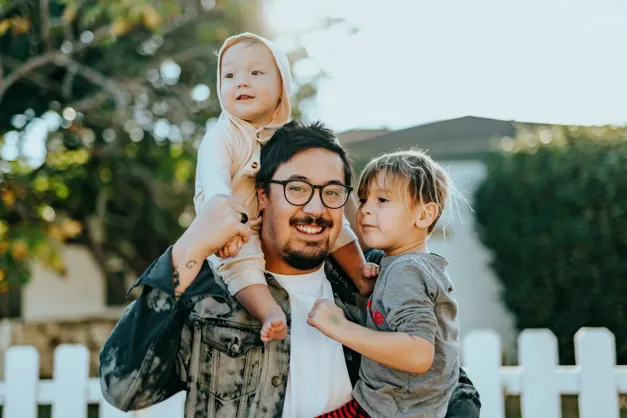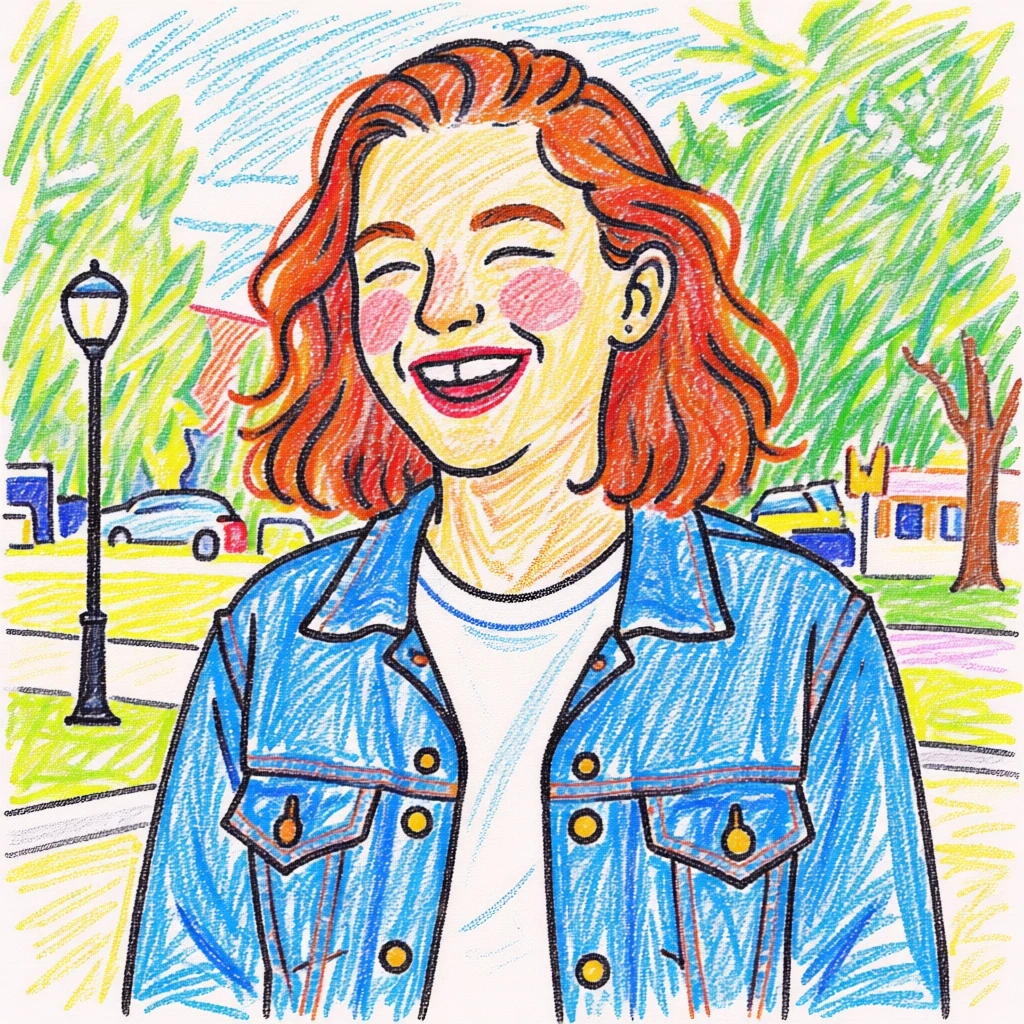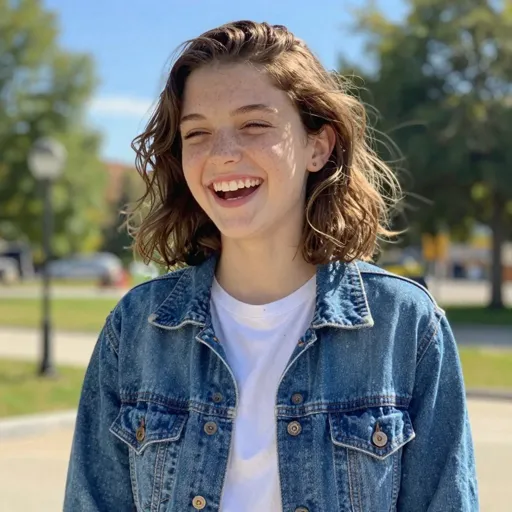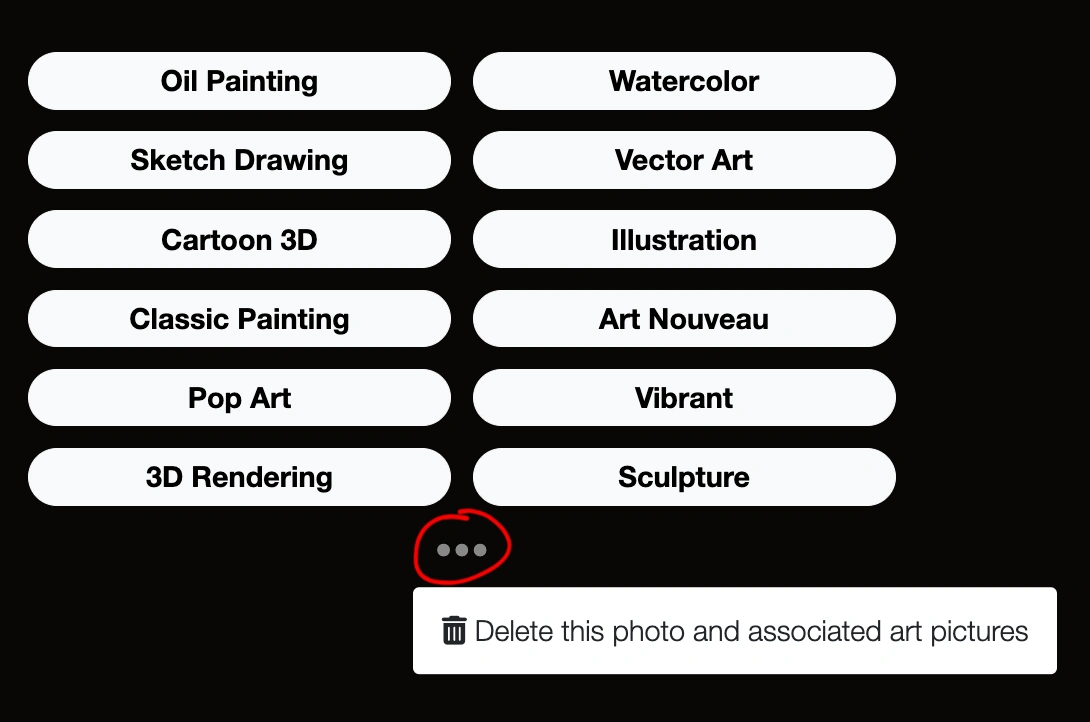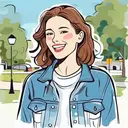
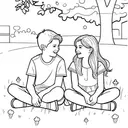
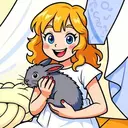
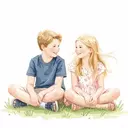
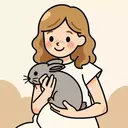
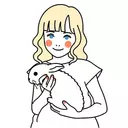
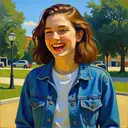
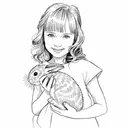
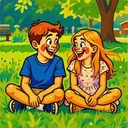
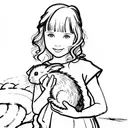
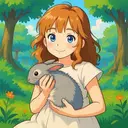
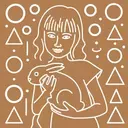
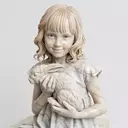
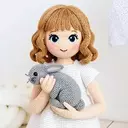
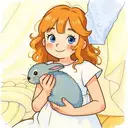
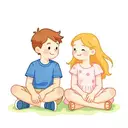
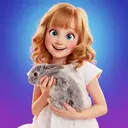
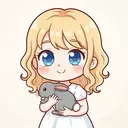
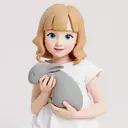
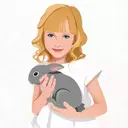
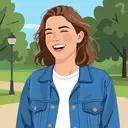
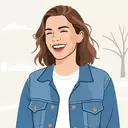
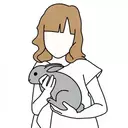
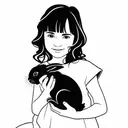
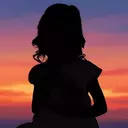
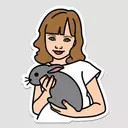
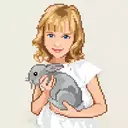
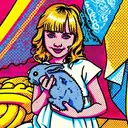
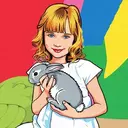
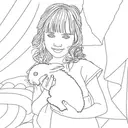
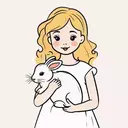
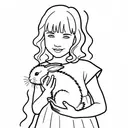
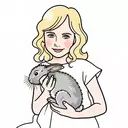
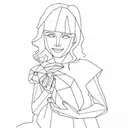
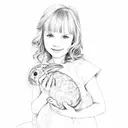
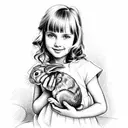
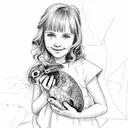
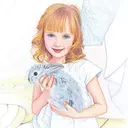
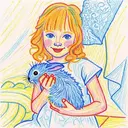
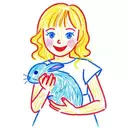
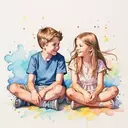
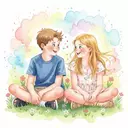
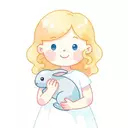
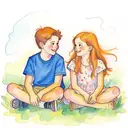
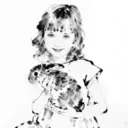
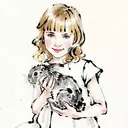
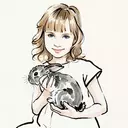
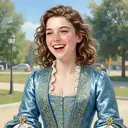
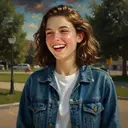
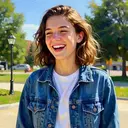
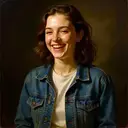
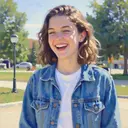
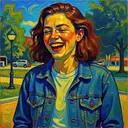
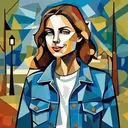
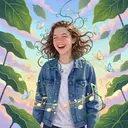
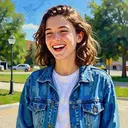
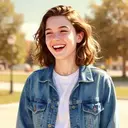
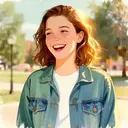
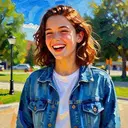
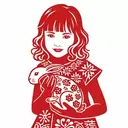
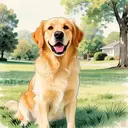
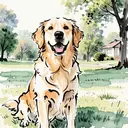
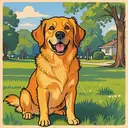
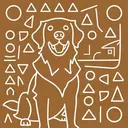
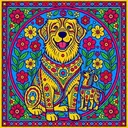
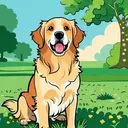
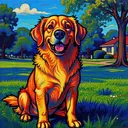
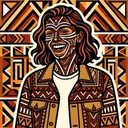
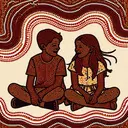
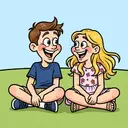
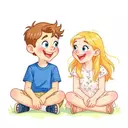
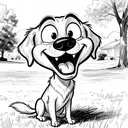
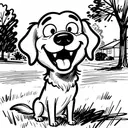
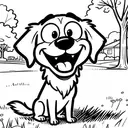
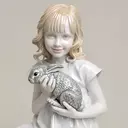
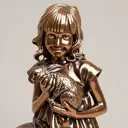
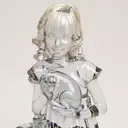
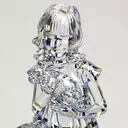
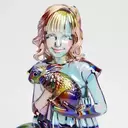
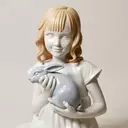
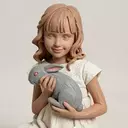
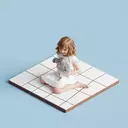
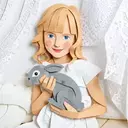
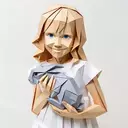
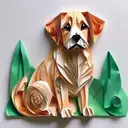
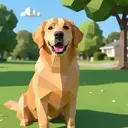
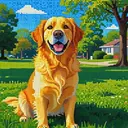
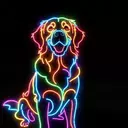
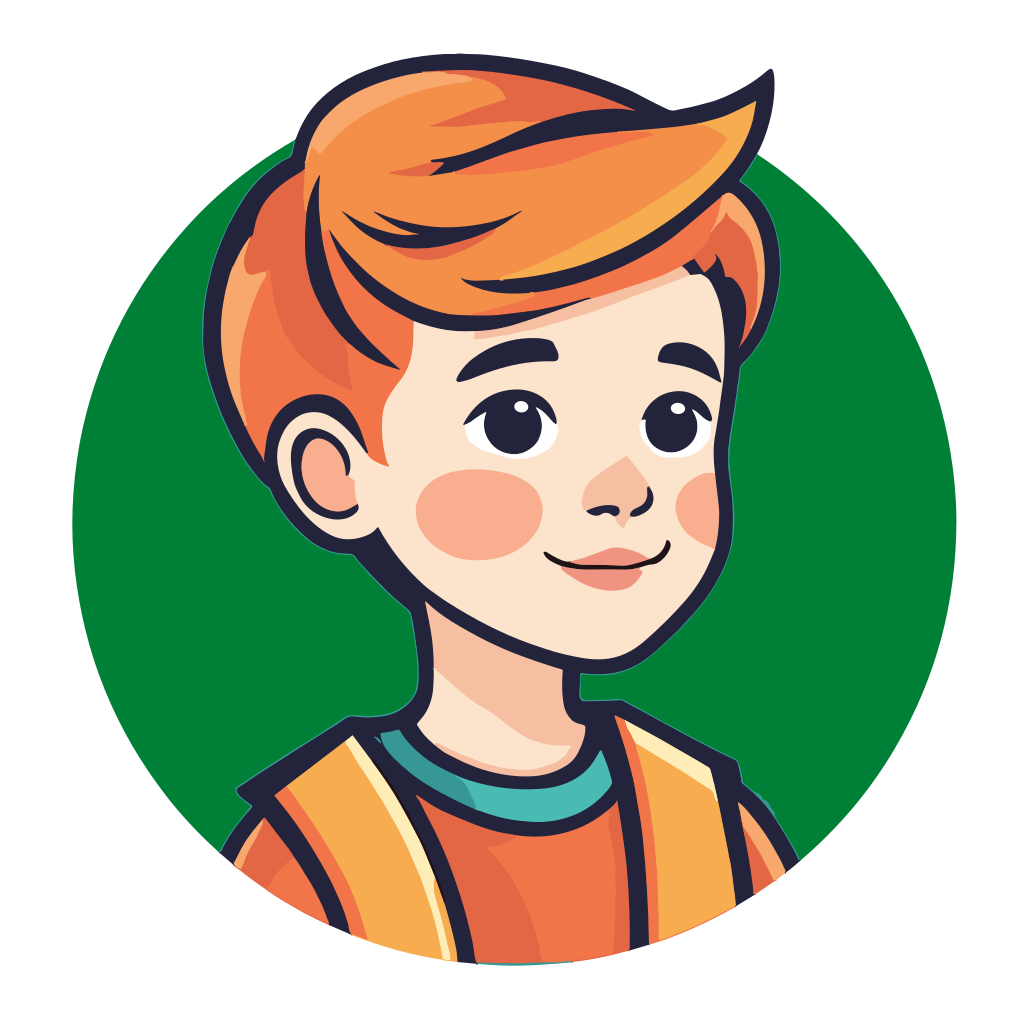
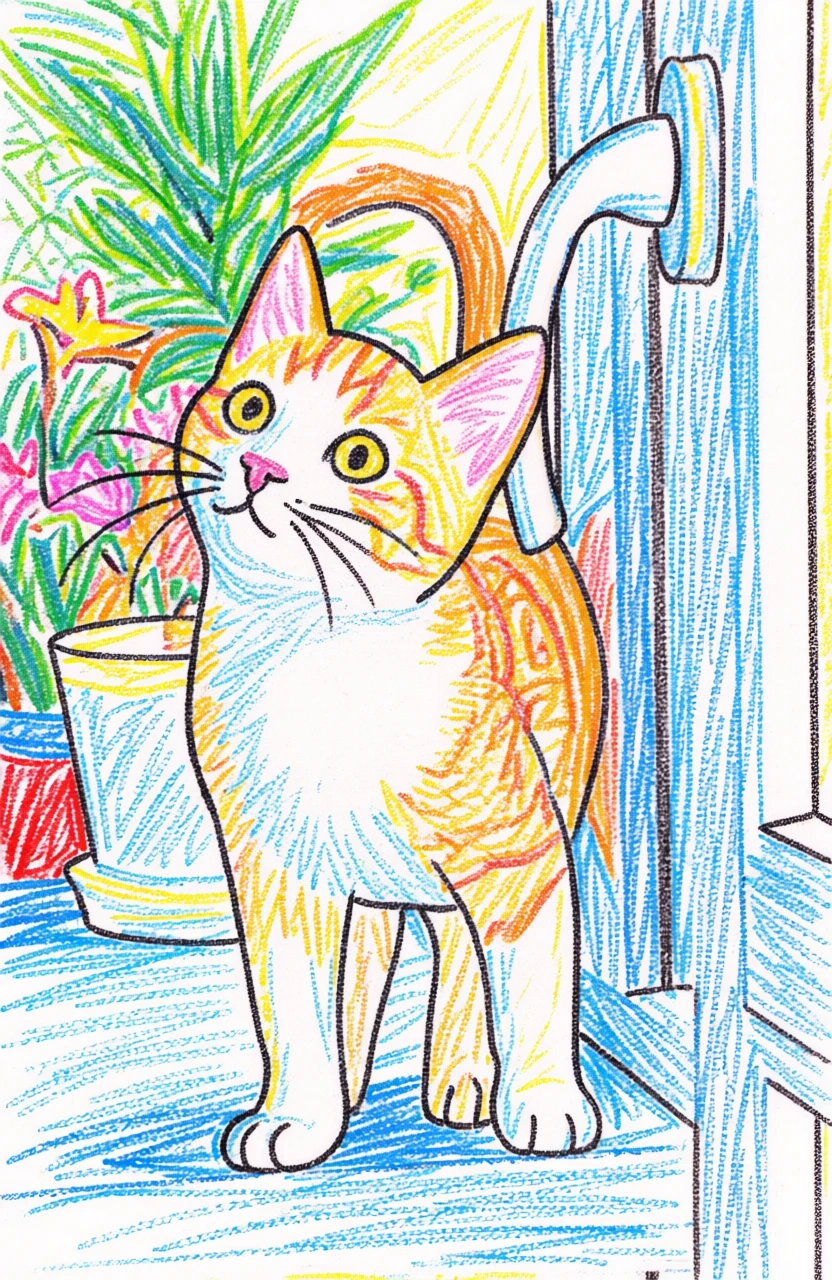
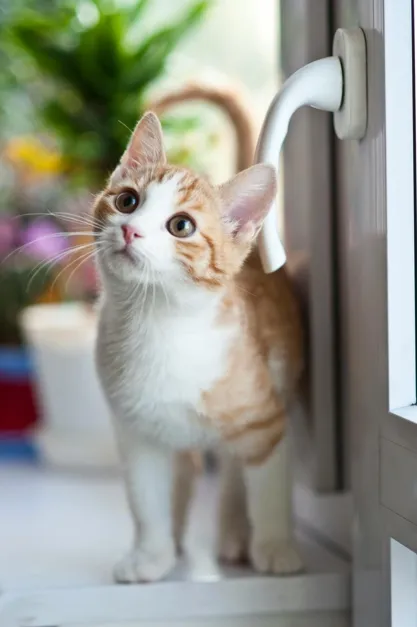
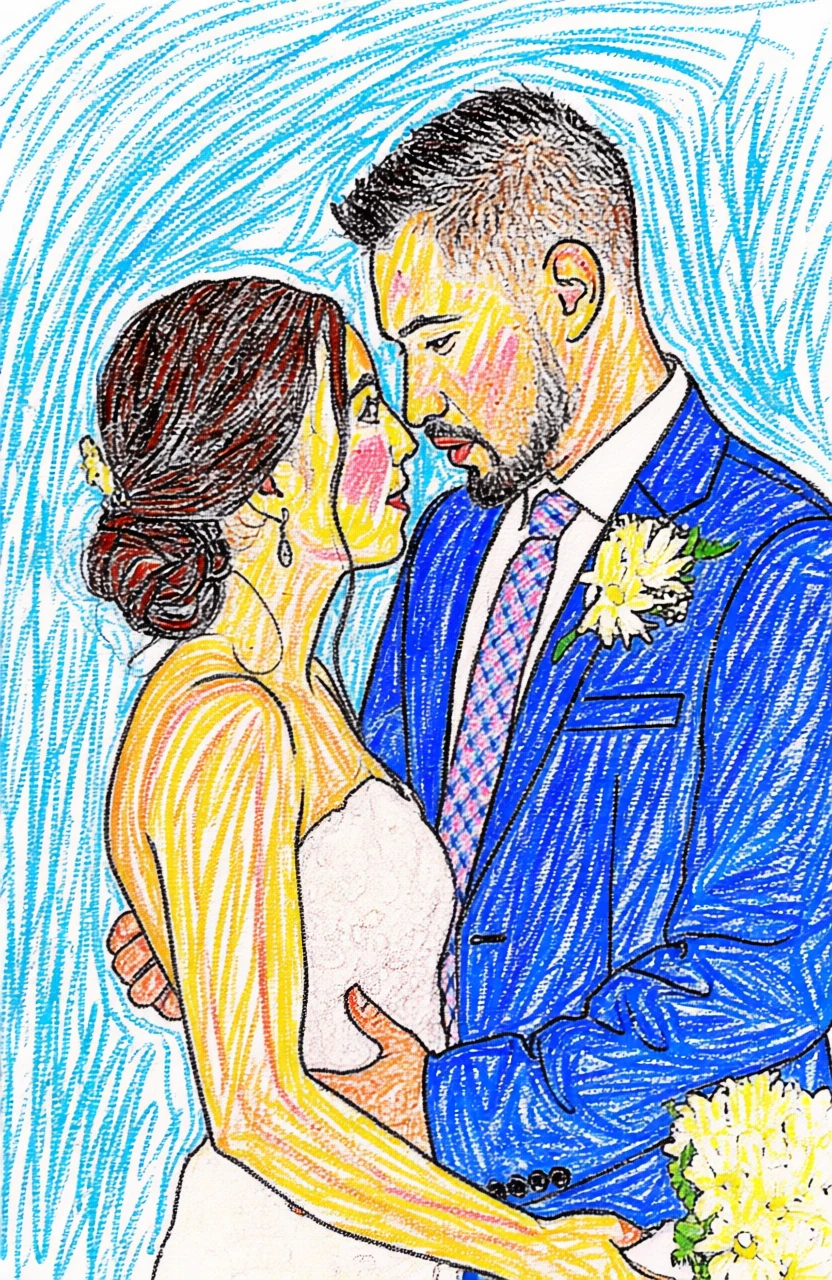
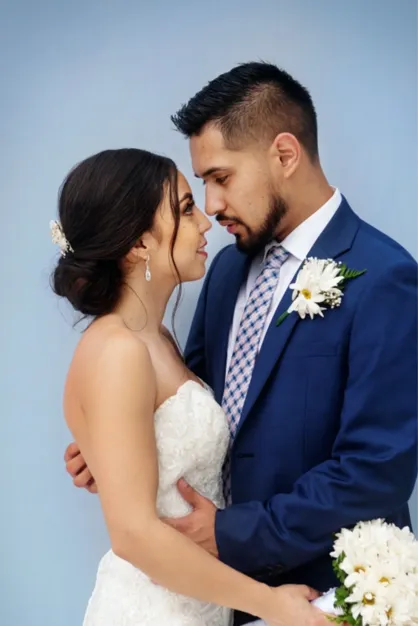
Our tool transforms any image into a warm, nostalgic crayon-style illustration. With rich textures, soft color blending, and natural hand-drawn strokes, your photo will look like it was lovingly created on paper with real crayons.
Whether it’s a portrait, a family memory, a beloved pet, or a beautiful landscape, our AI captures the heart of your photo and recreates it in a playful, artistic crayon style. Perfect for 🎁 Personalized gifts, 👪 Family portraits, 🐶 Pet illustrations, 🖼️ Children's art prints, 📚 Storybooks and classroom projects, and 📱 Unique social media posts.
No artistic skills required. Just upload your image and instantly create beautiful crayon drawings that feel creative and playful.
By default, generated images are about 1 megapixel. You can increase the resolution to 4 megapixels by clicking the “2× Upscale” button.
You can also create a vectorized version. It works best for images with flat colors and clear edges. Vectorized images can be zoomed to very high resolutions without any loss of quality—just click the “Vectorize” button.
Photo-to-art conversion is the process of transforming your photos into artwork that retains the content and composition of the original image while adding an artistic touch. This could include styles like watercolor, illustration or line drawing. Unlike generic prints found in stores, these pieces are highly personalized, making them ideal for wall décor or meaningful gifts.
Traditionally, creating this kind of artwork meant hiring professional artists, making it a relatively expensive and less accessible option for most people. PortraitArt offers a similar experience at a fraction of the cost using our advanced photo-to-art AI generator, recreating the artistic process with precision and creativity.
PortraitArt works with various types of photos, including portraits, group shots, pet photos, buildings, and scenic views. For optimal results, use high-resolution images with good lighting and a clear background.
You can delete uploaded photo and all images generated from it. Click the ⚙ Settings button in the top-right corner of the input photo, then select "Delete this photo and all derived art pictures."