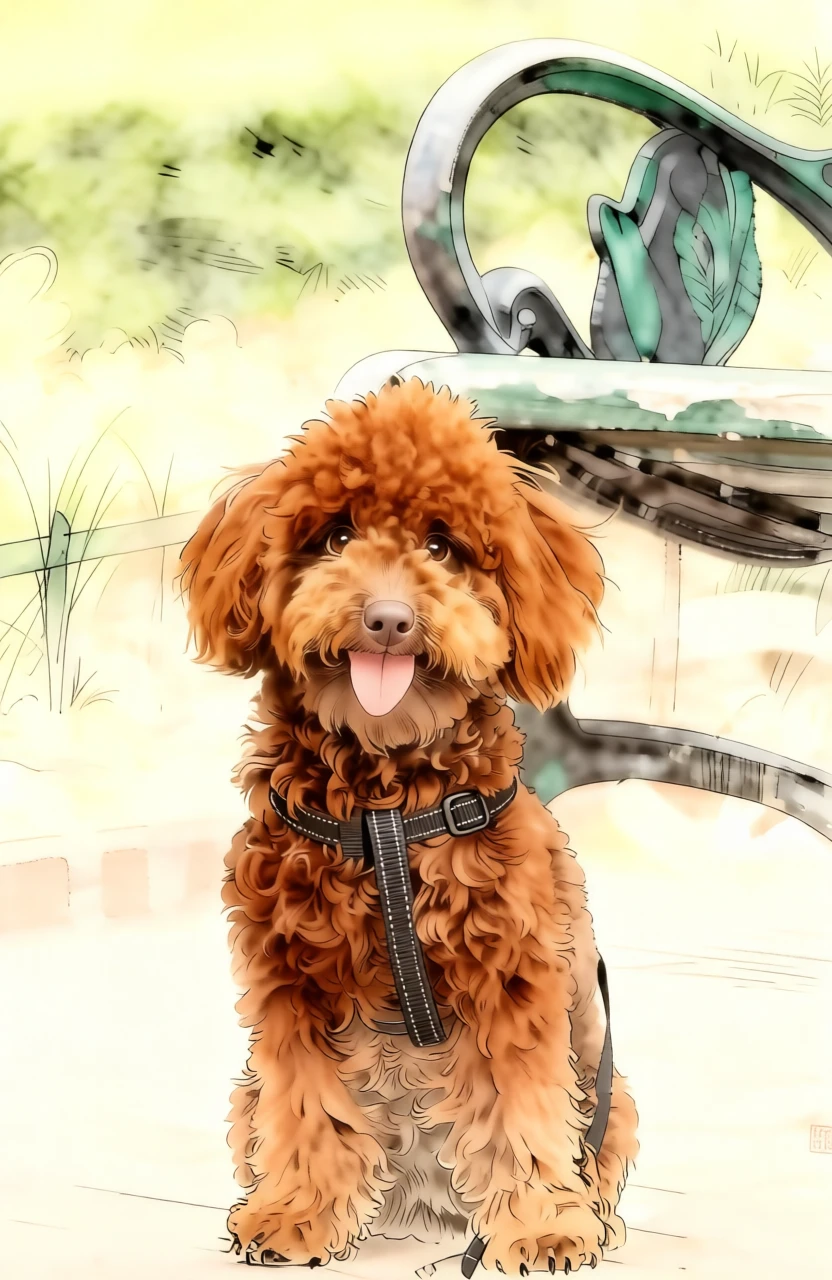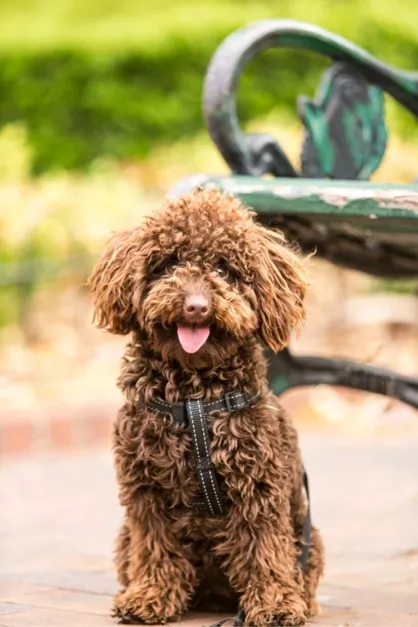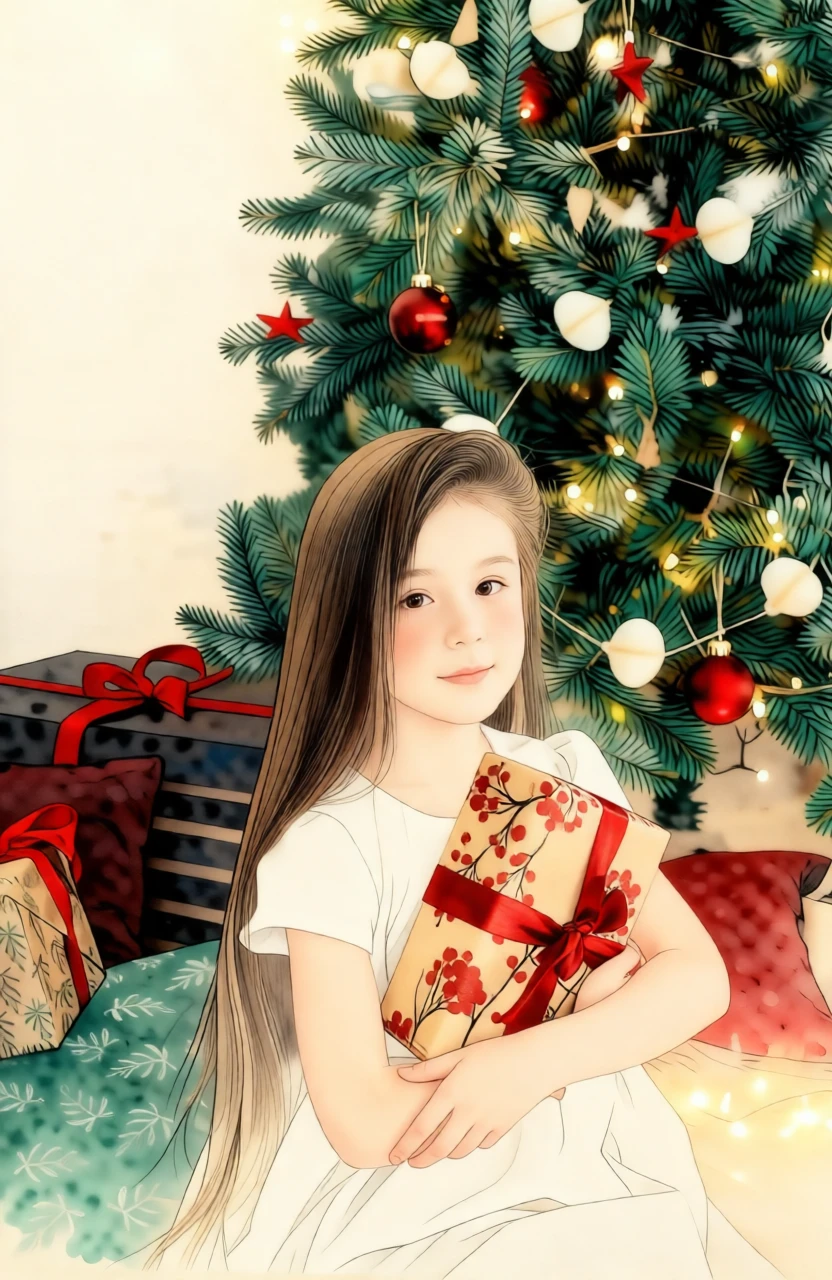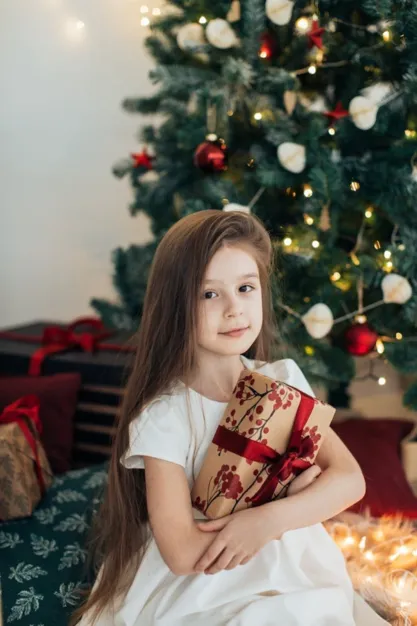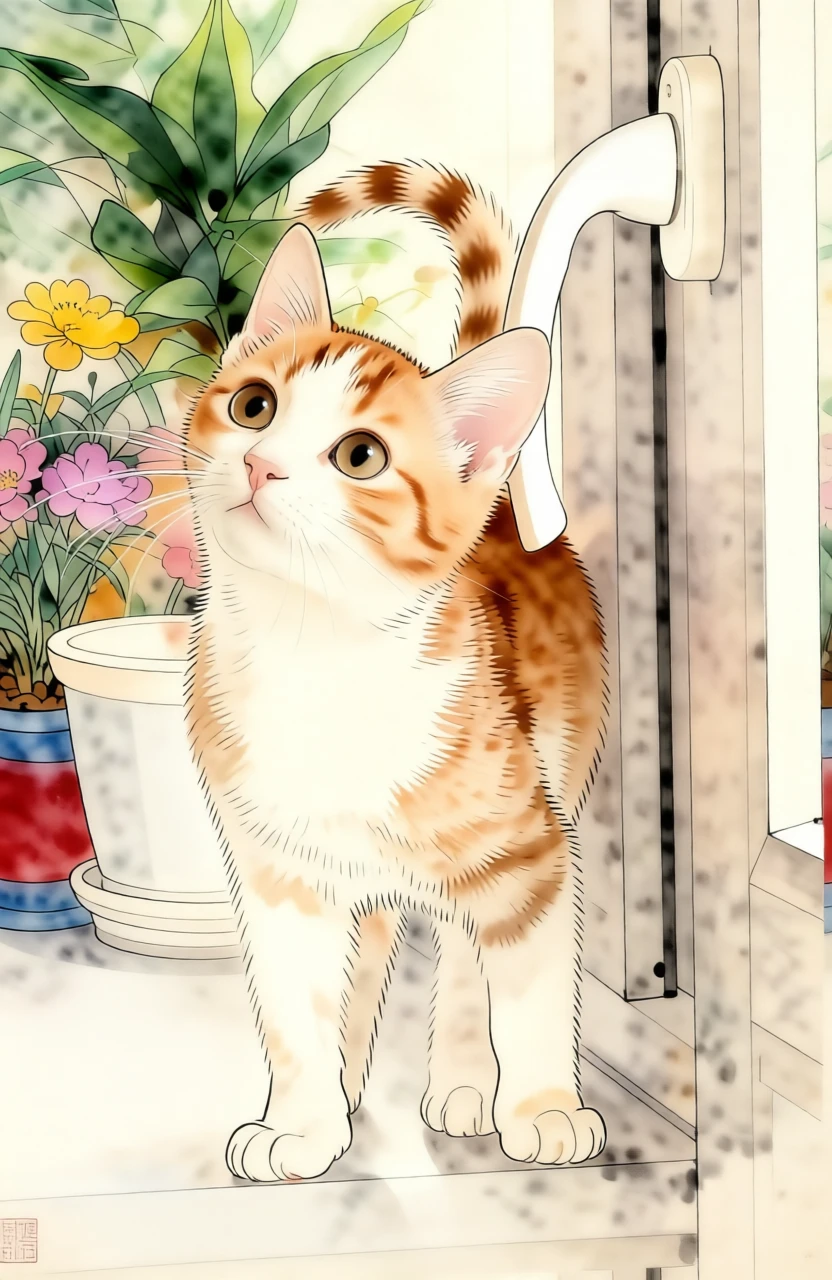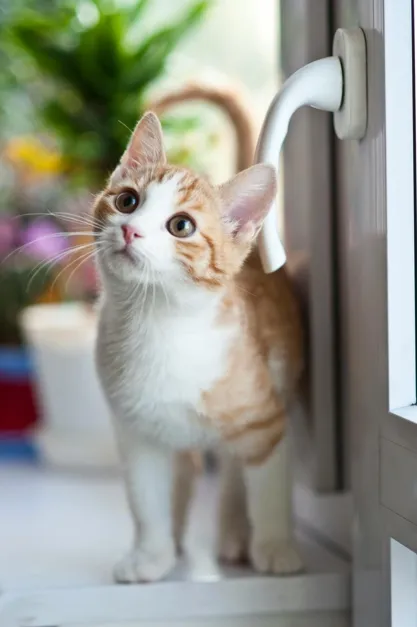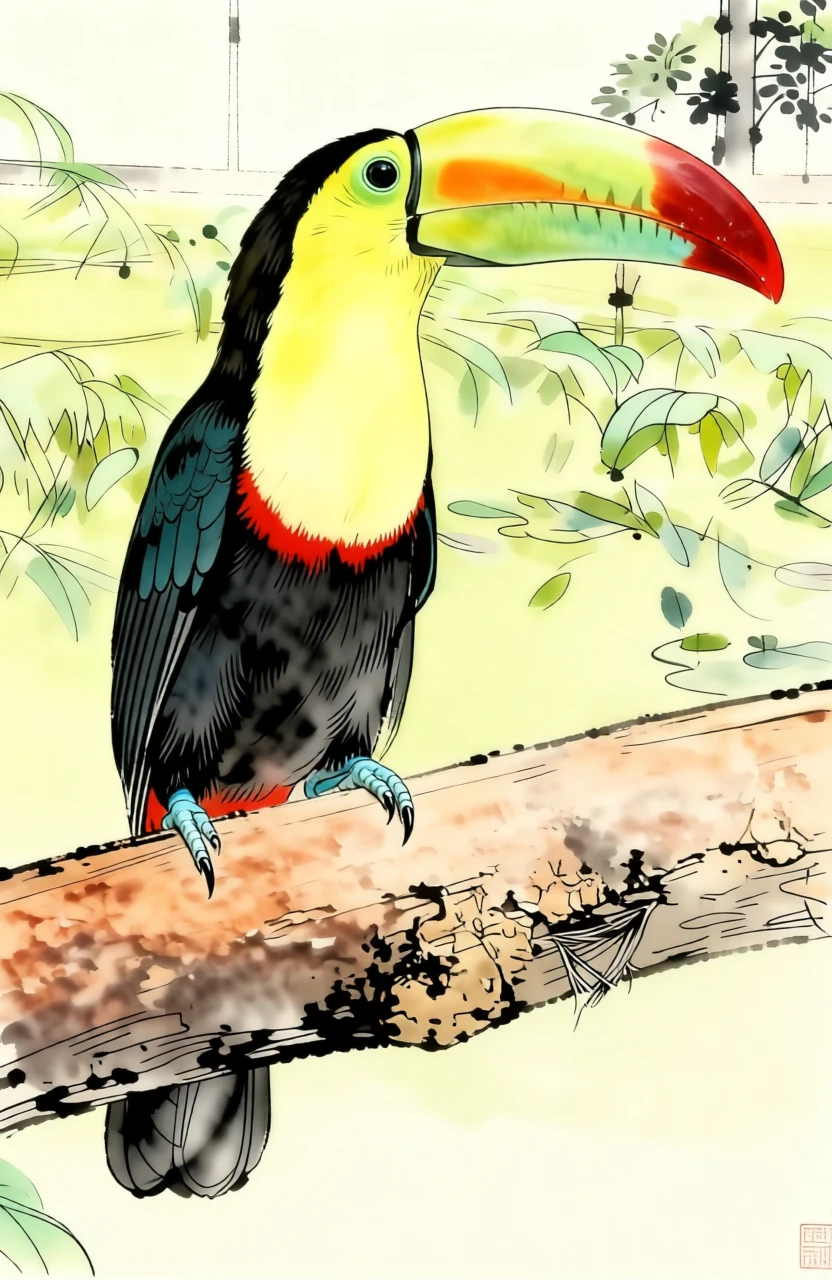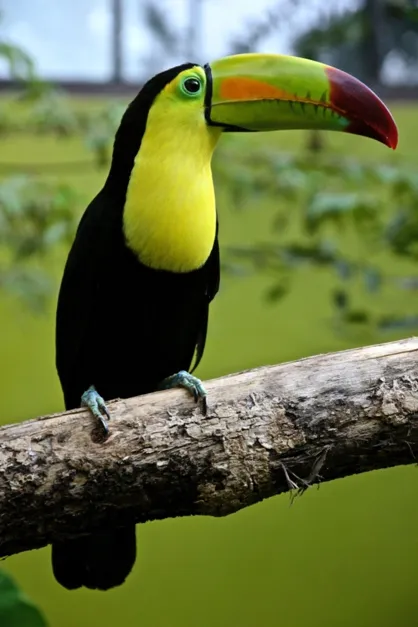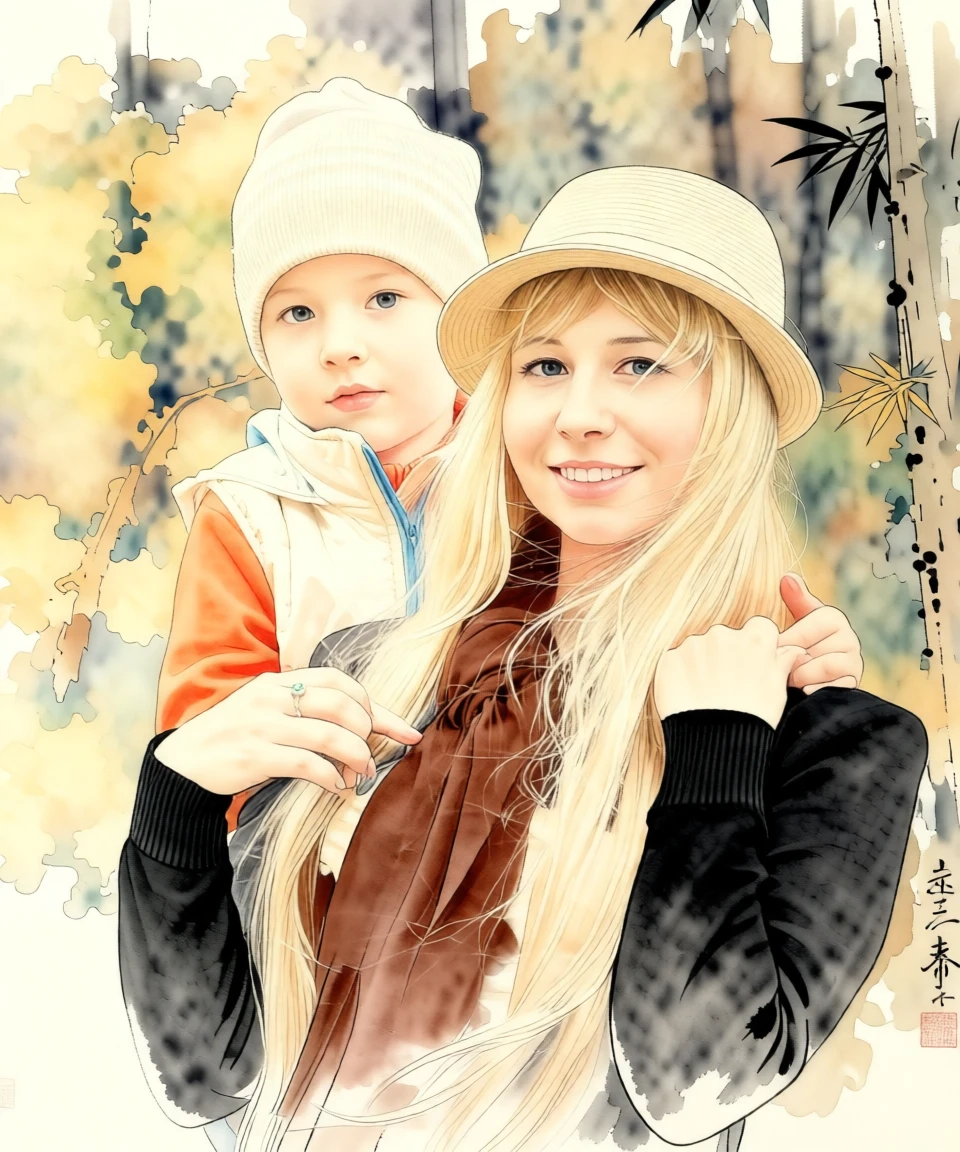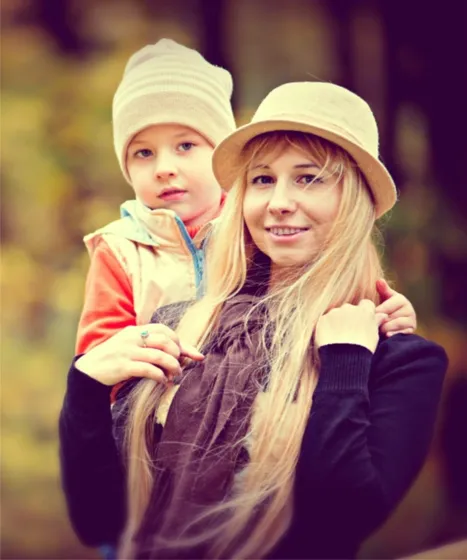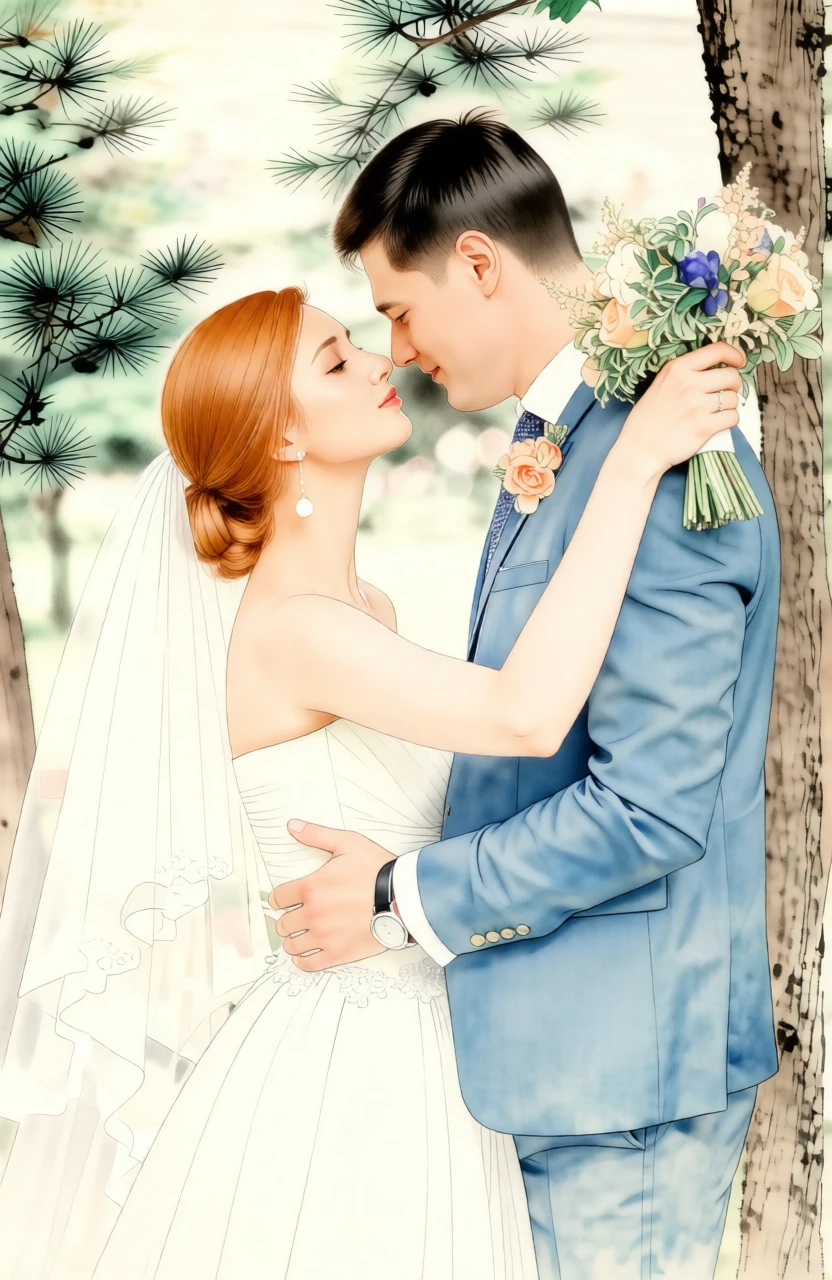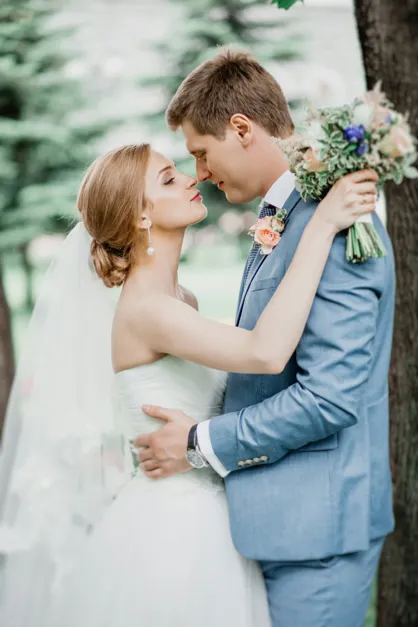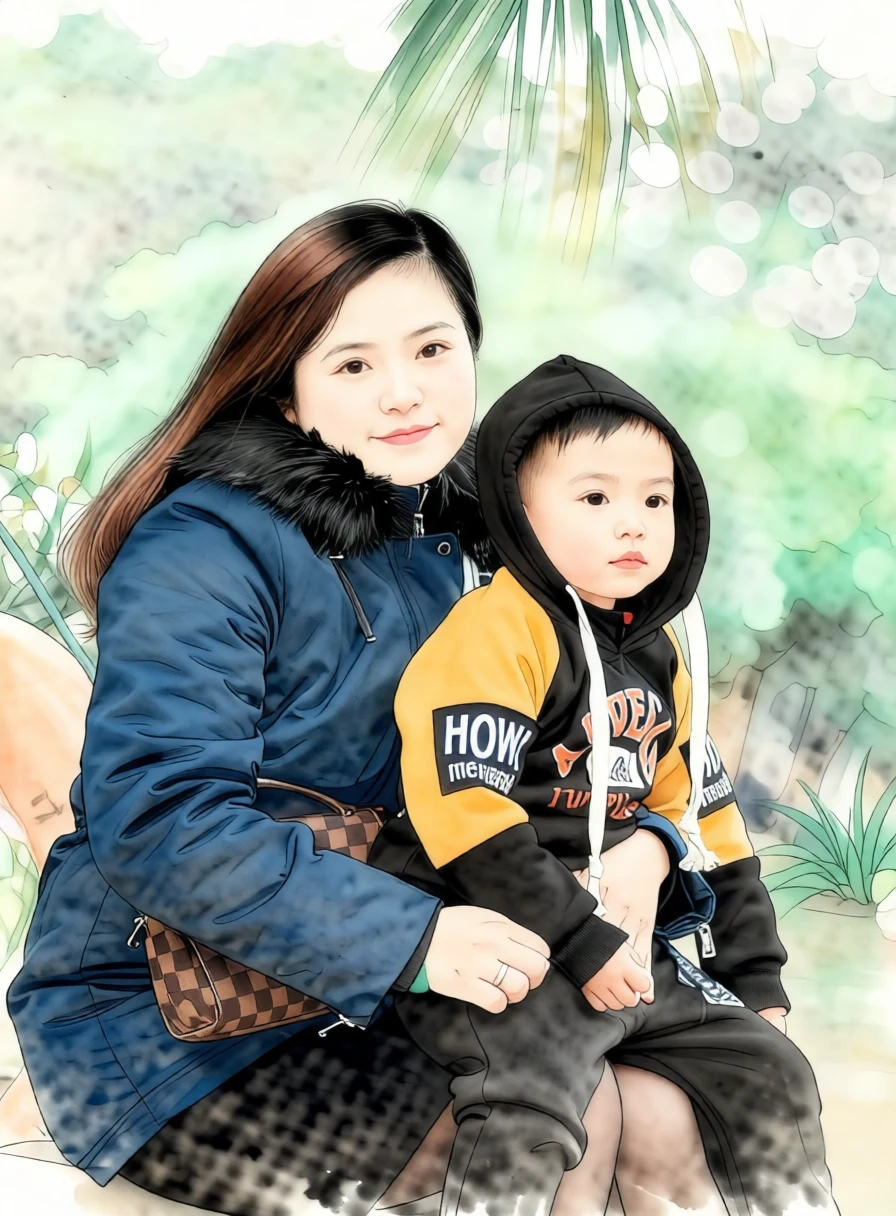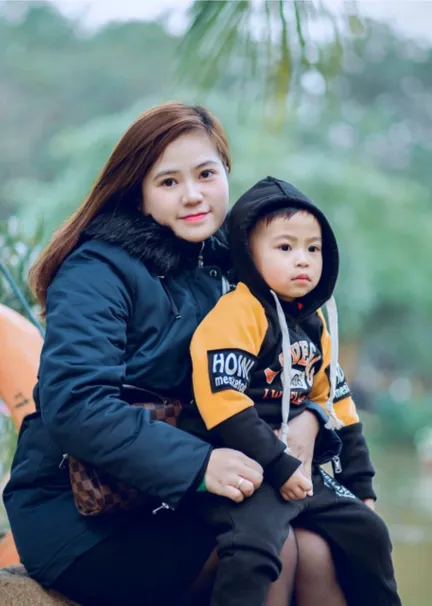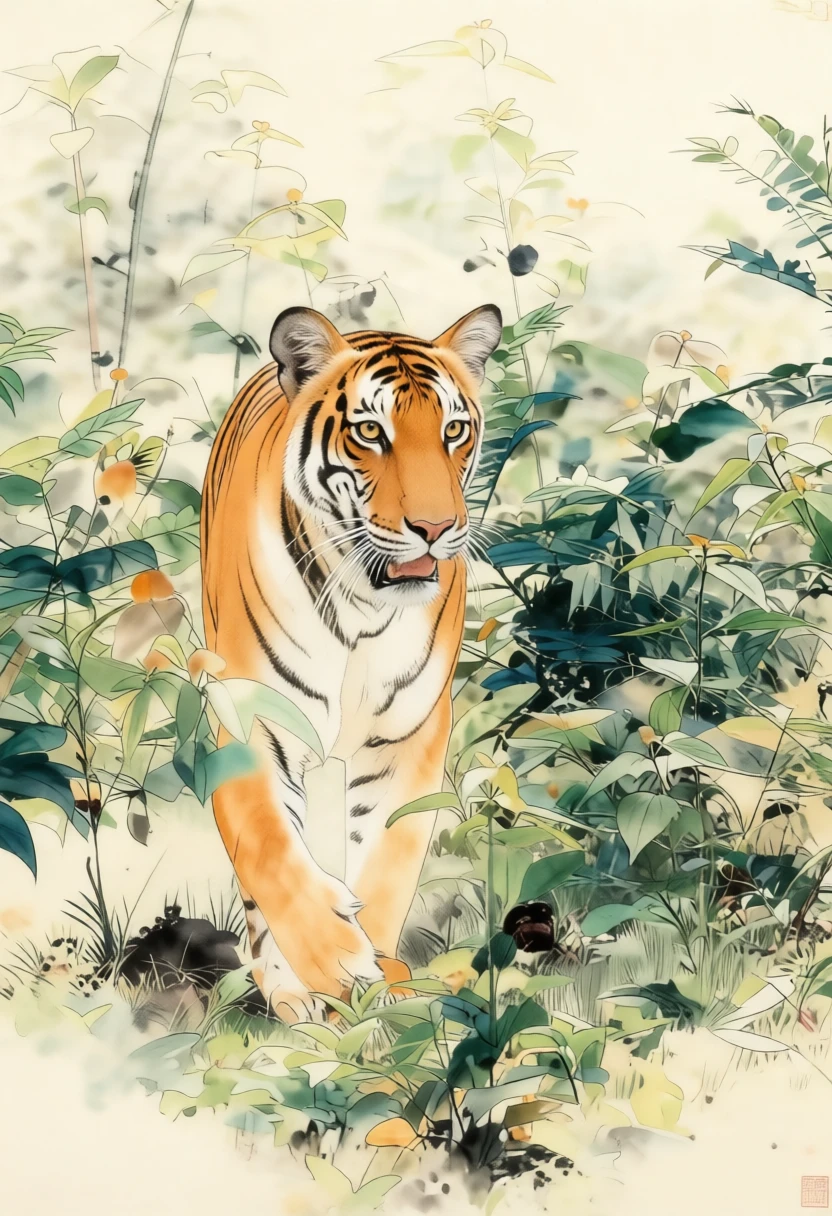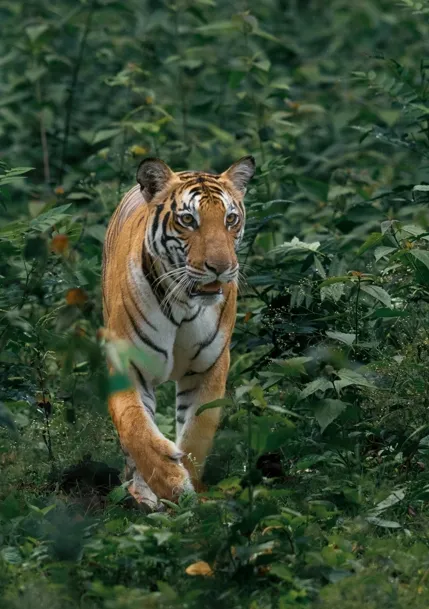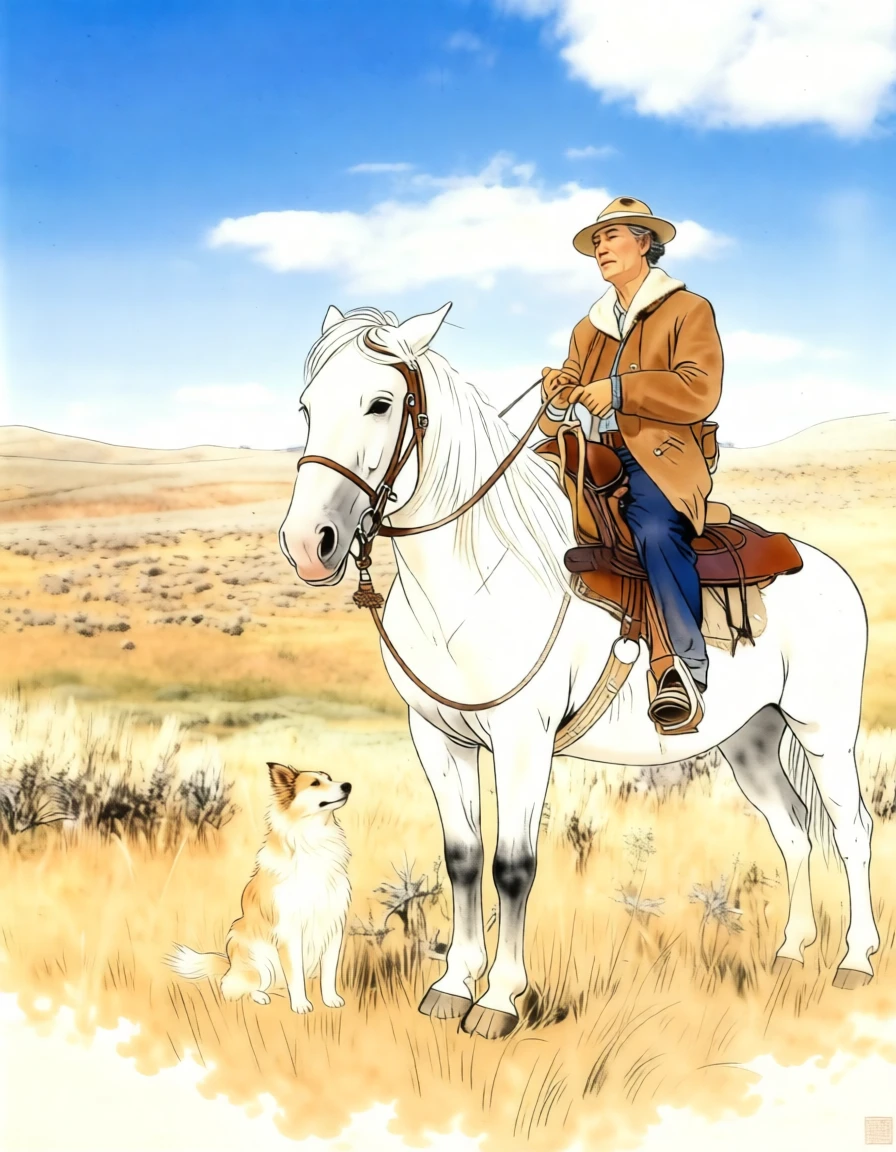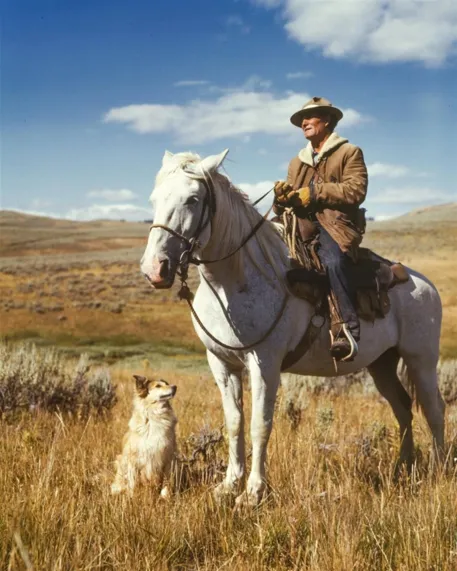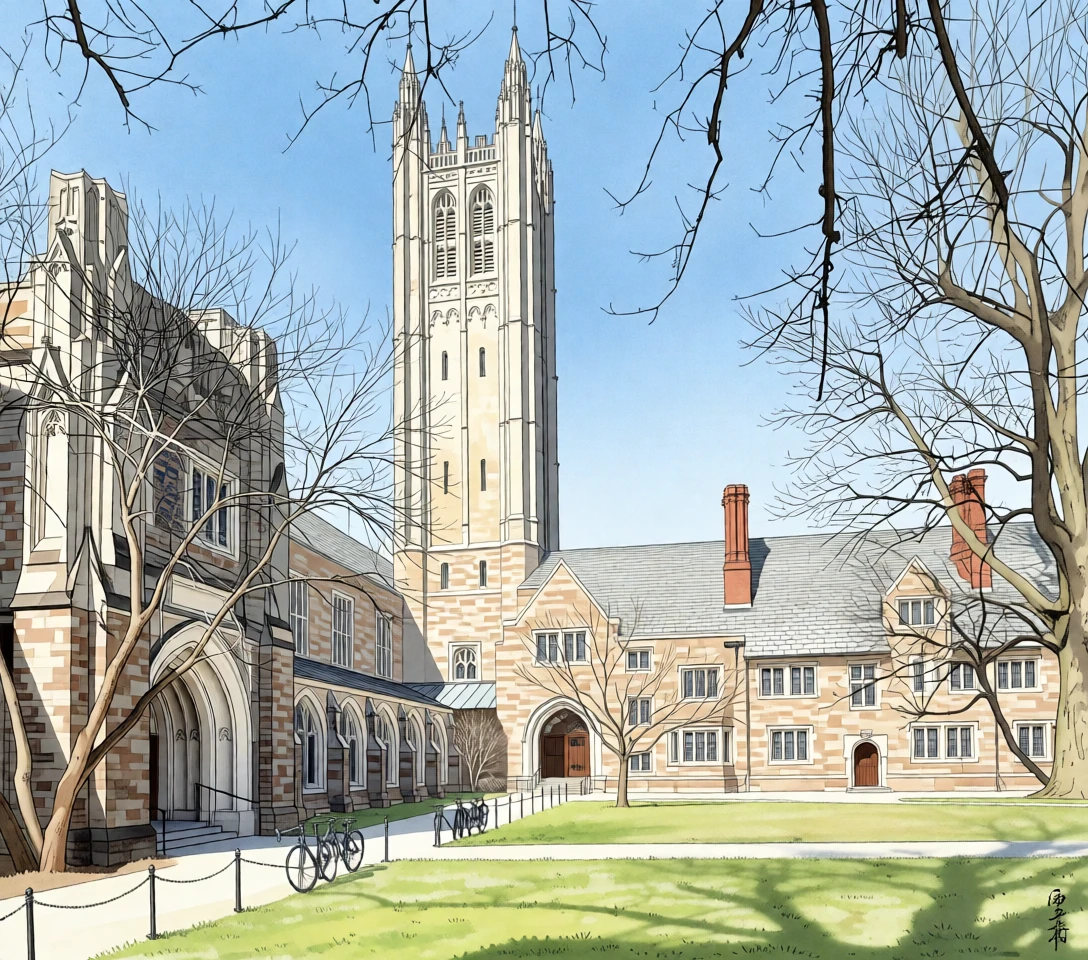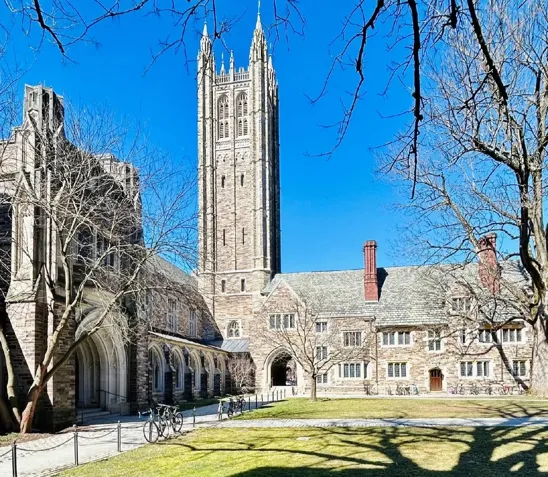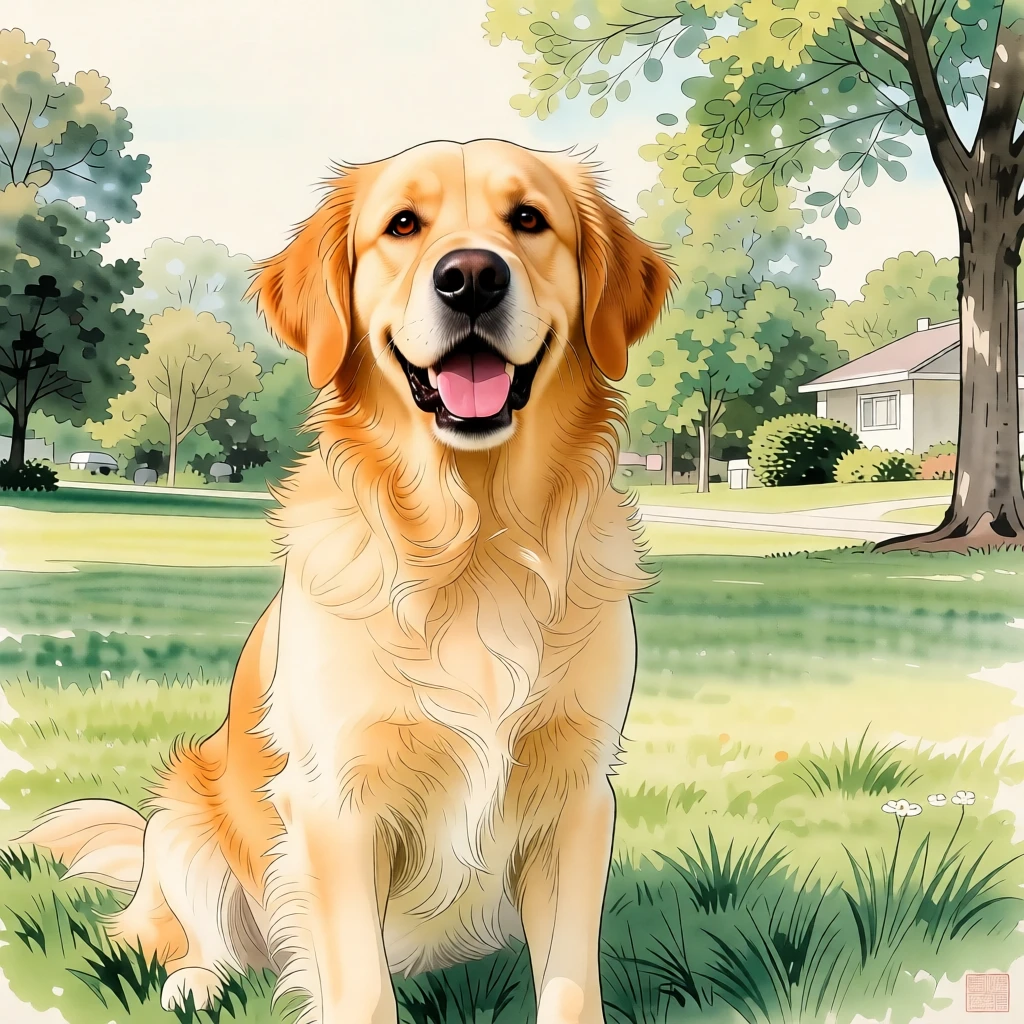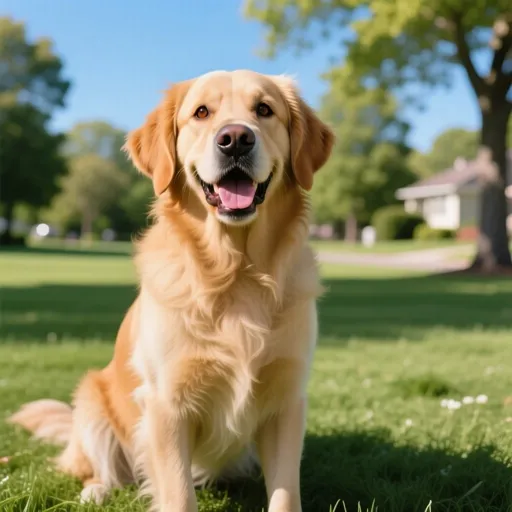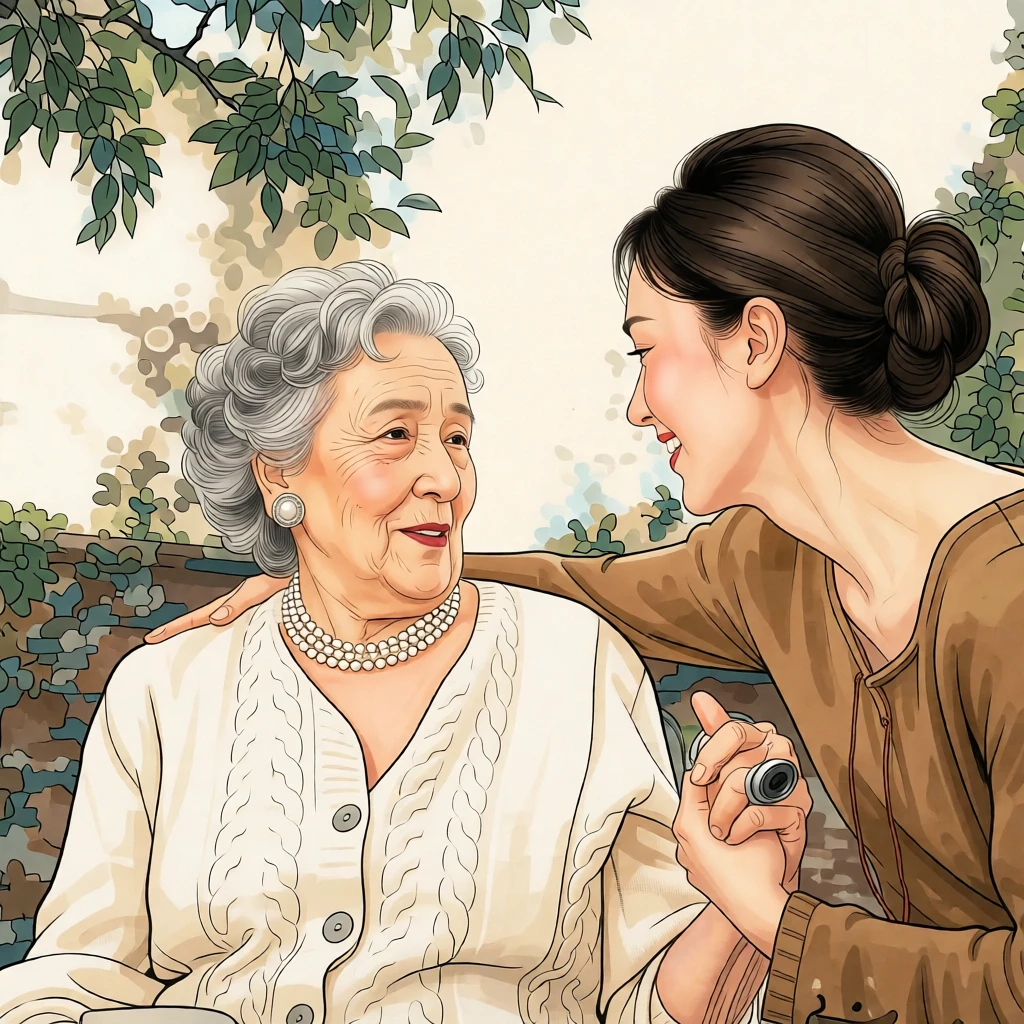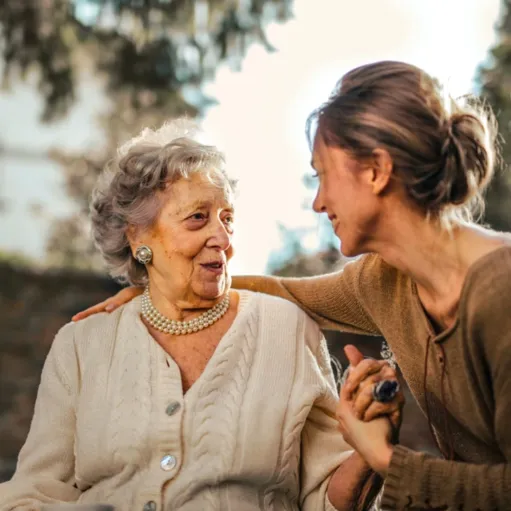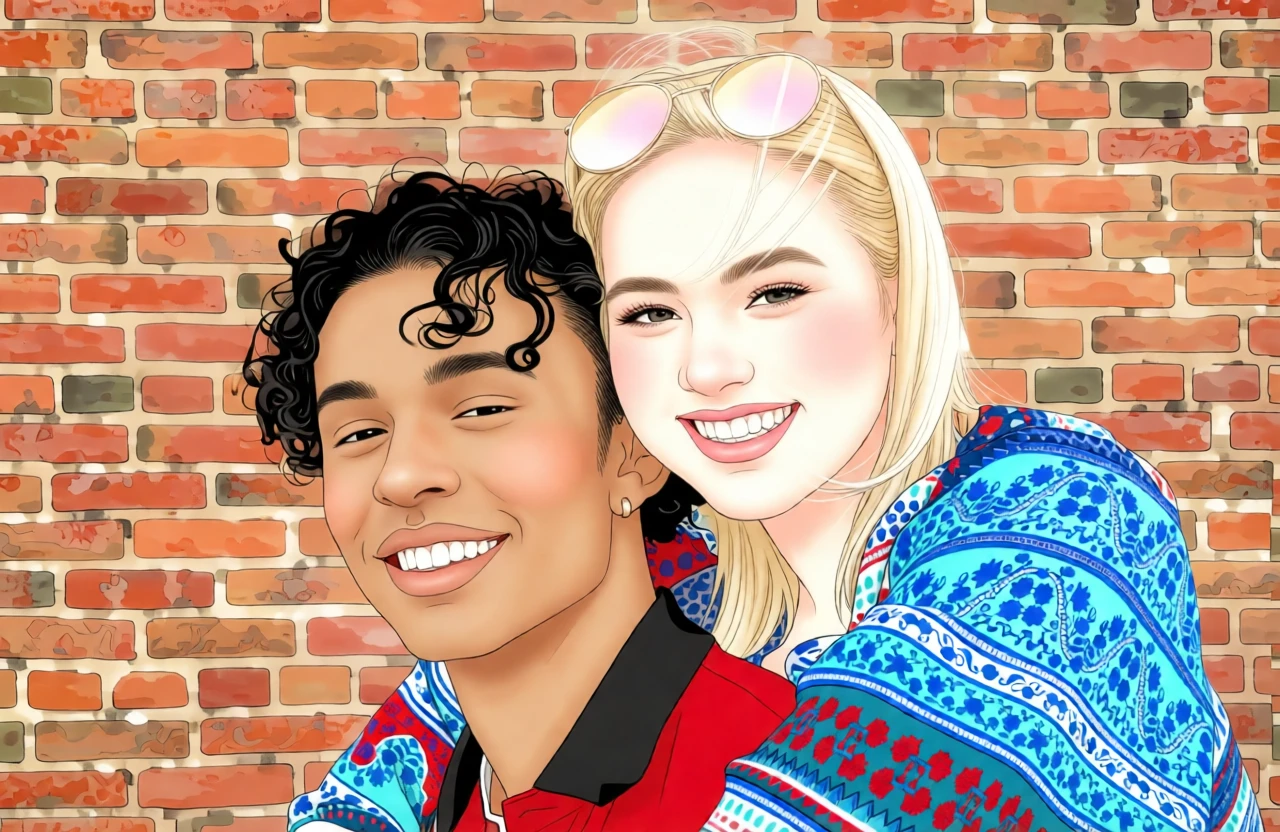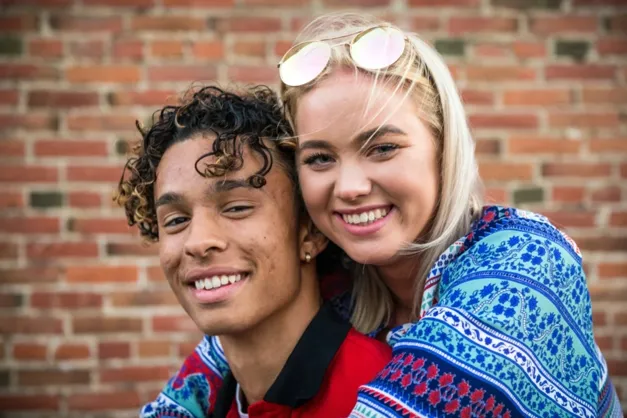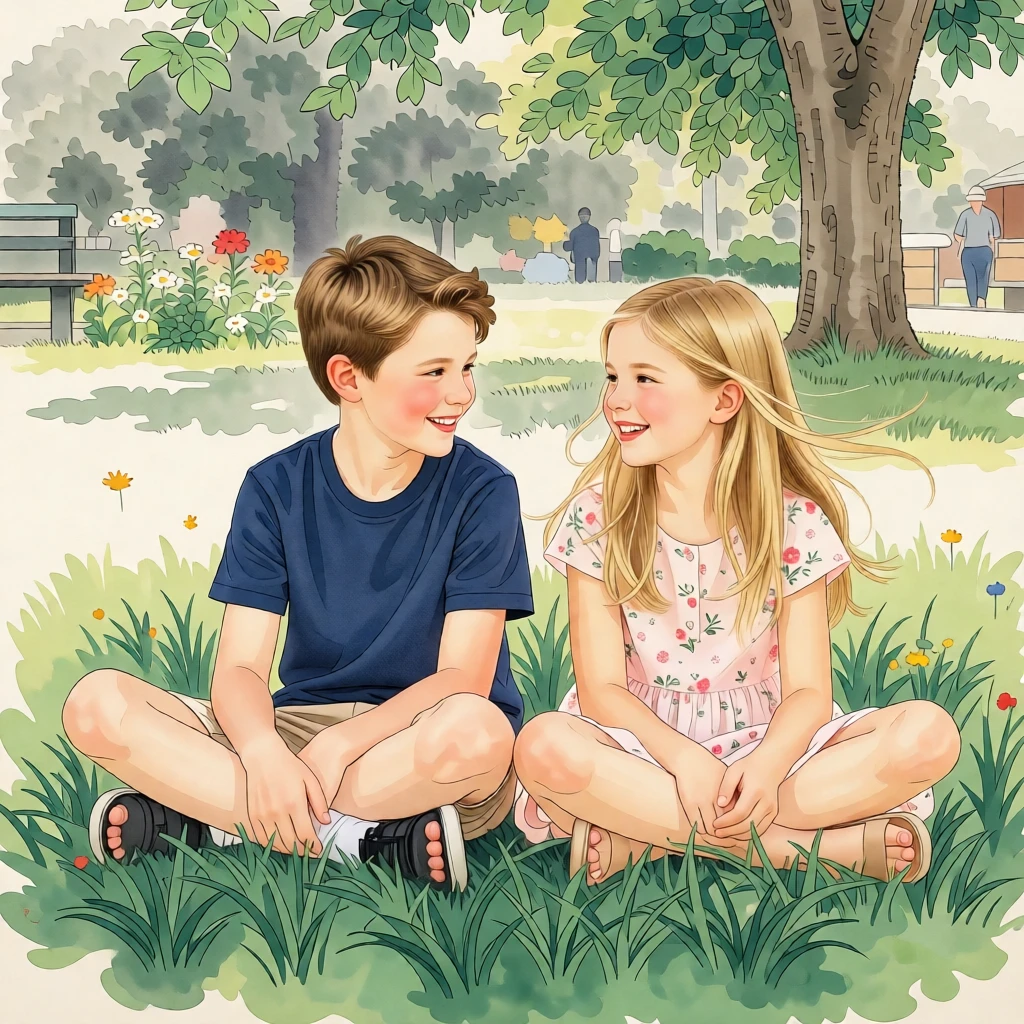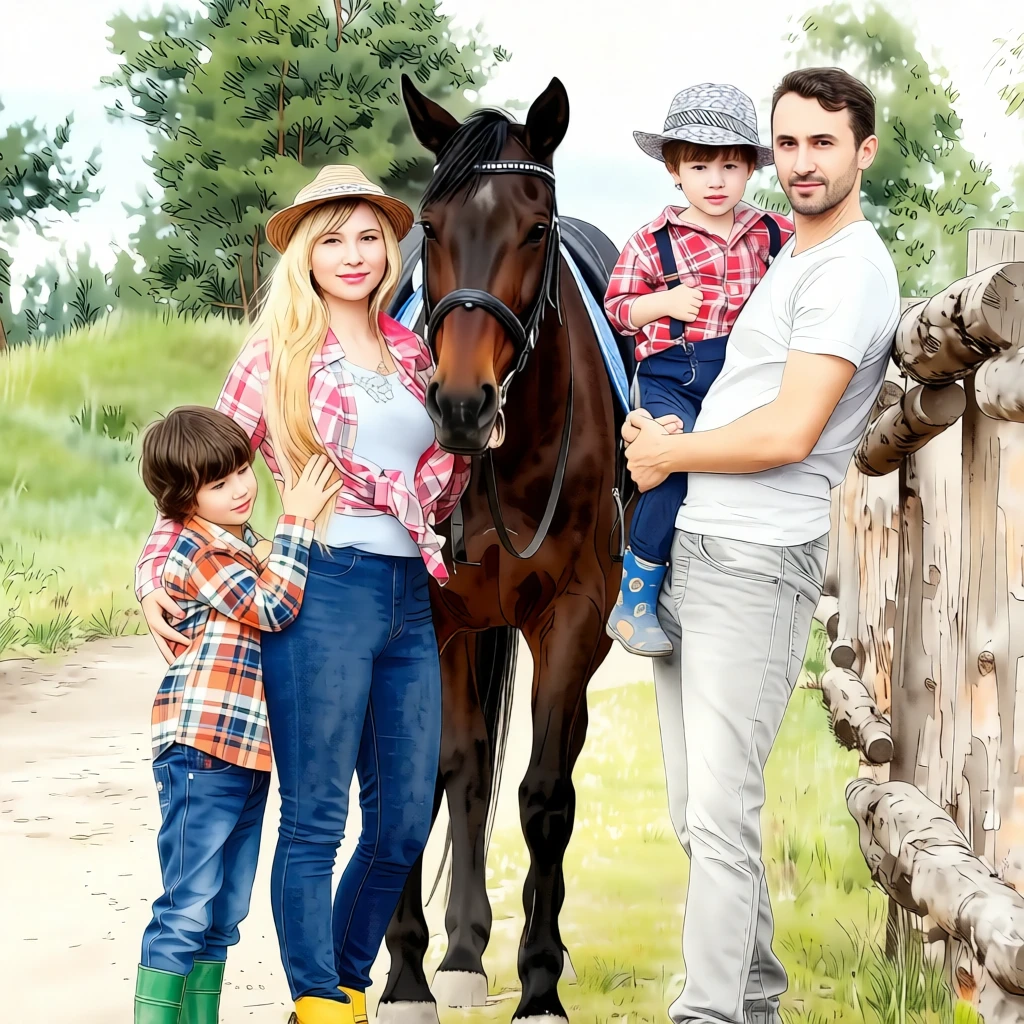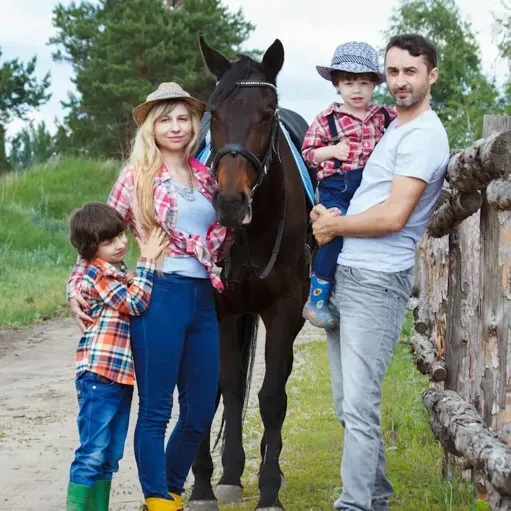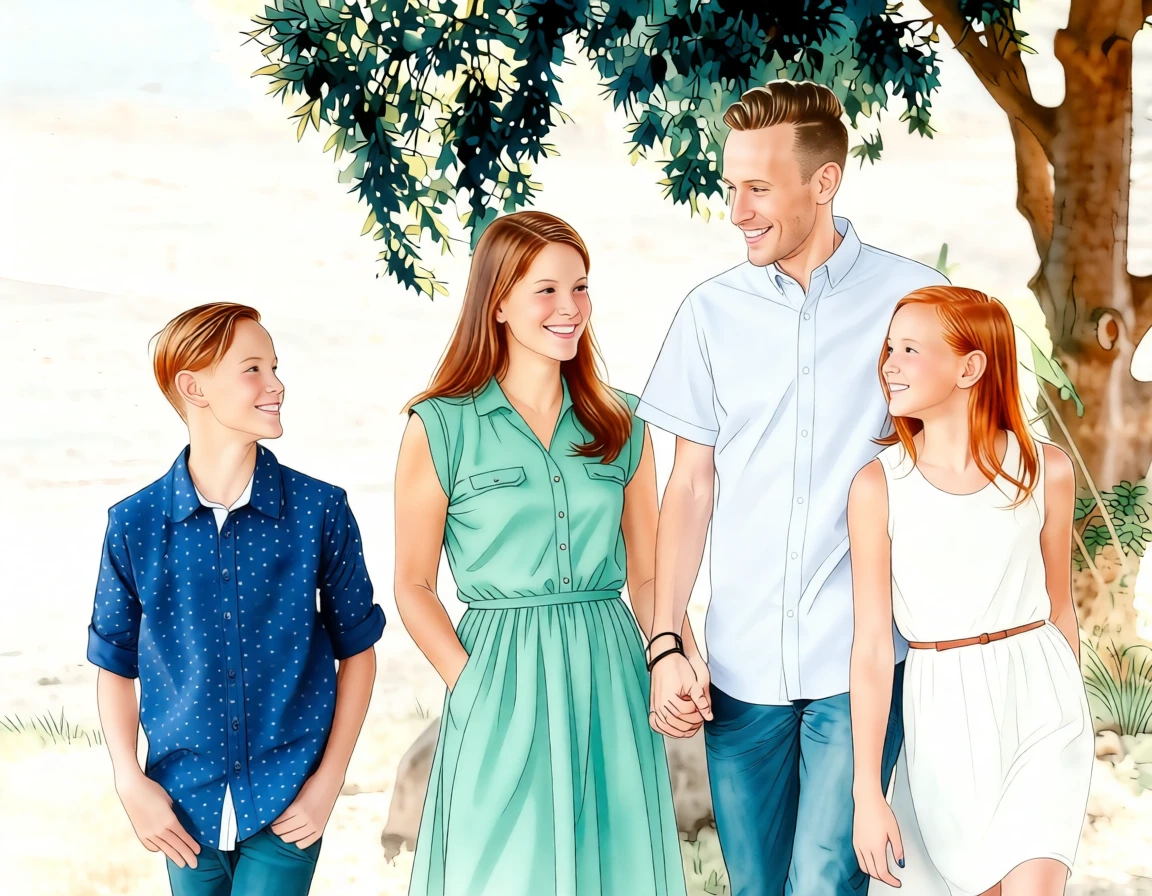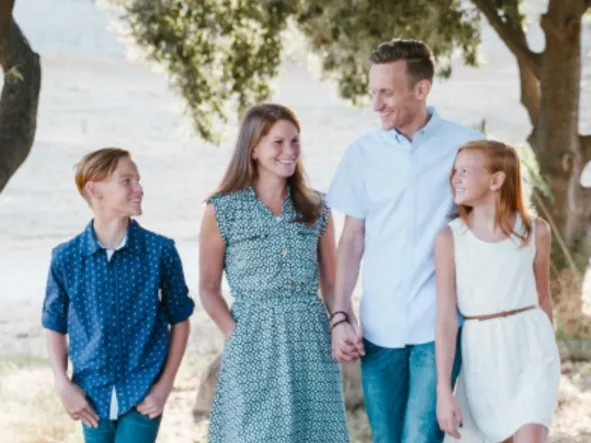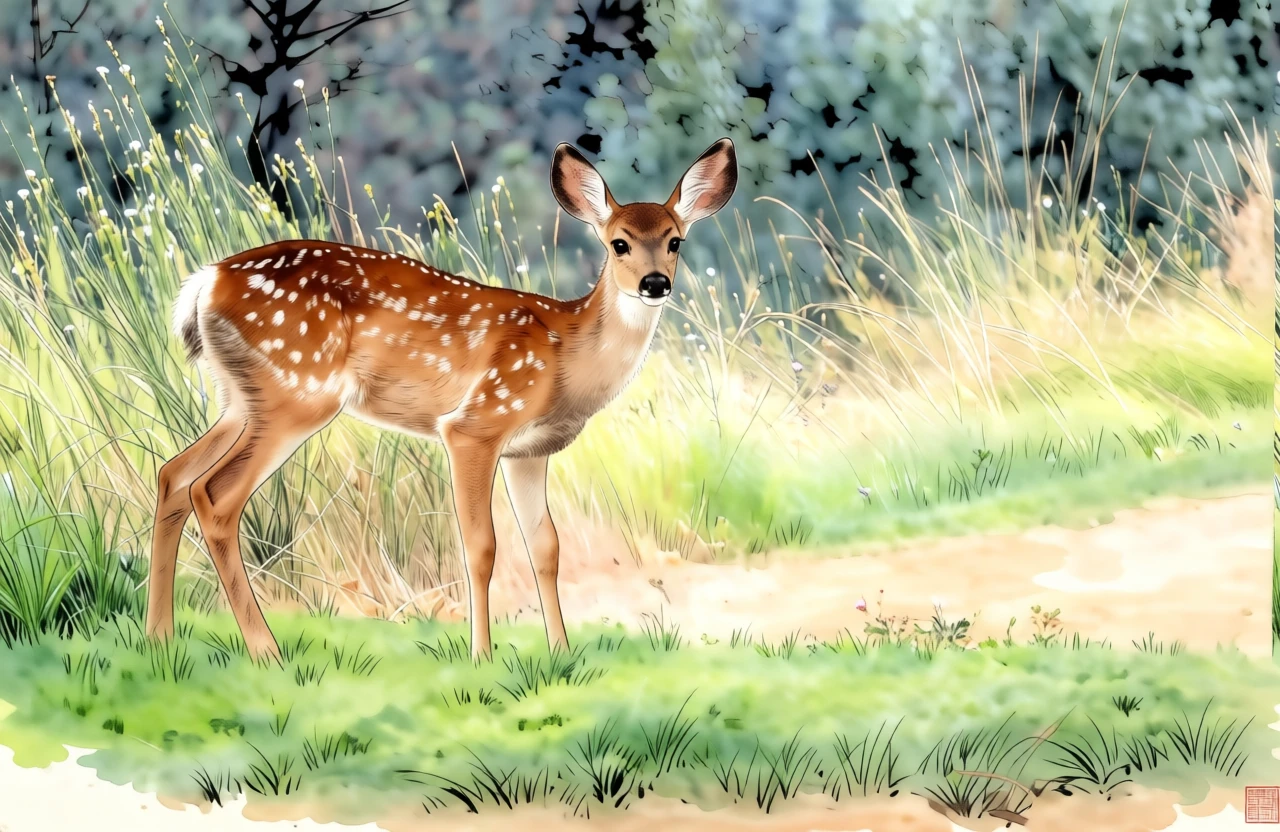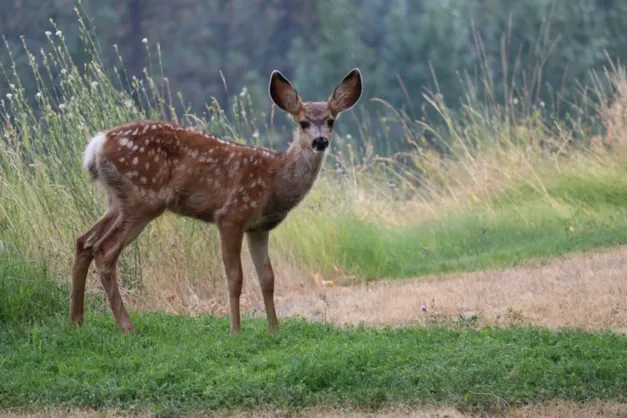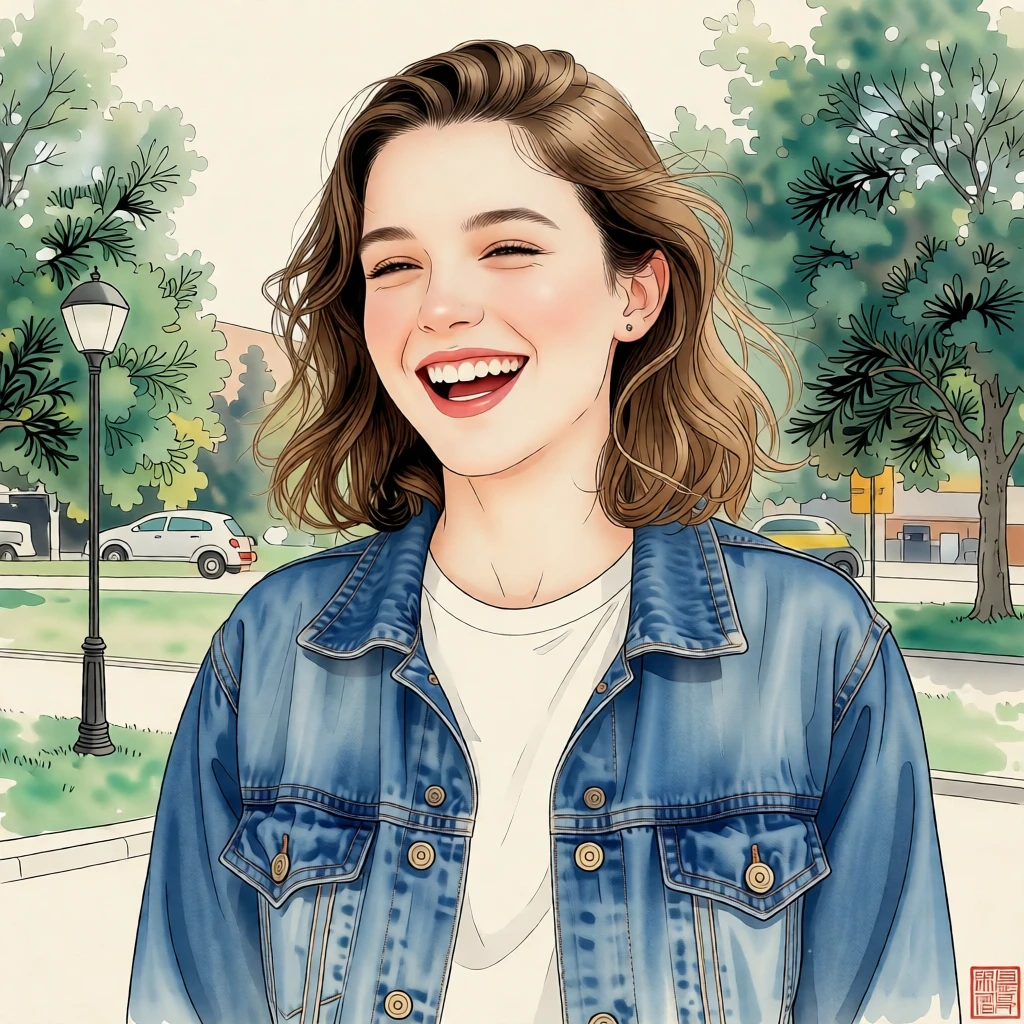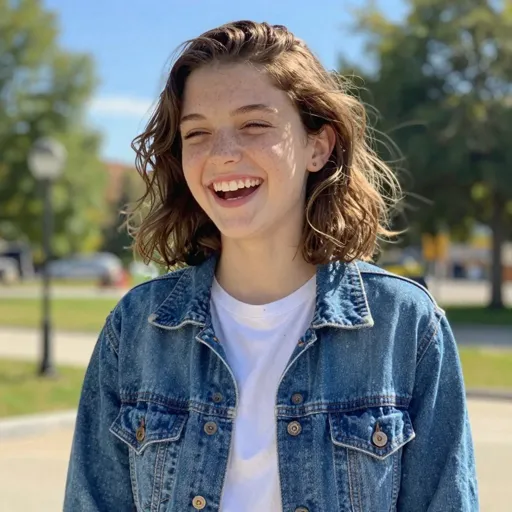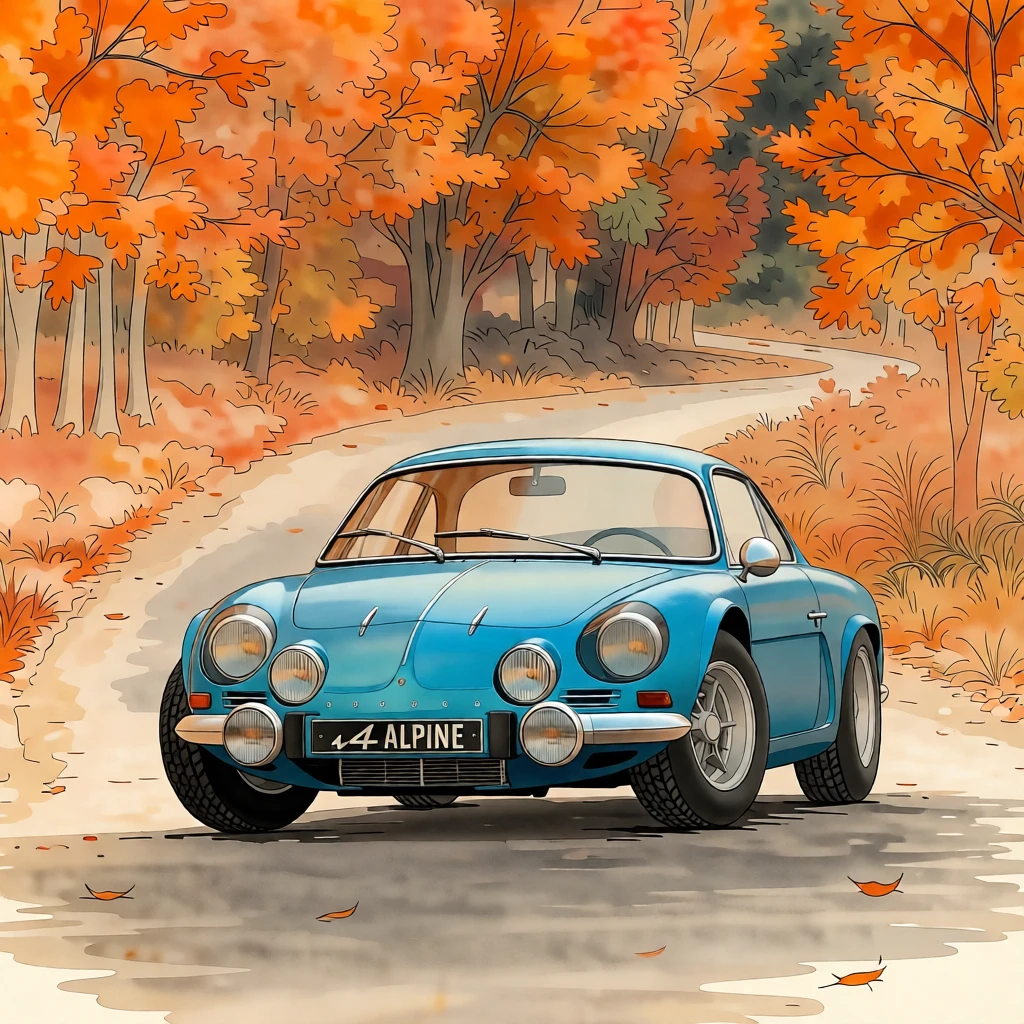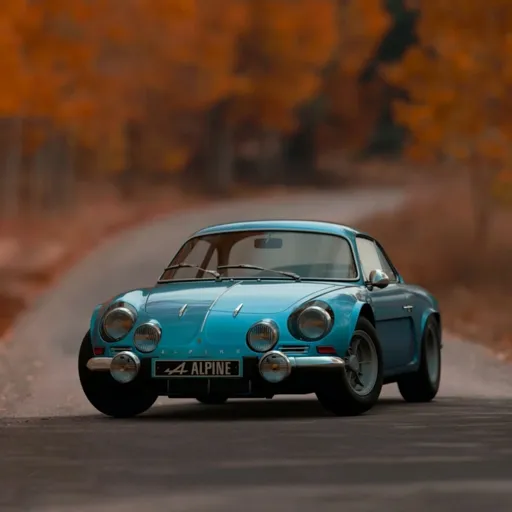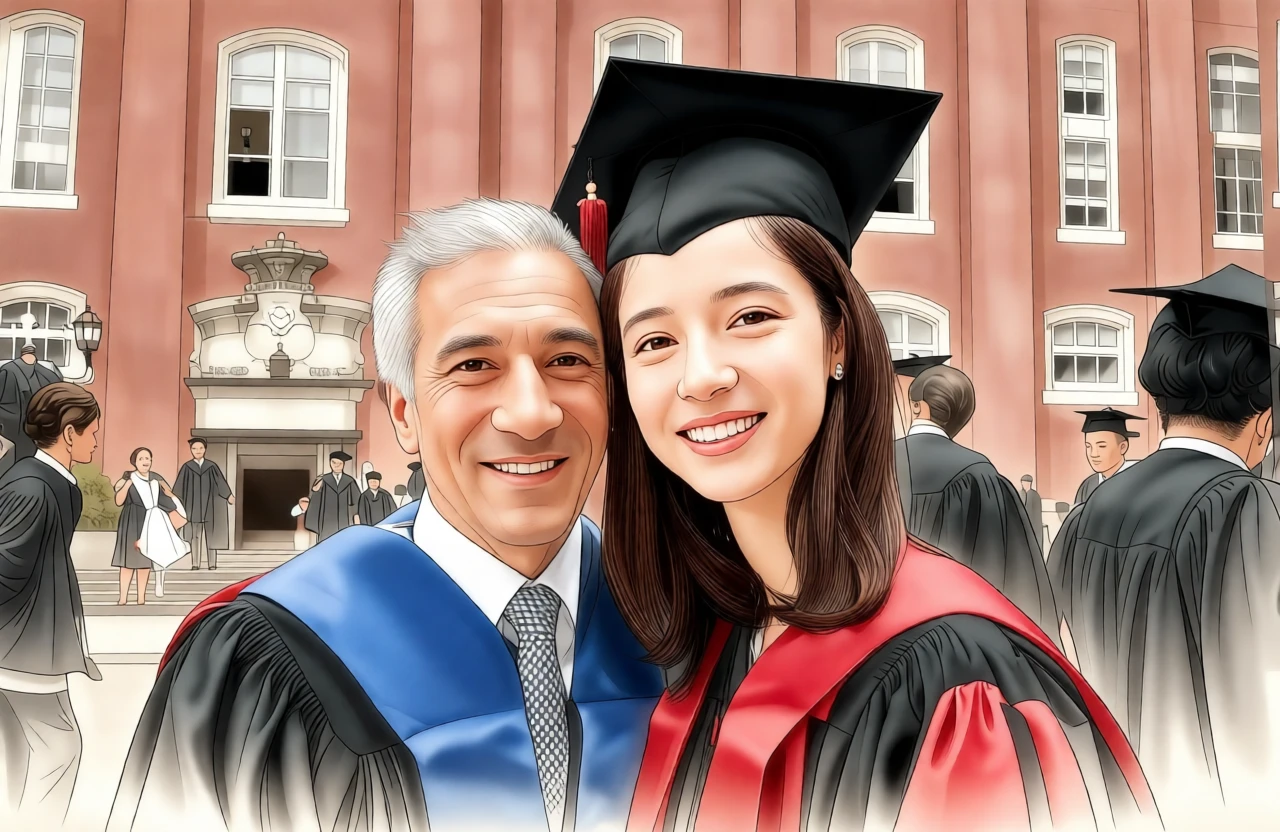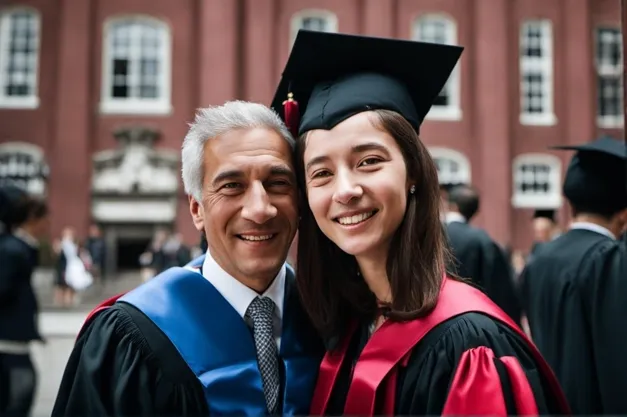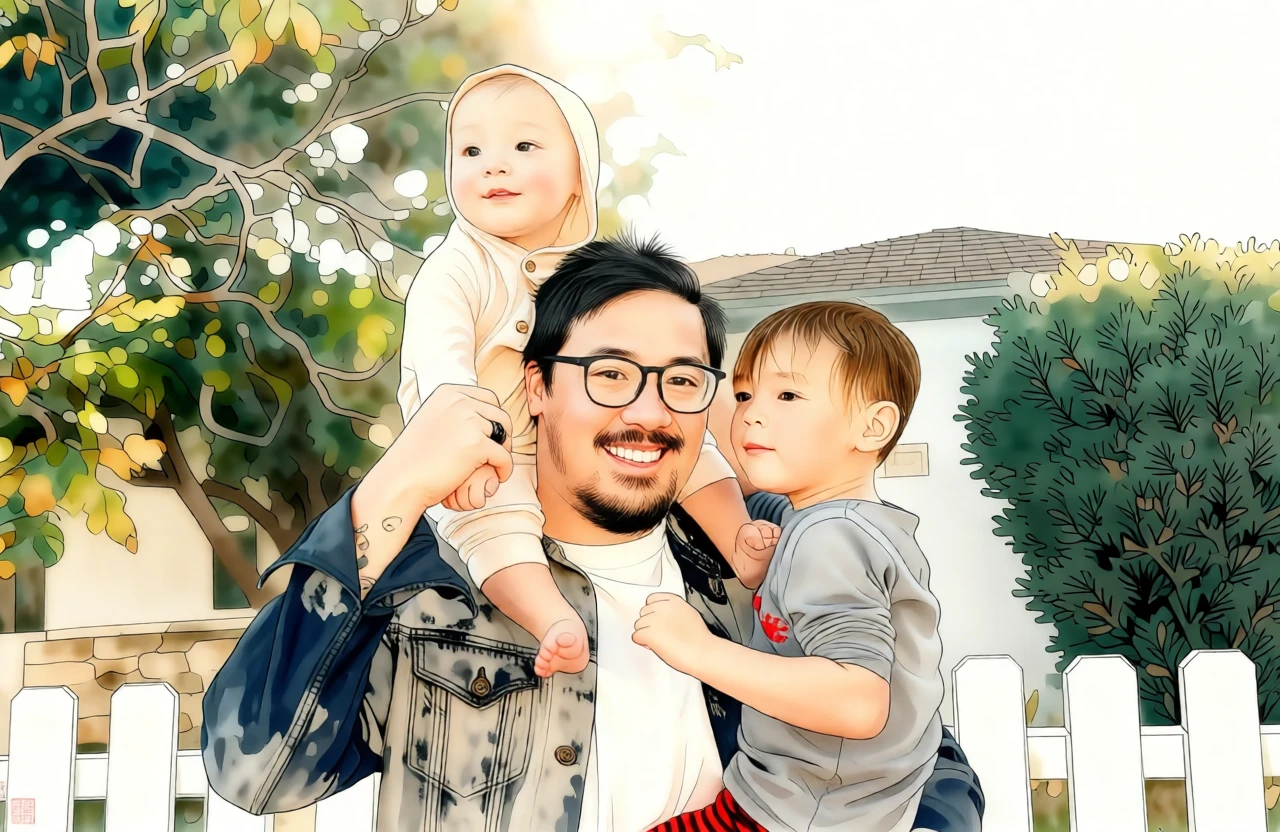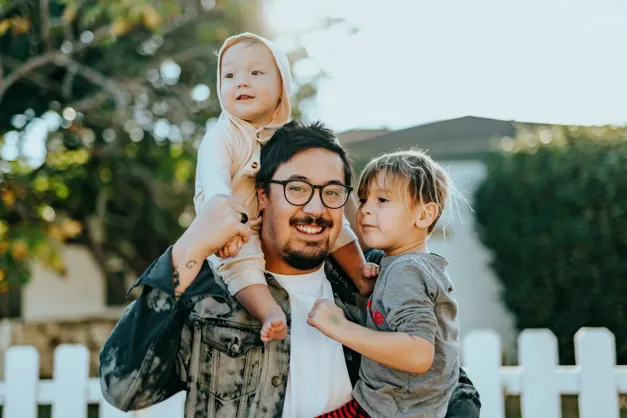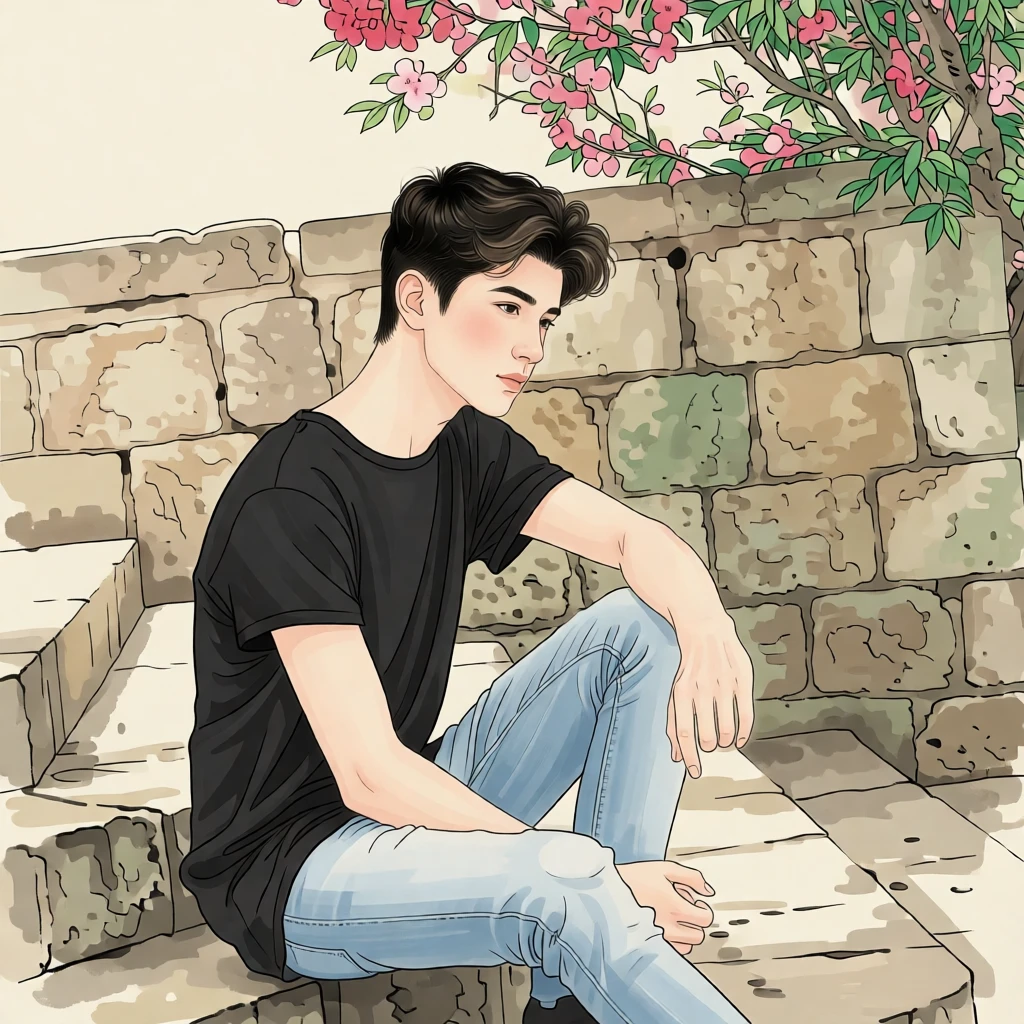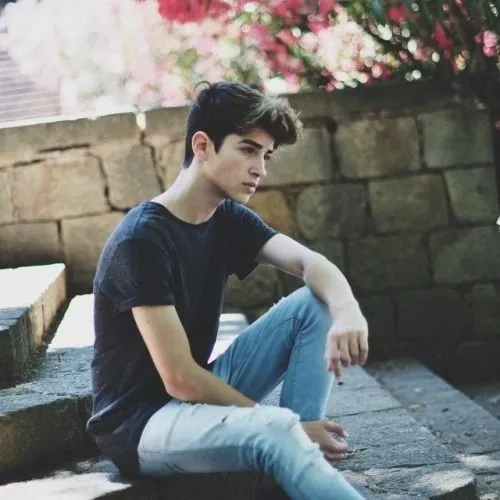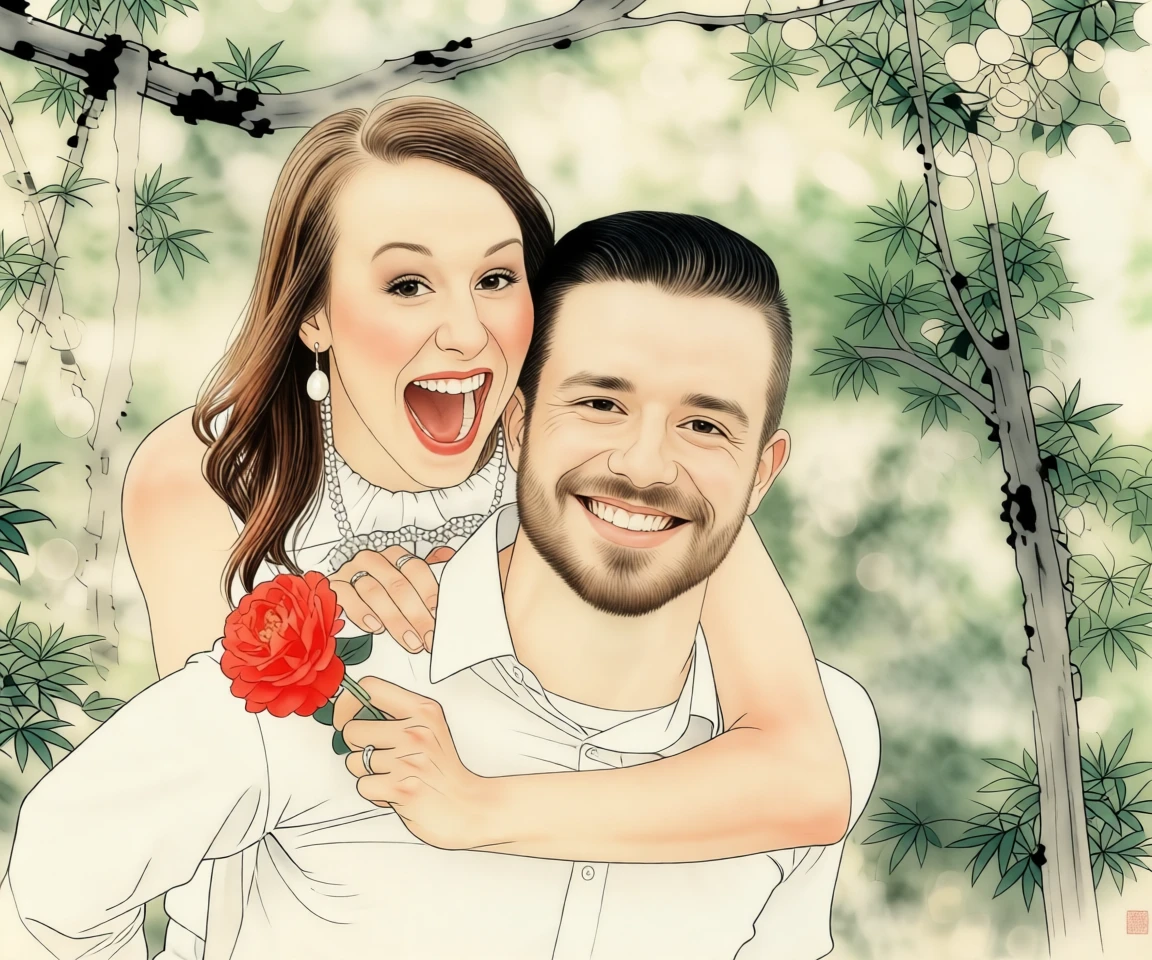
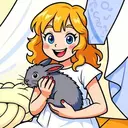
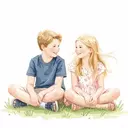
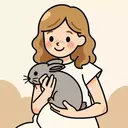
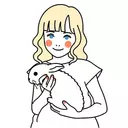
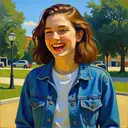
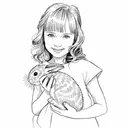
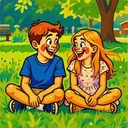
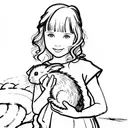
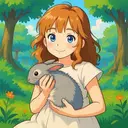
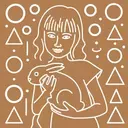
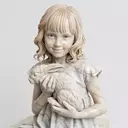
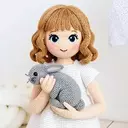
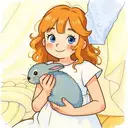
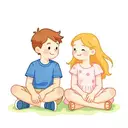
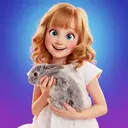
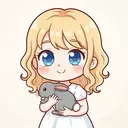
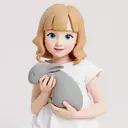
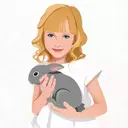

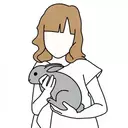
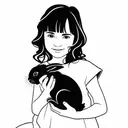
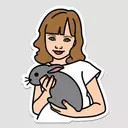
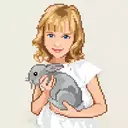
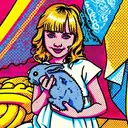
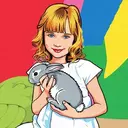
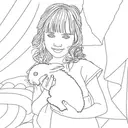
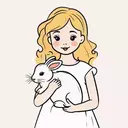
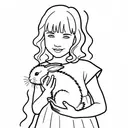
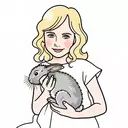
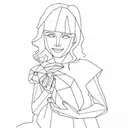
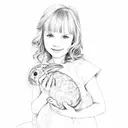
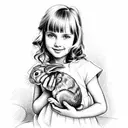
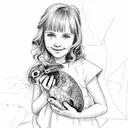
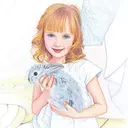
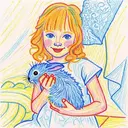
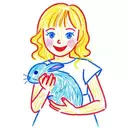
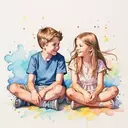
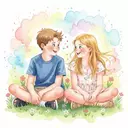
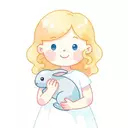
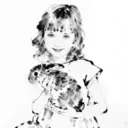
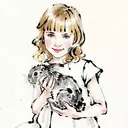
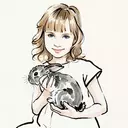
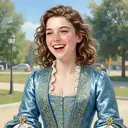
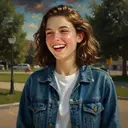
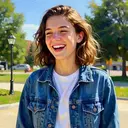
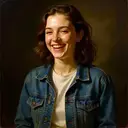
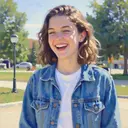
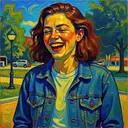
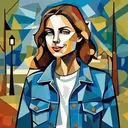
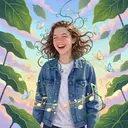
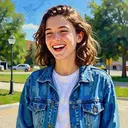
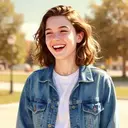
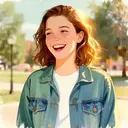
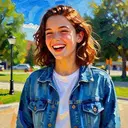
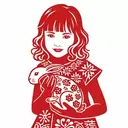
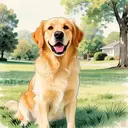
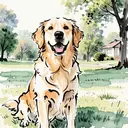
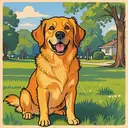
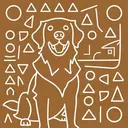
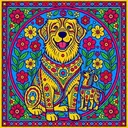
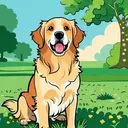
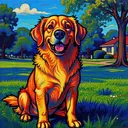
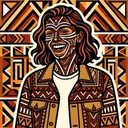
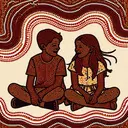
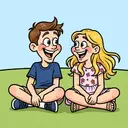
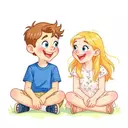
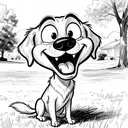
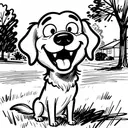
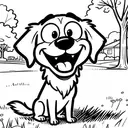
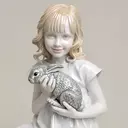
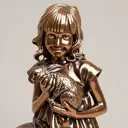
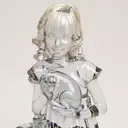
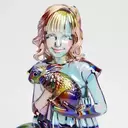
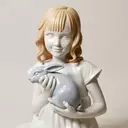
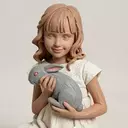
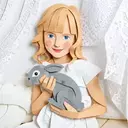
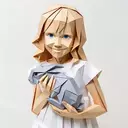
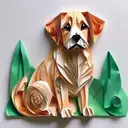
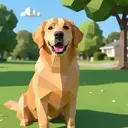
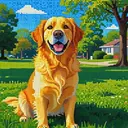
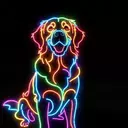
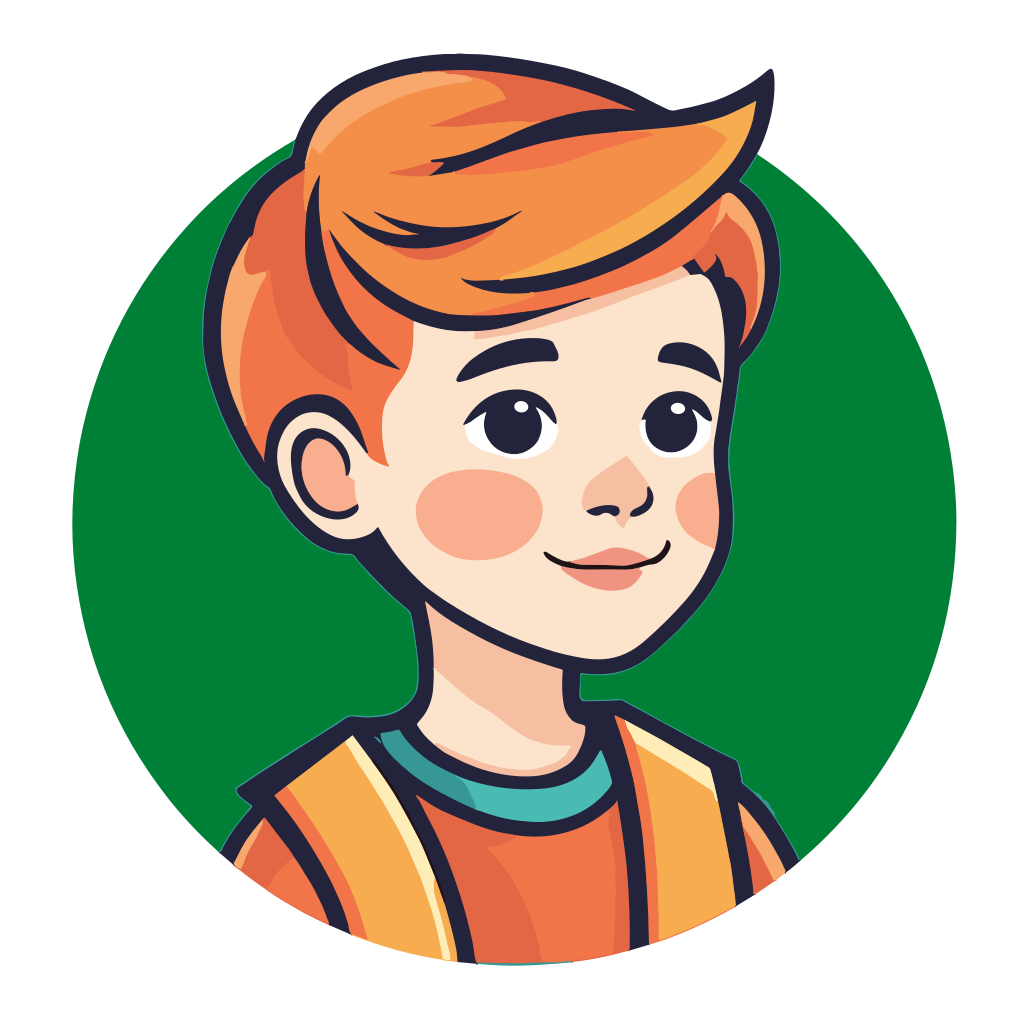
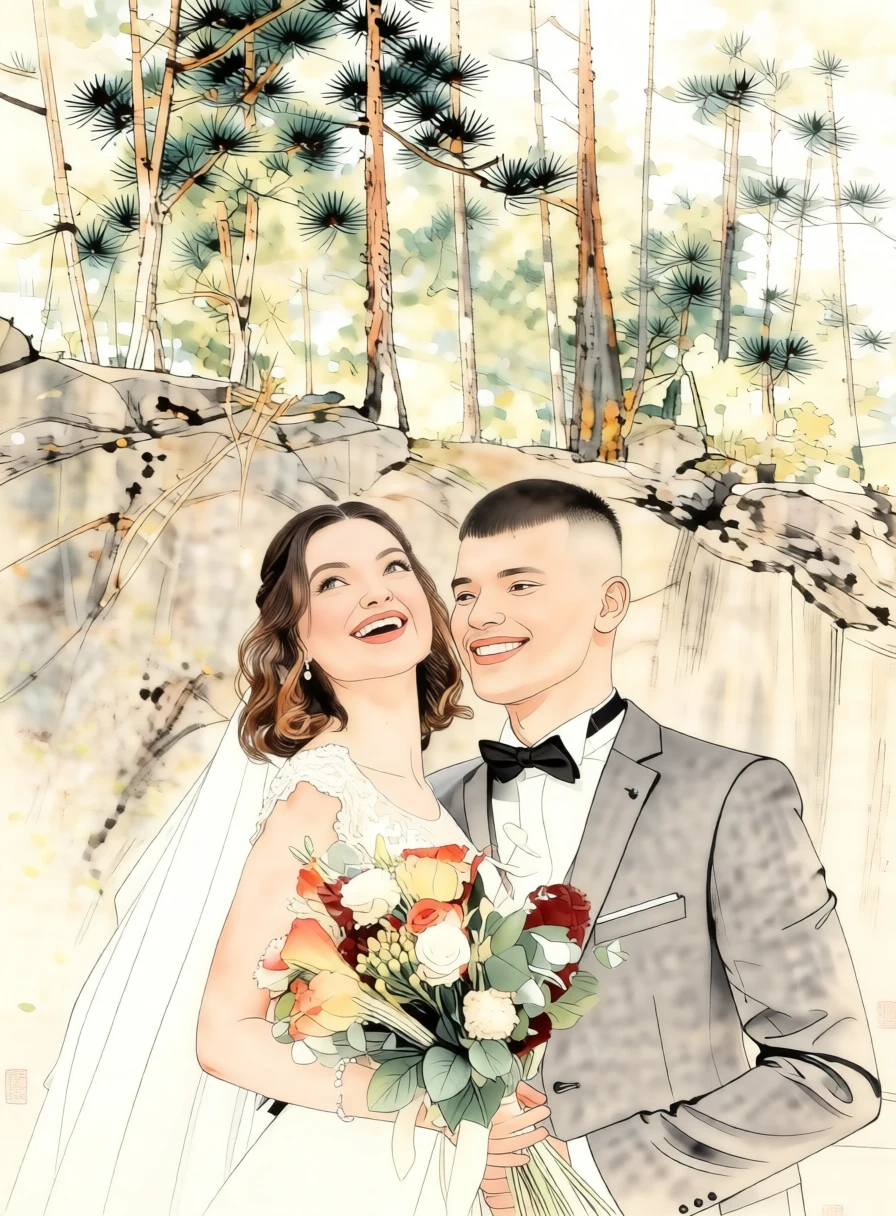
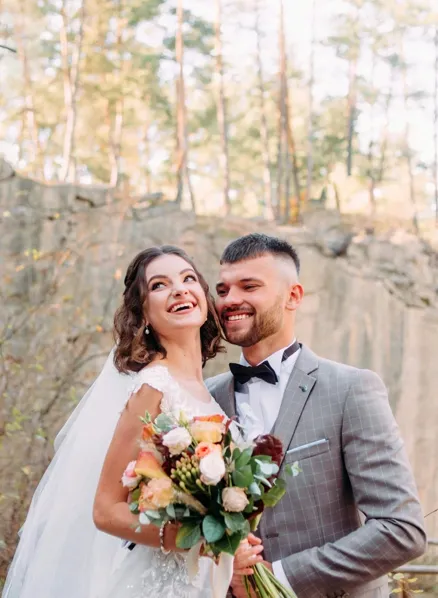
Turn your photo into elegant Gongbi Art — the classical Chinese painting style celebrated for its delicate brushwork, graceful lines, and luminous colors.
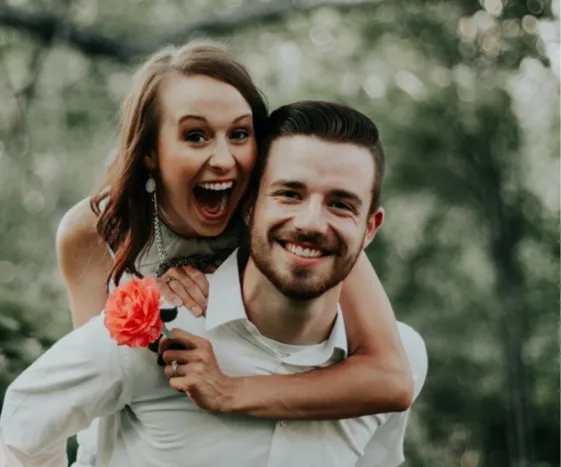
Our AI carefully transforms your portrait, pet photo, or landscape into a refined artwork inspired by traditional Gongbi masters. Fine lines, rich colors, and balanced composition bring a sense of calm beauty and timeless sophistication to your image.
Perfect for wall displays 🖼️, thoughtful gifts 🎁, personal keepsakes 🏆, or eye-catching social media posts 📱.
Upload your photo and experience the timeless beauty of Gongbi painting in seconds.
Chinese Gongbi (工笔) is a traditional fine-brush painting style in classical Chinese art known for its meticulous detail, precise linework, and refined elegance. Originating as early as the Han and flourishing during the Tang and Song dynasties, Gongbi emphasizes carefully controlled brush strokes to outline subjects with crisp, delicate lines before applying multiple layers of mineral and ink-based colors. Unlike the freer, expressive xieyi (写意) style, Gongbi focuses on realism, clarity, and decorative richness, often depicting flowers, birds, court ladies, and narrative scenes with remarkable accuracy and grace. The result is a harmonious composition that feels both disciplined and poetic, celebrating subtle beauty, balance, and technical mastery.
By default, generated images are about 1 megapixel. You can increase the resolution to 4 megapixels by clicking the “2× Upscale” button.
Photo-to-art conversion is the process of transforming your photos into artwork that retains the content and composition of the original image while adding an artistic touch. This could include styles like watercolor, illustration or line drawing. Unlike generic prints found in stores, these pieces are highly personalized, making them ideal for wall décor or meaningful gifts.
Traditionally, creating this kind of artwork meant hiring professional artists, making it a relatively expensive and less accessible option for most people. PortraitArt offers a similar experience at a fraction of the cost using our advanced photo-to-art AI generator, recreating the artistic process with precision and creativity.
PortraitArt works with various types of photos, including portraits, group shots, pet photos, buildings, and scenic views. For optimal results, use high-resolution images with good lighting and a clear background.
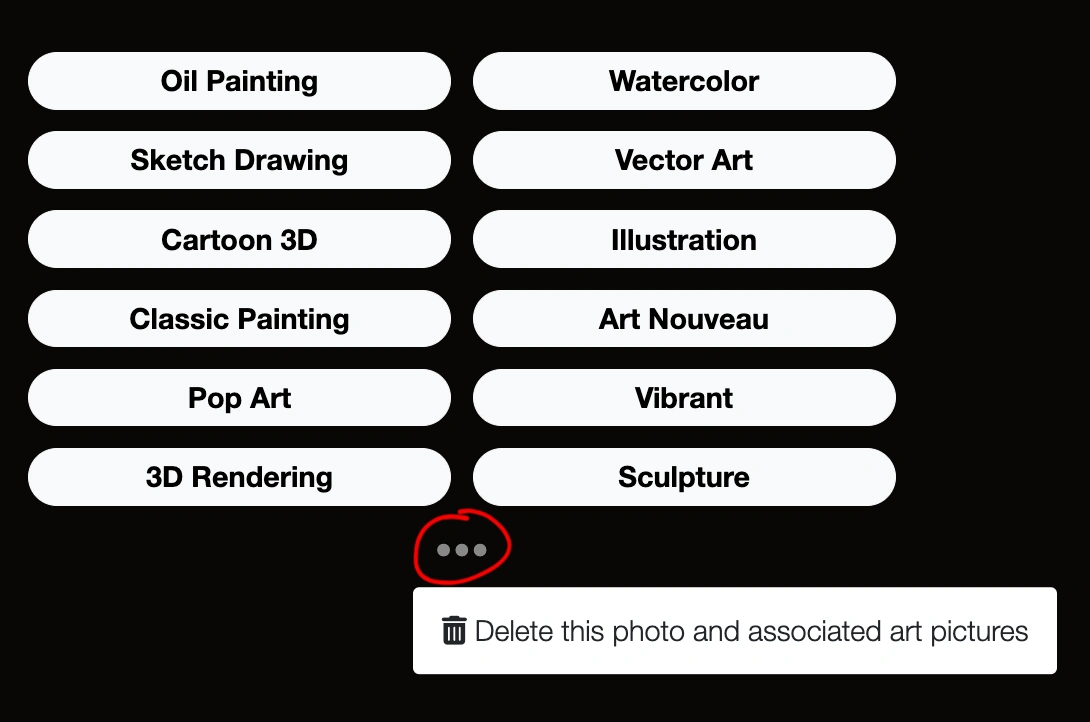
You can delete uploaded photo and all images generated from it. Click the ⚙ Settings button in the top-right corner of the input photo, then select "Delete this photo and all derived art pictures."