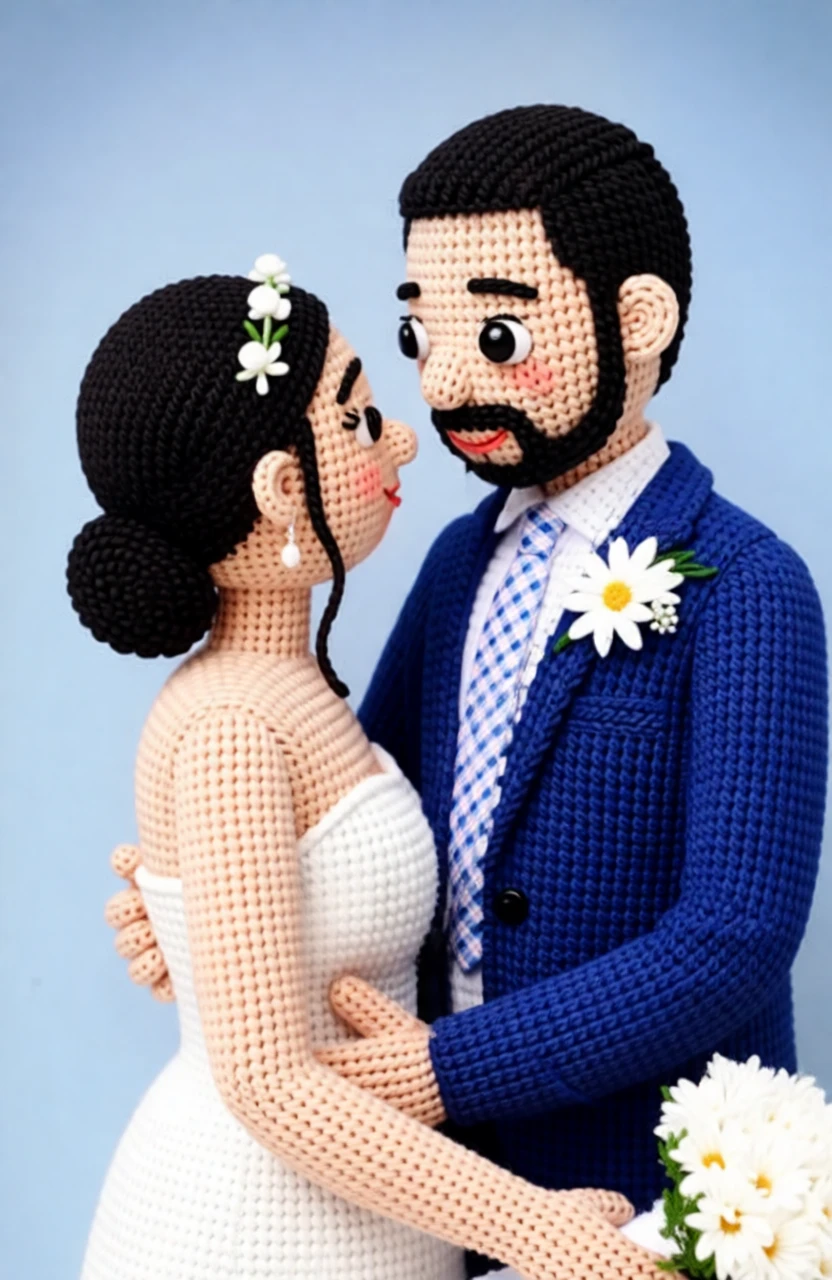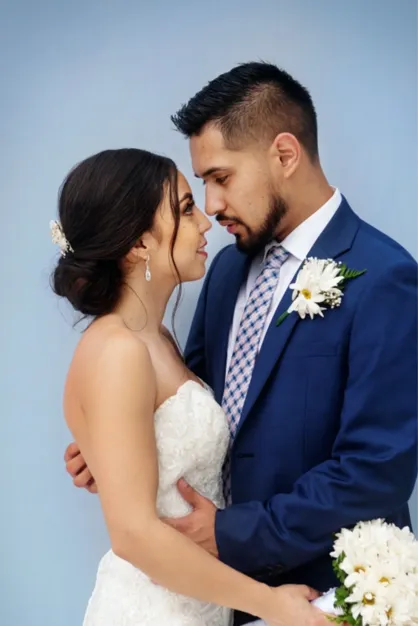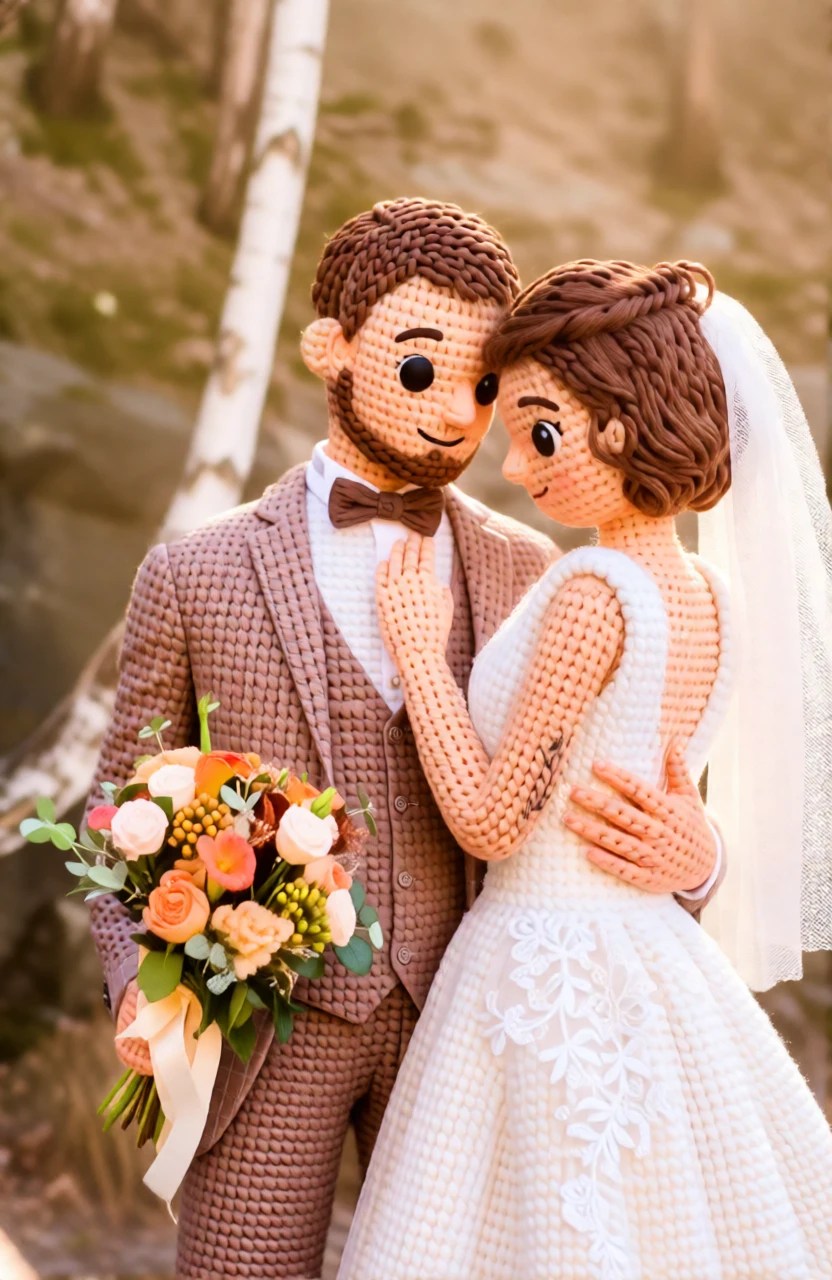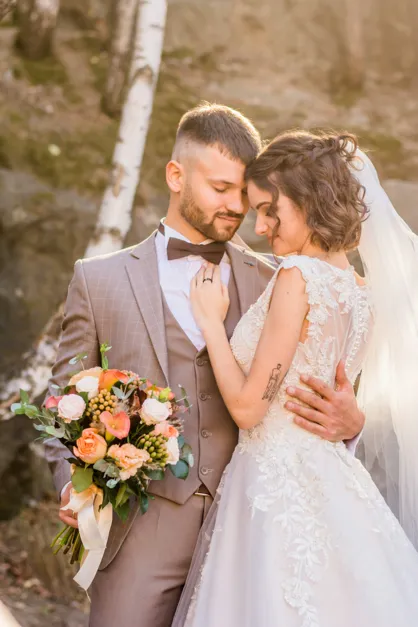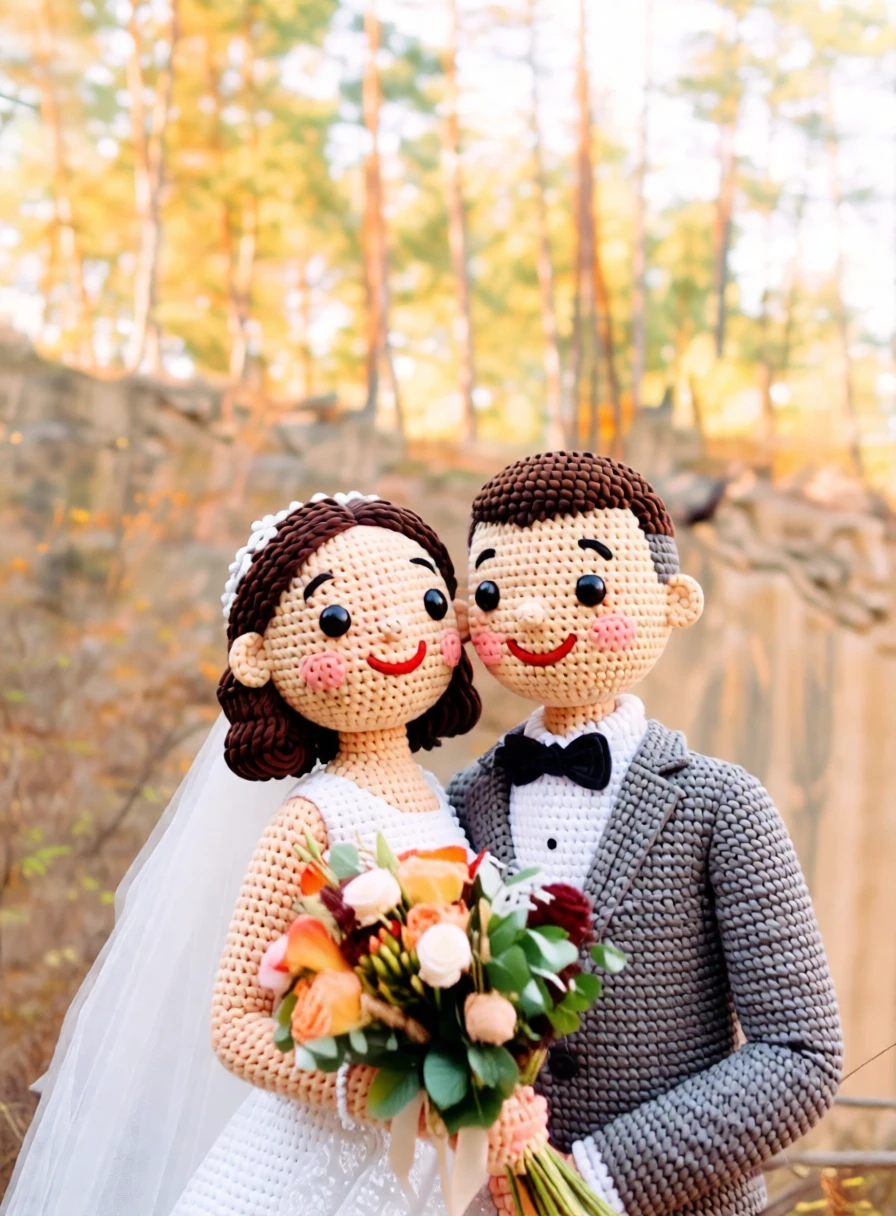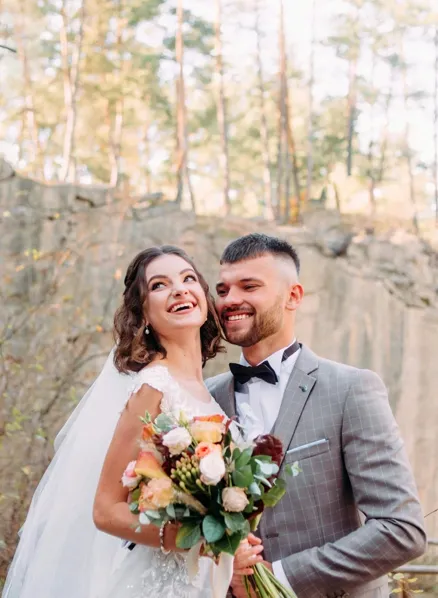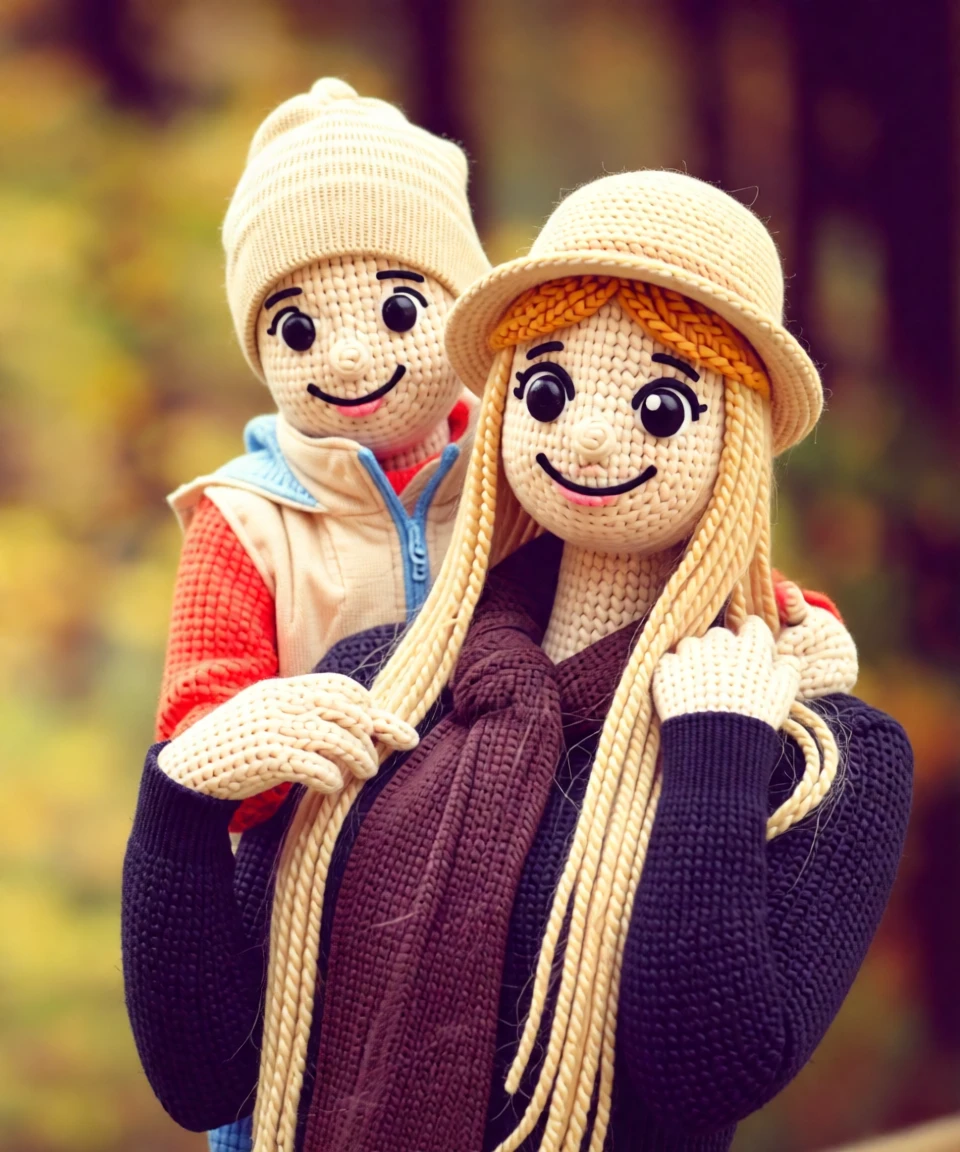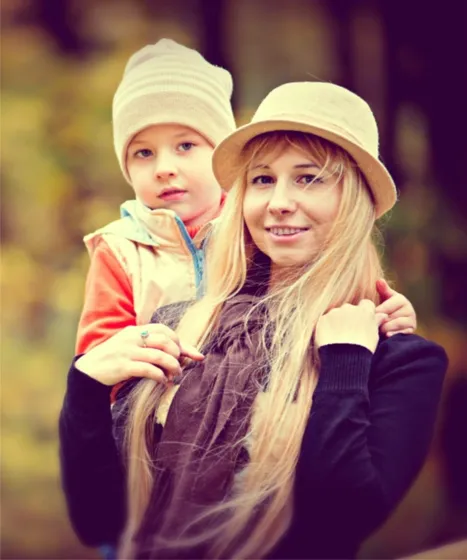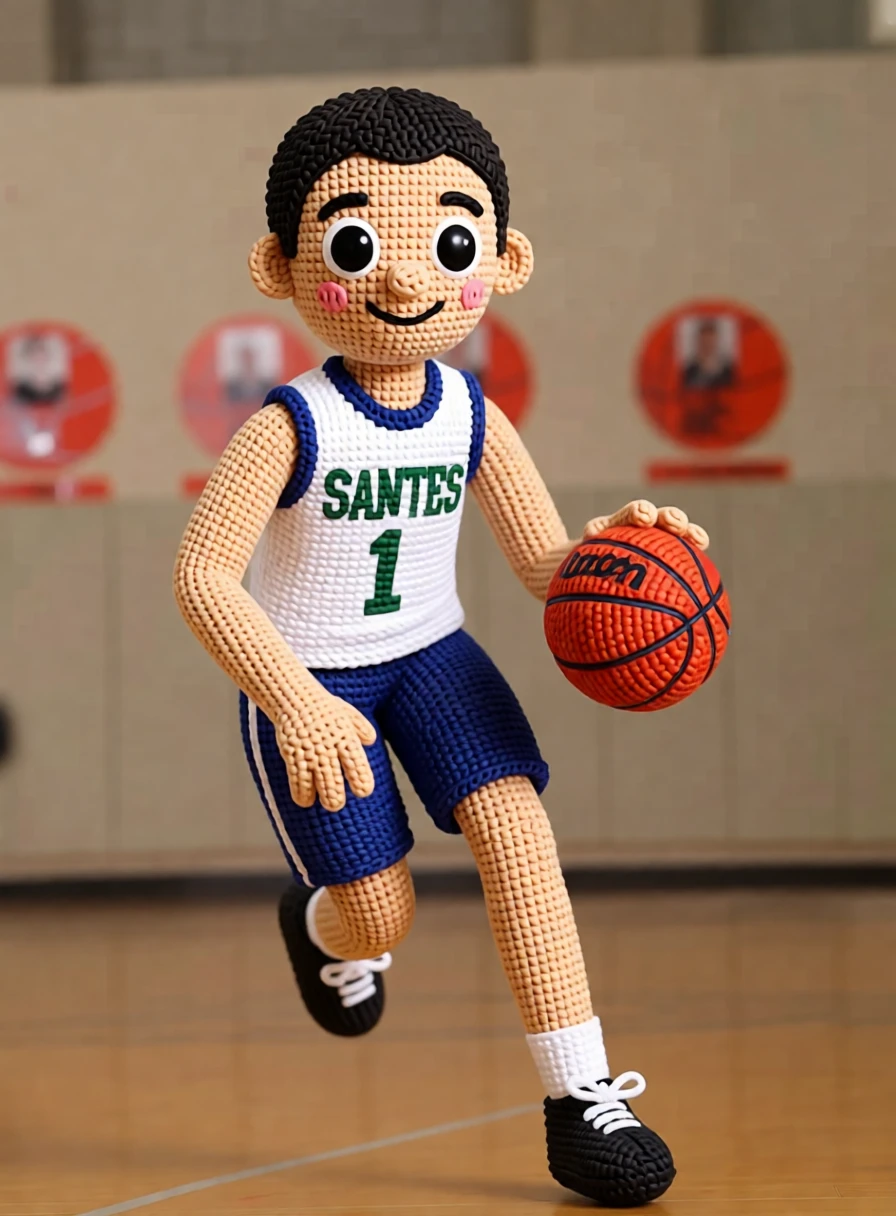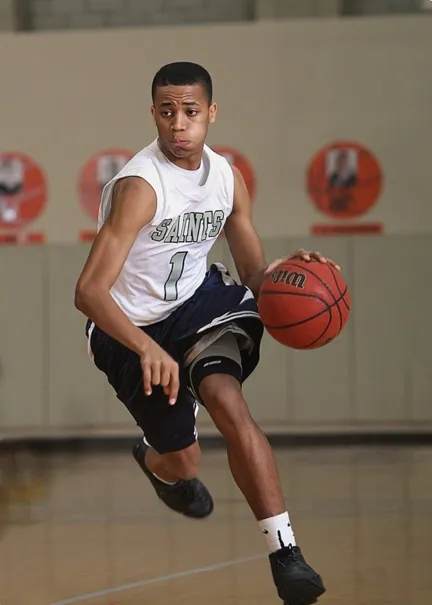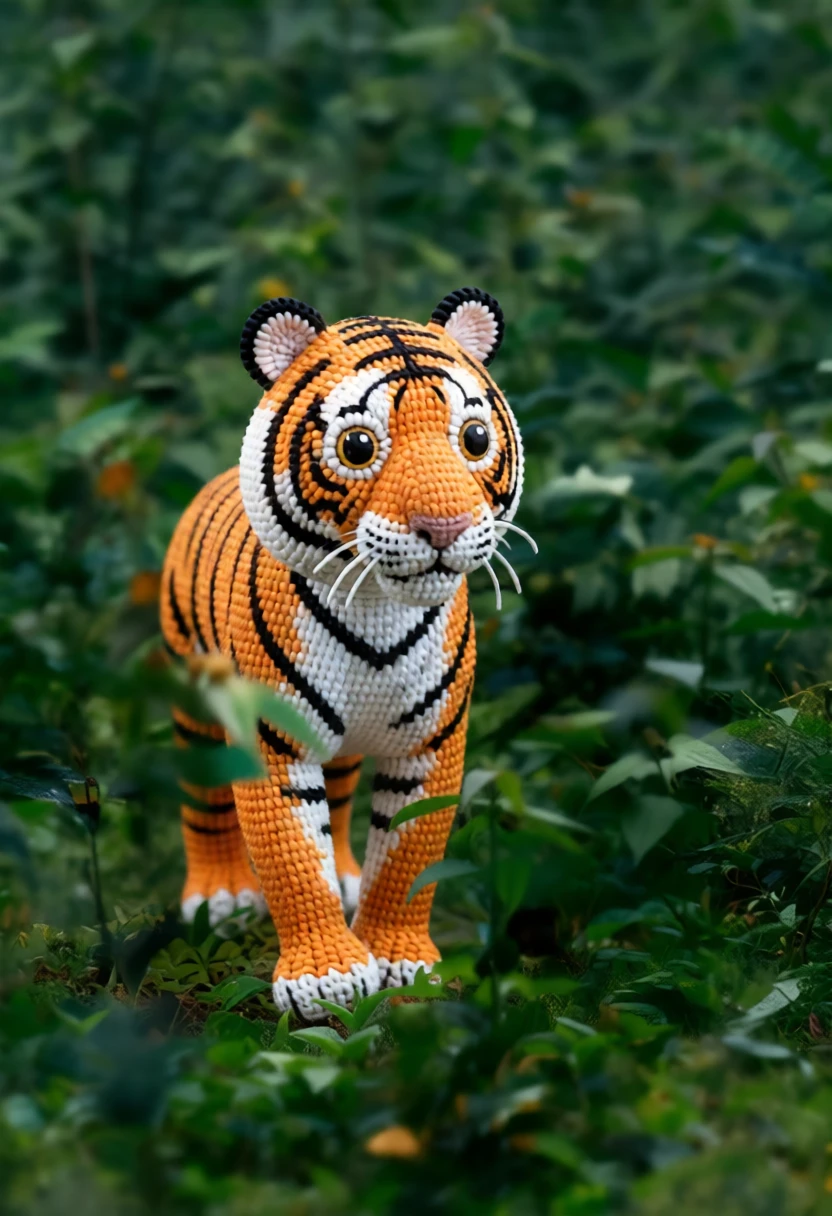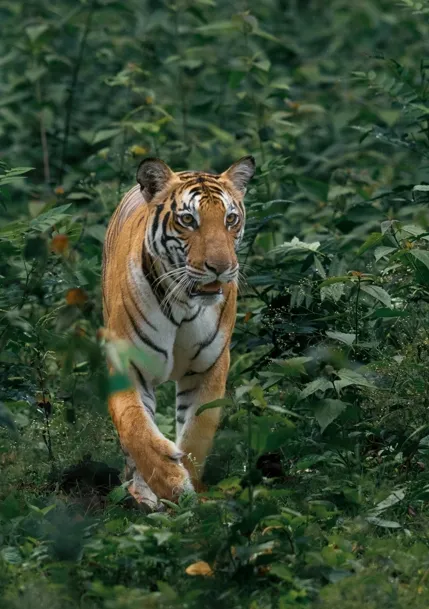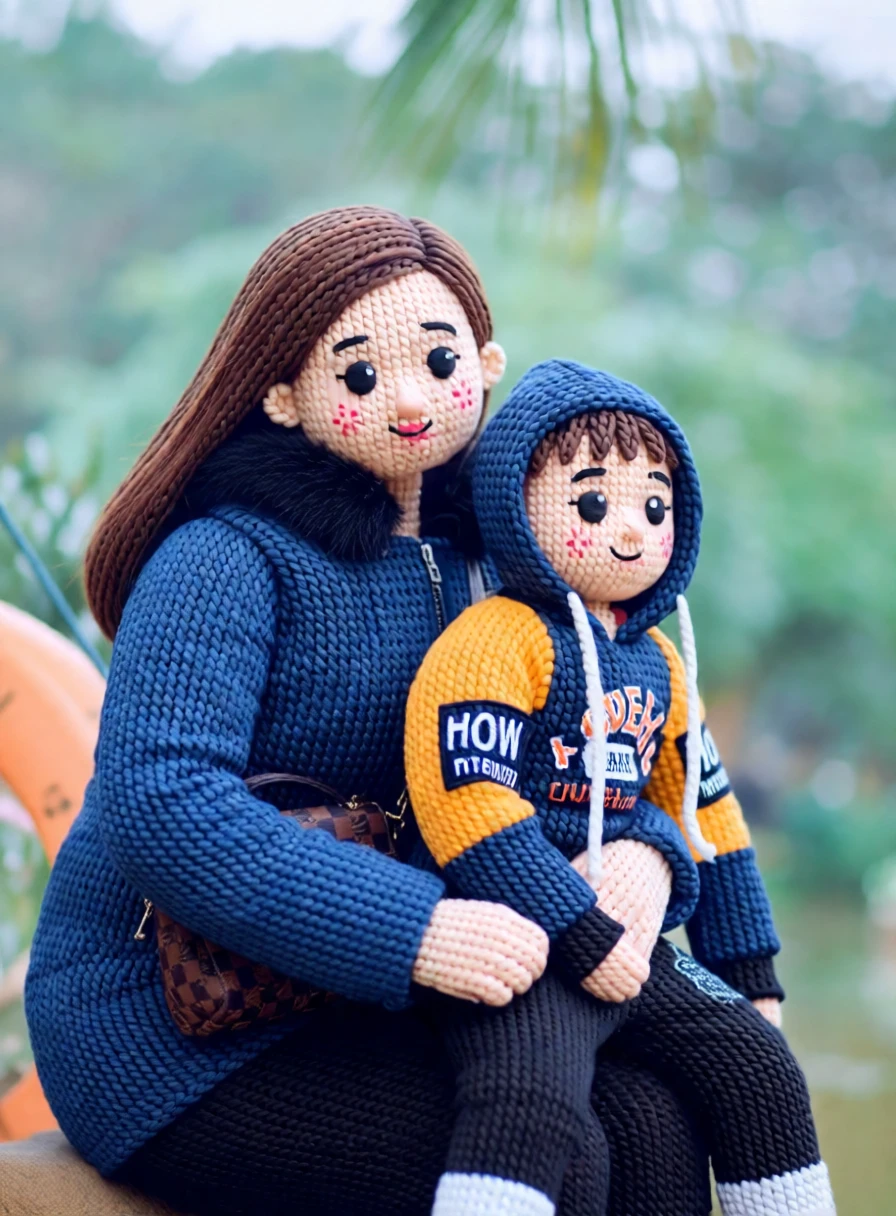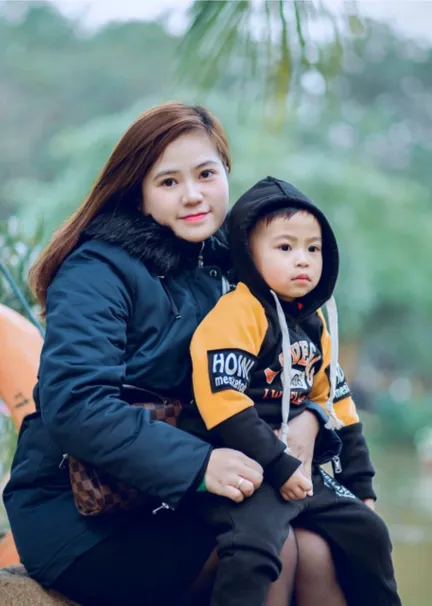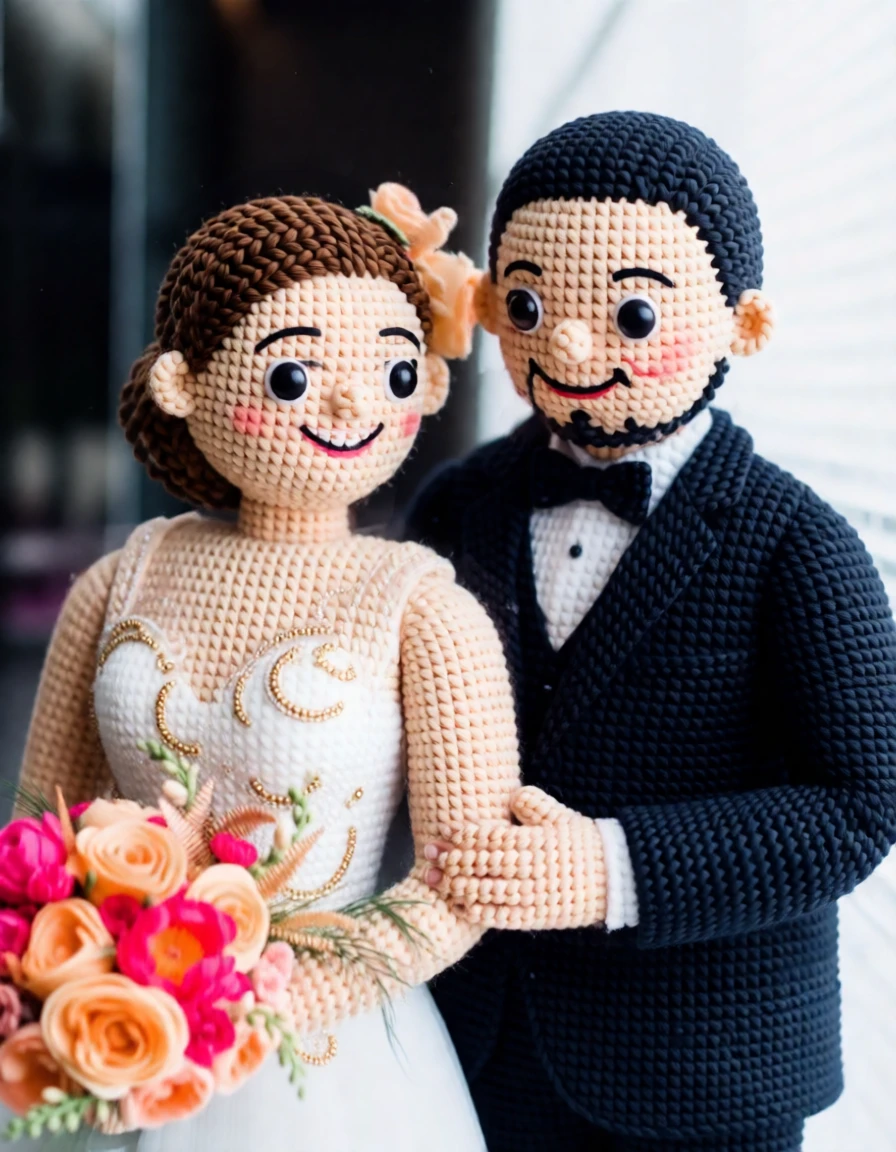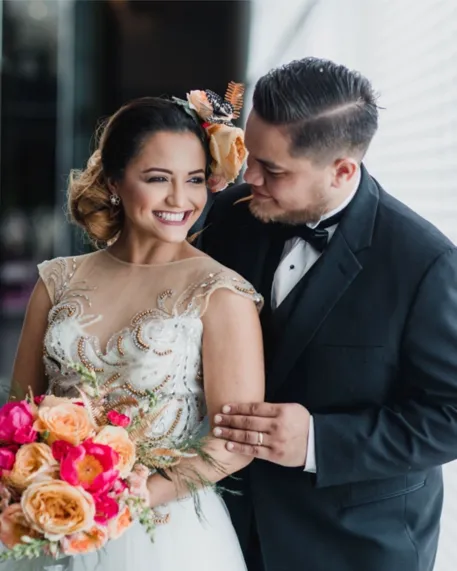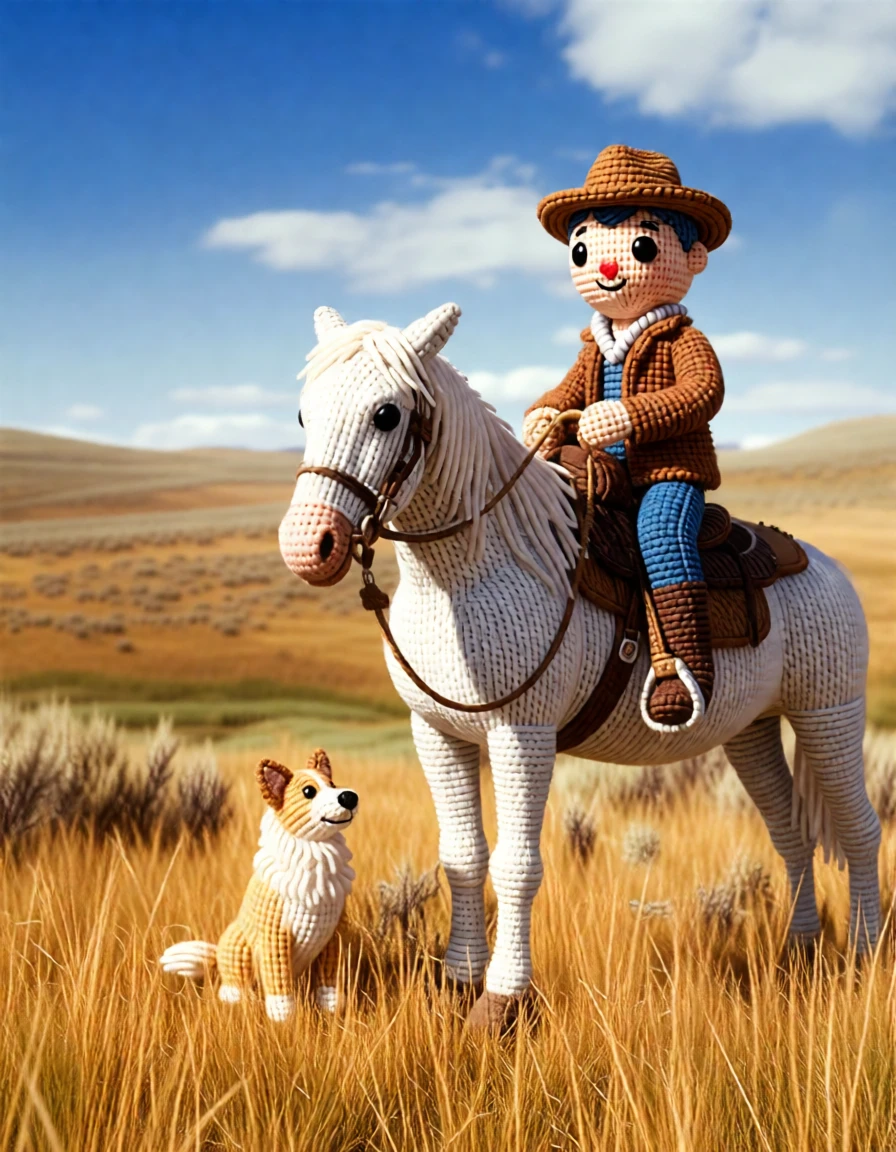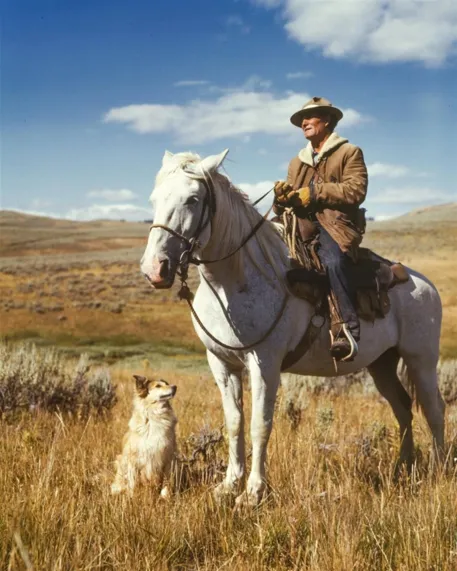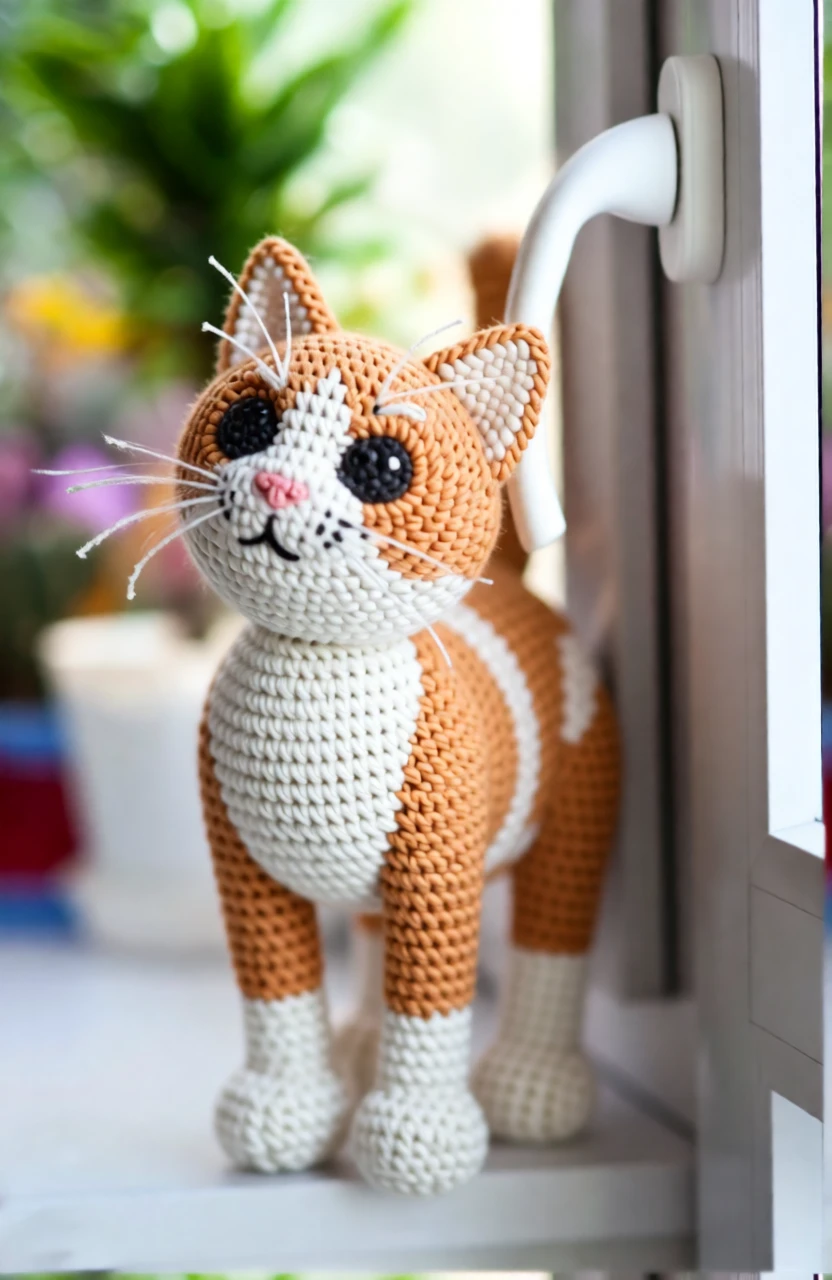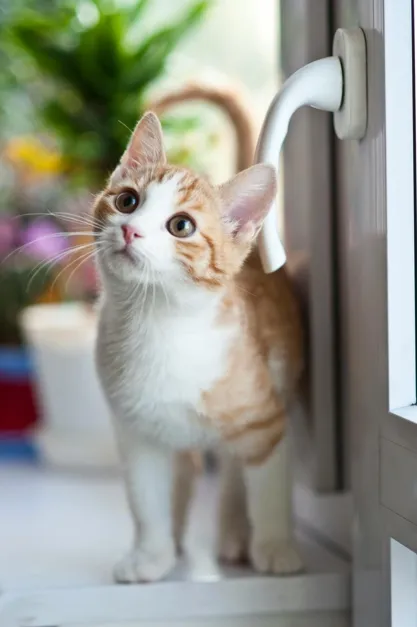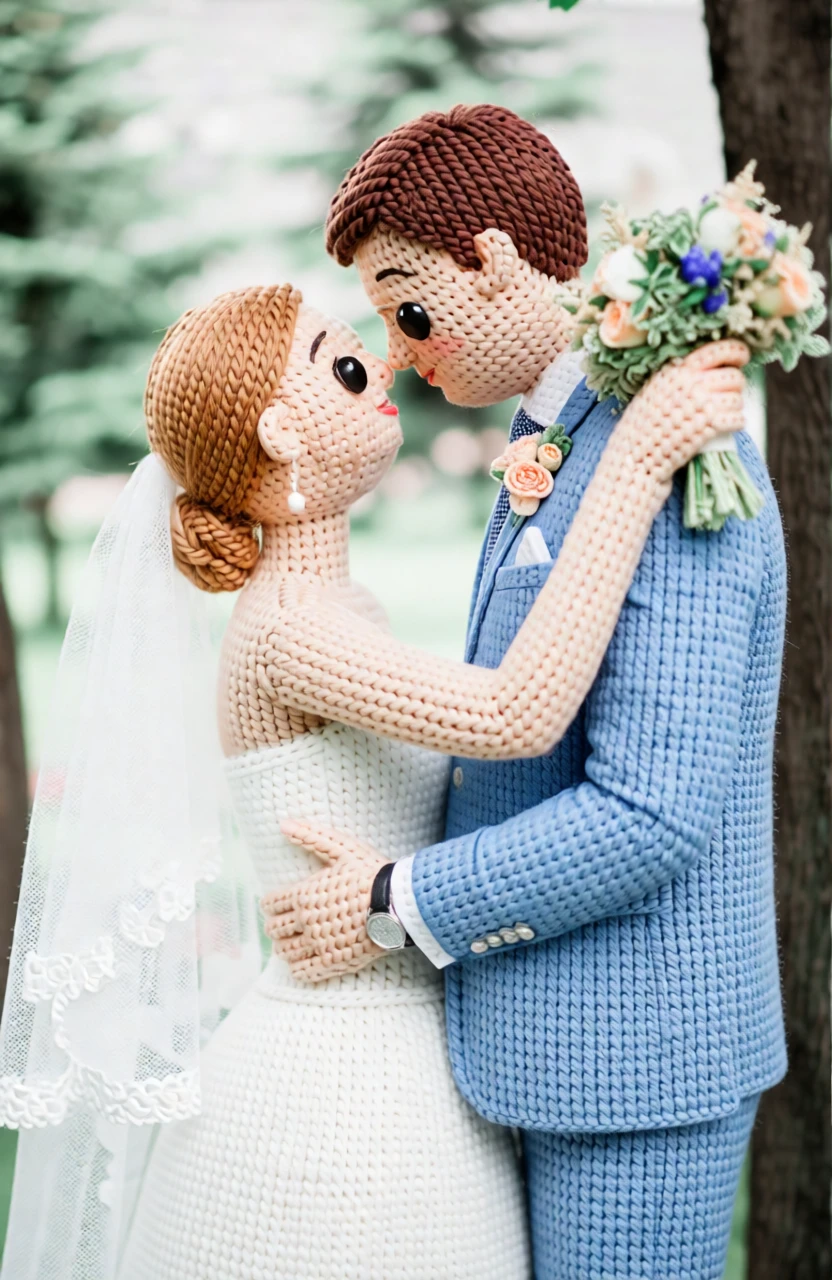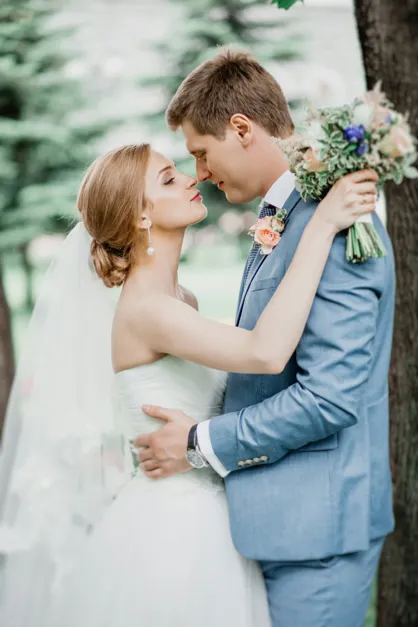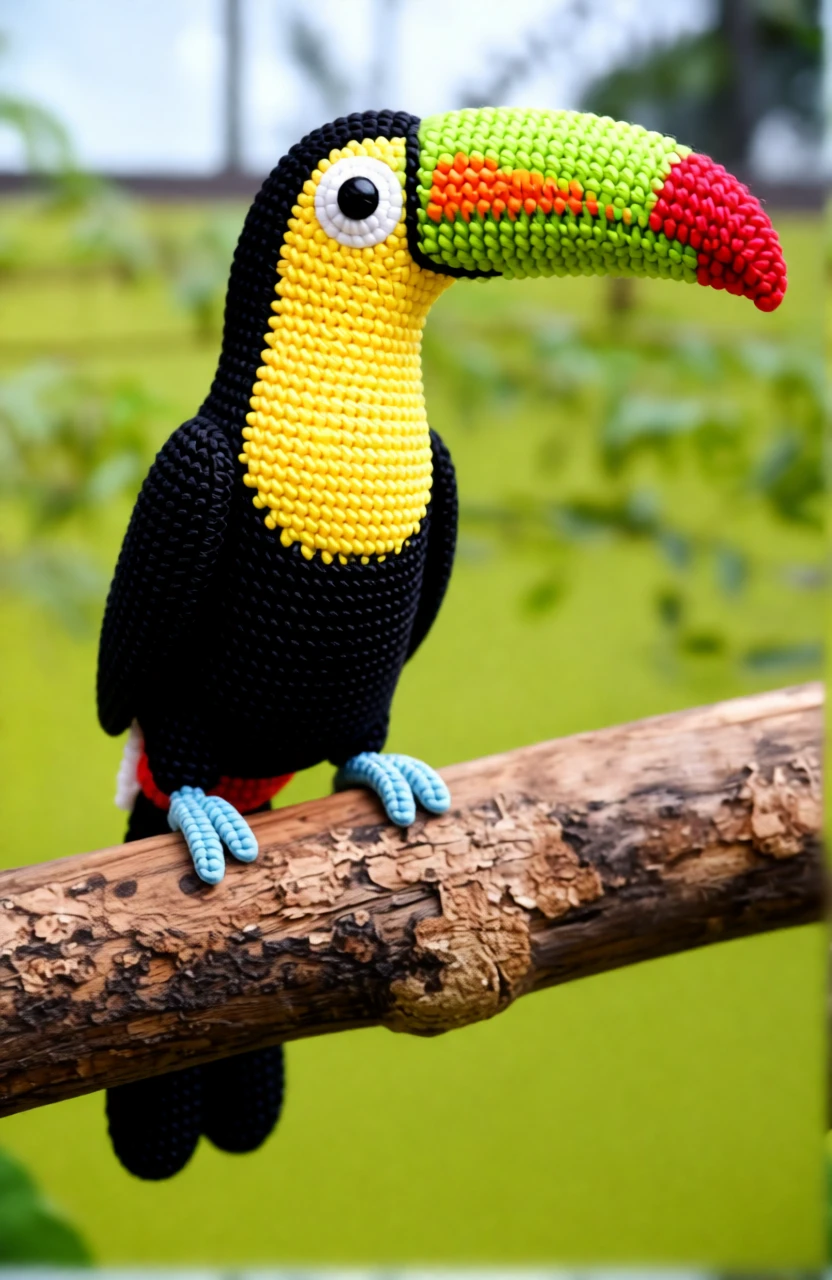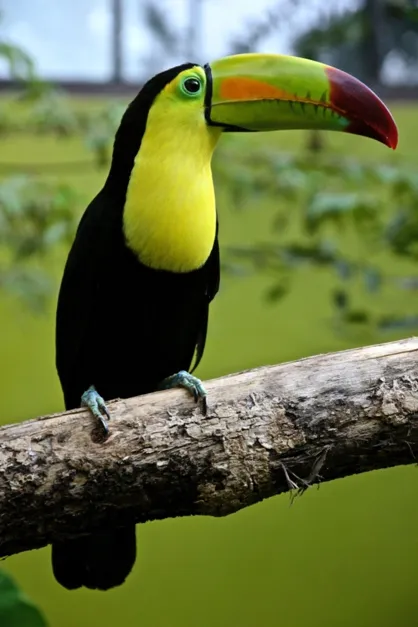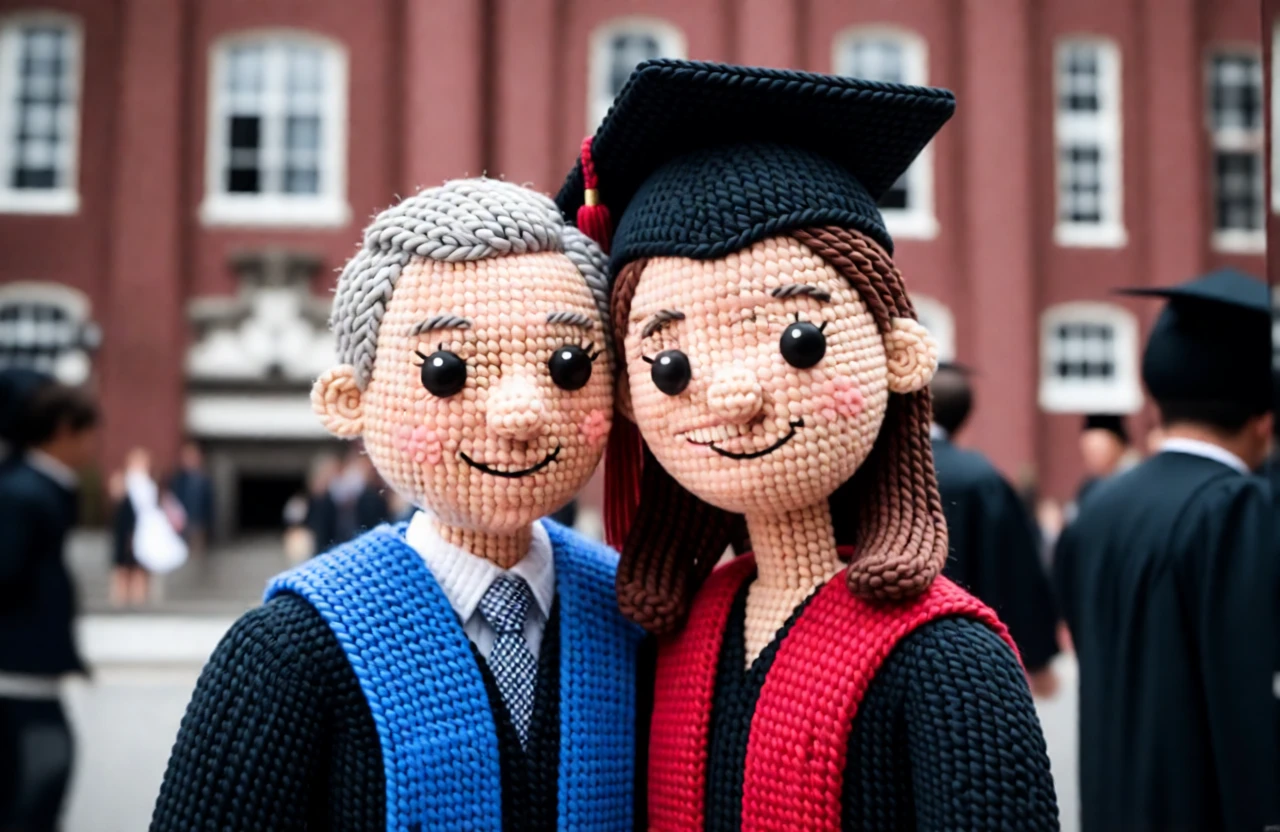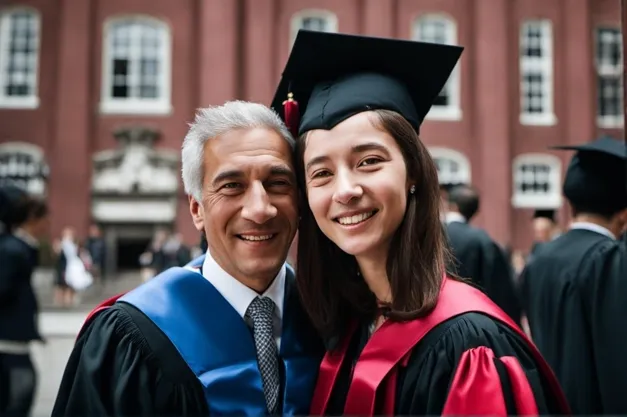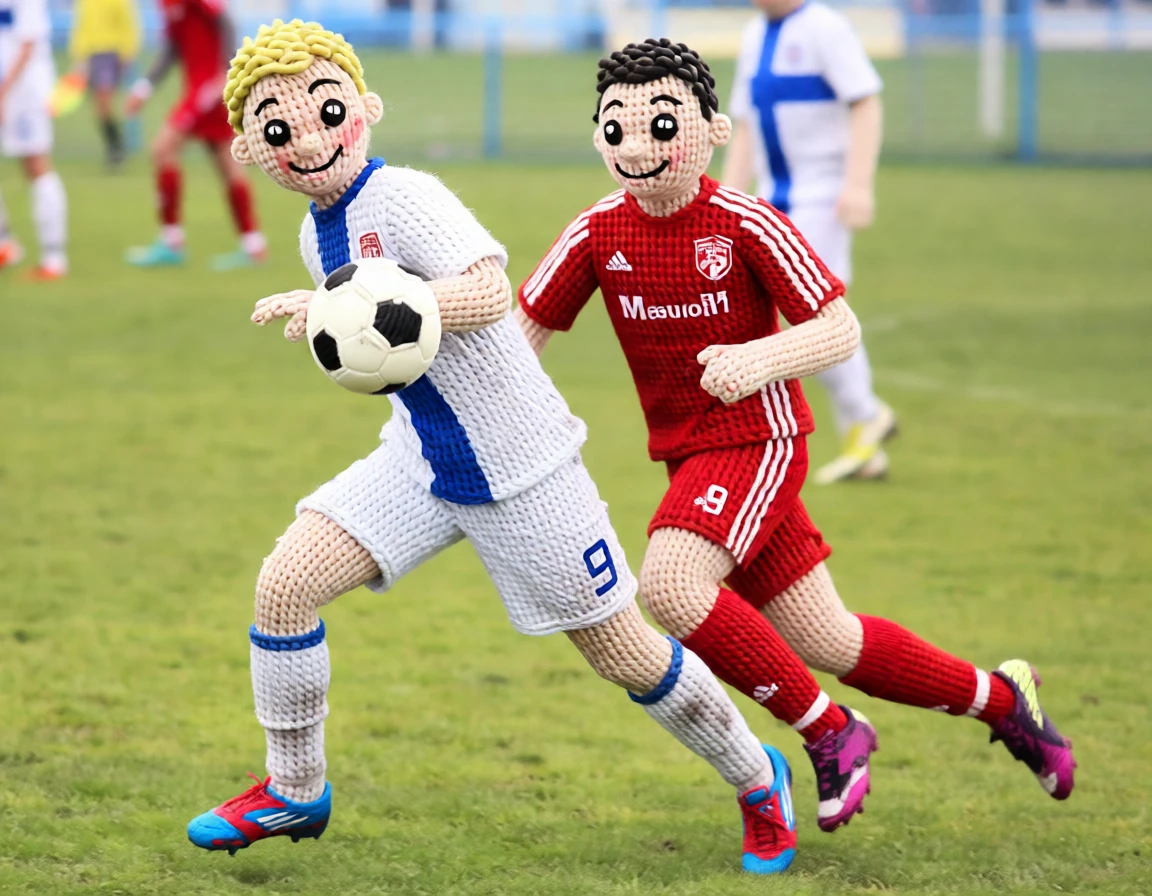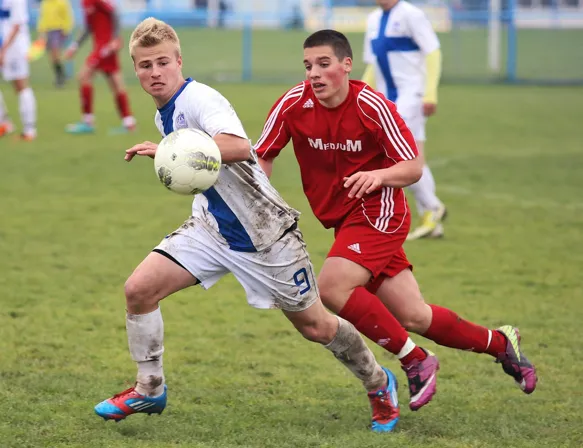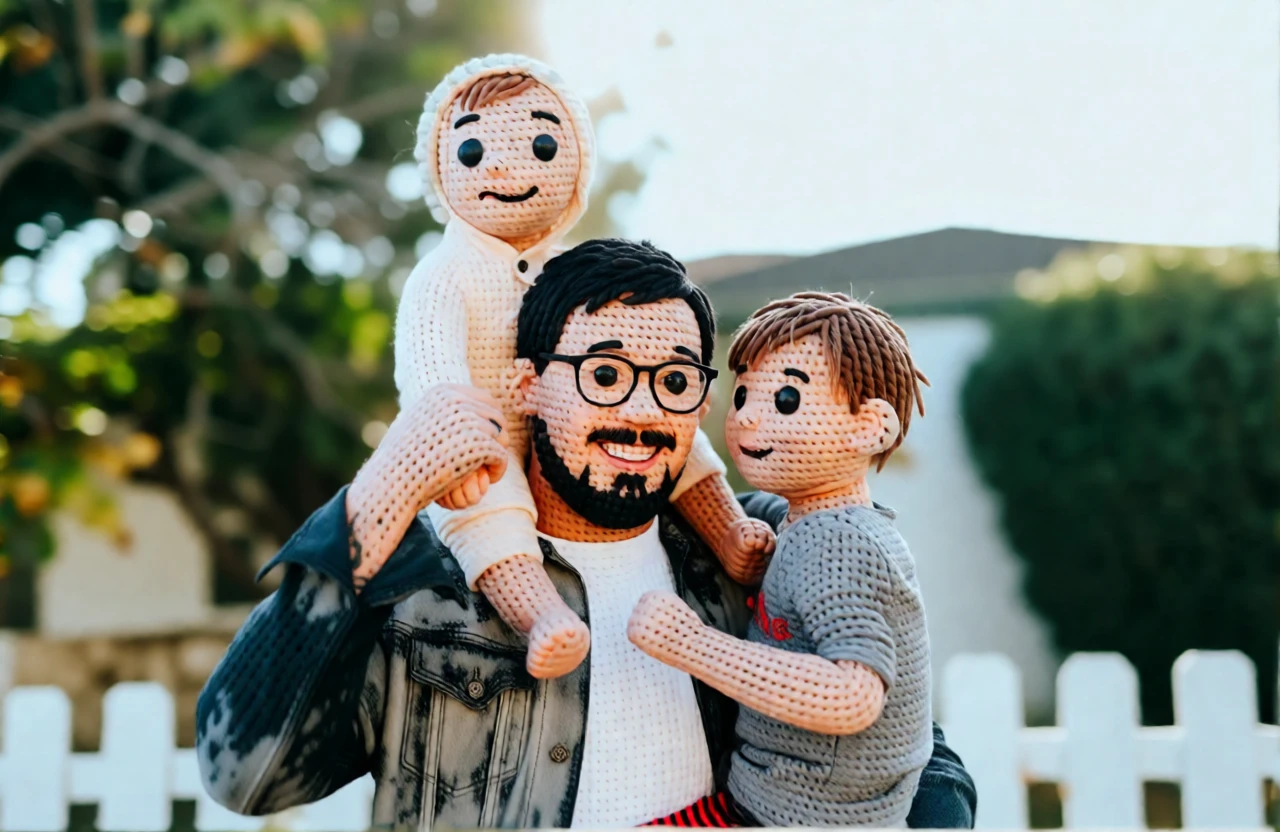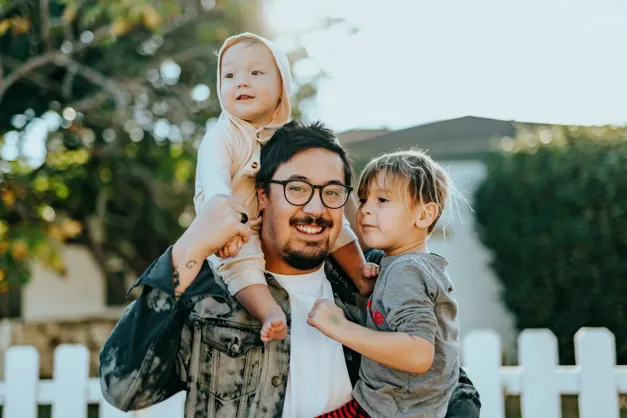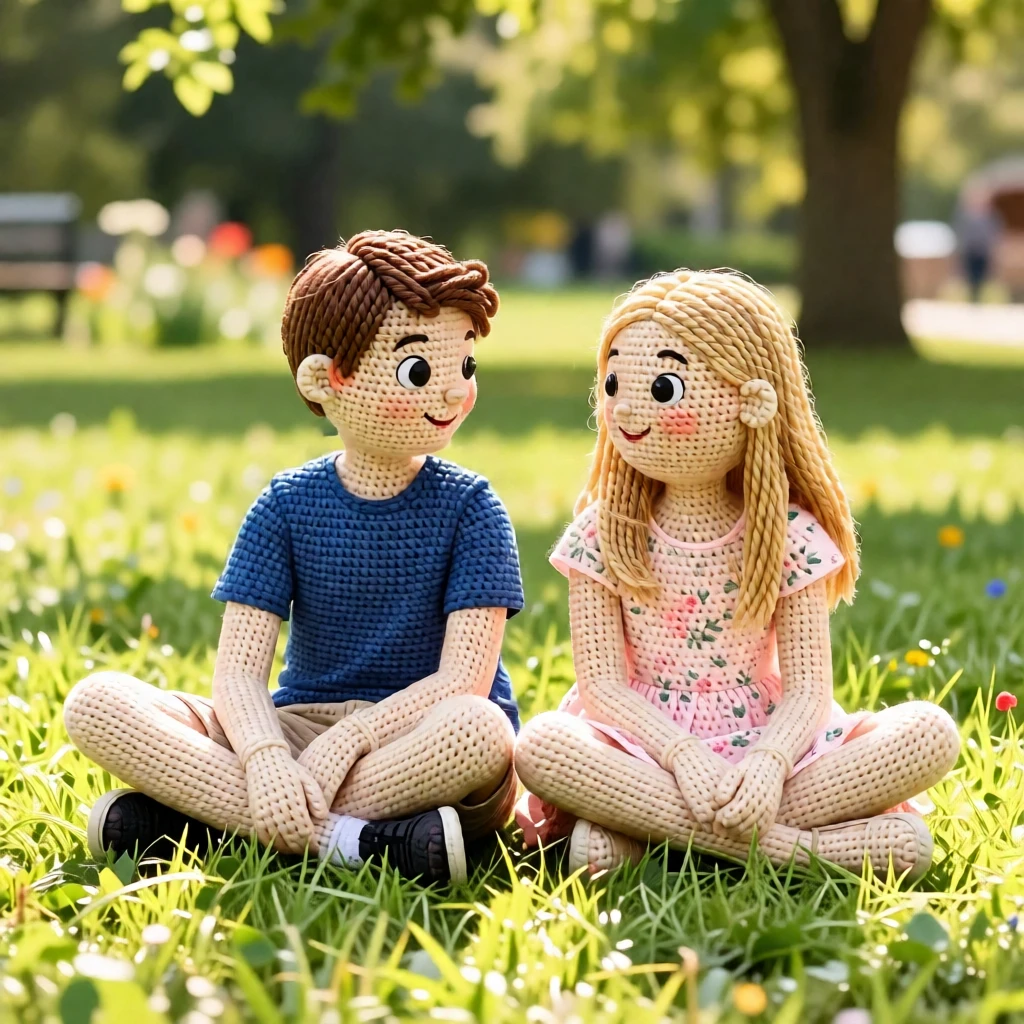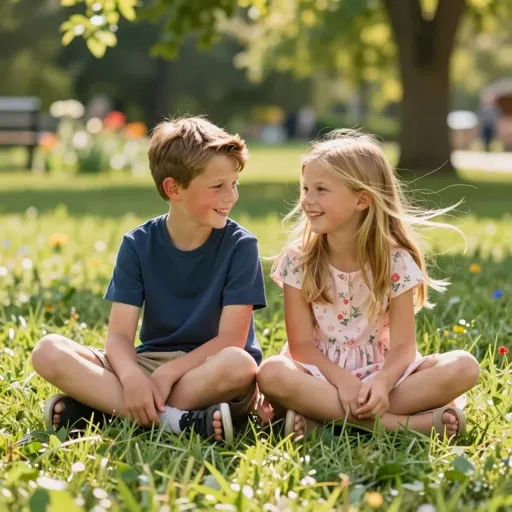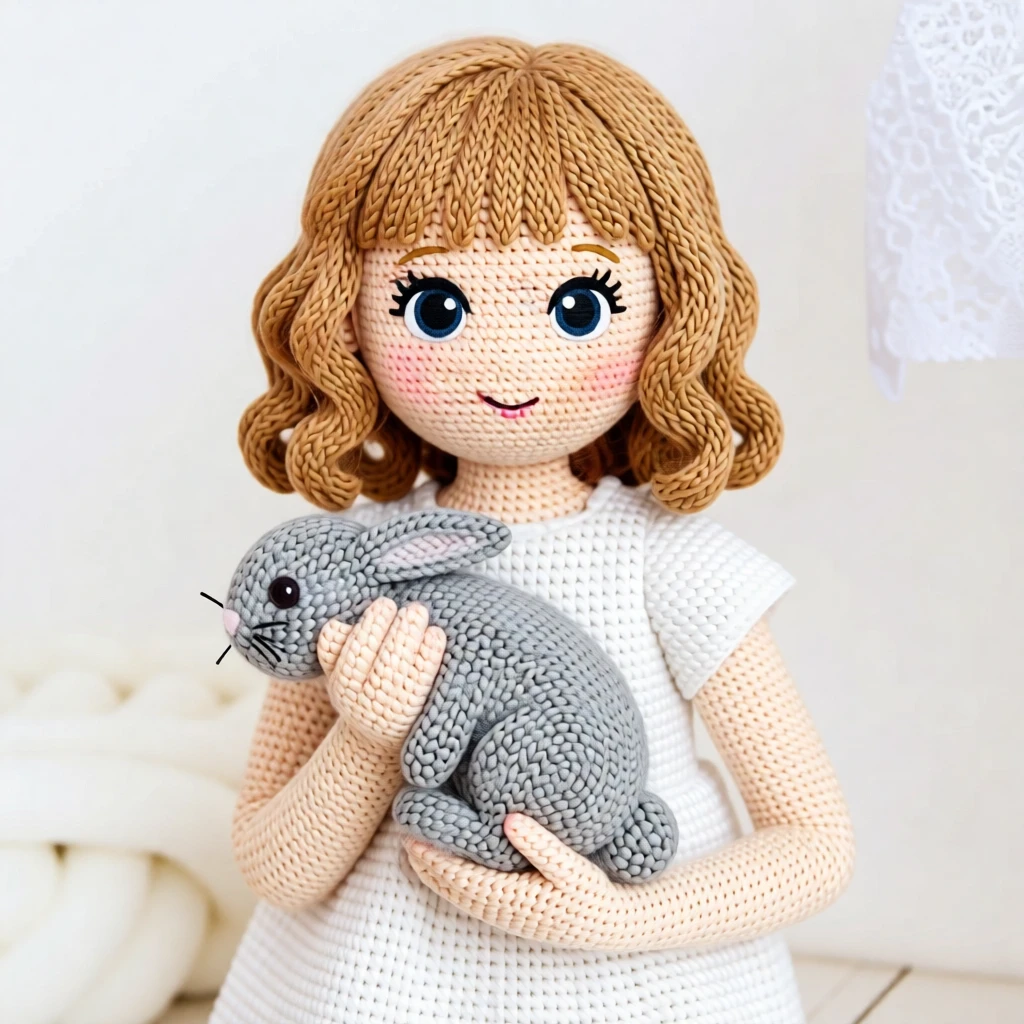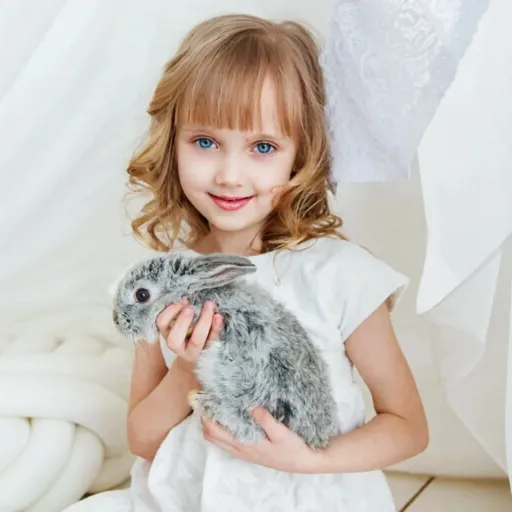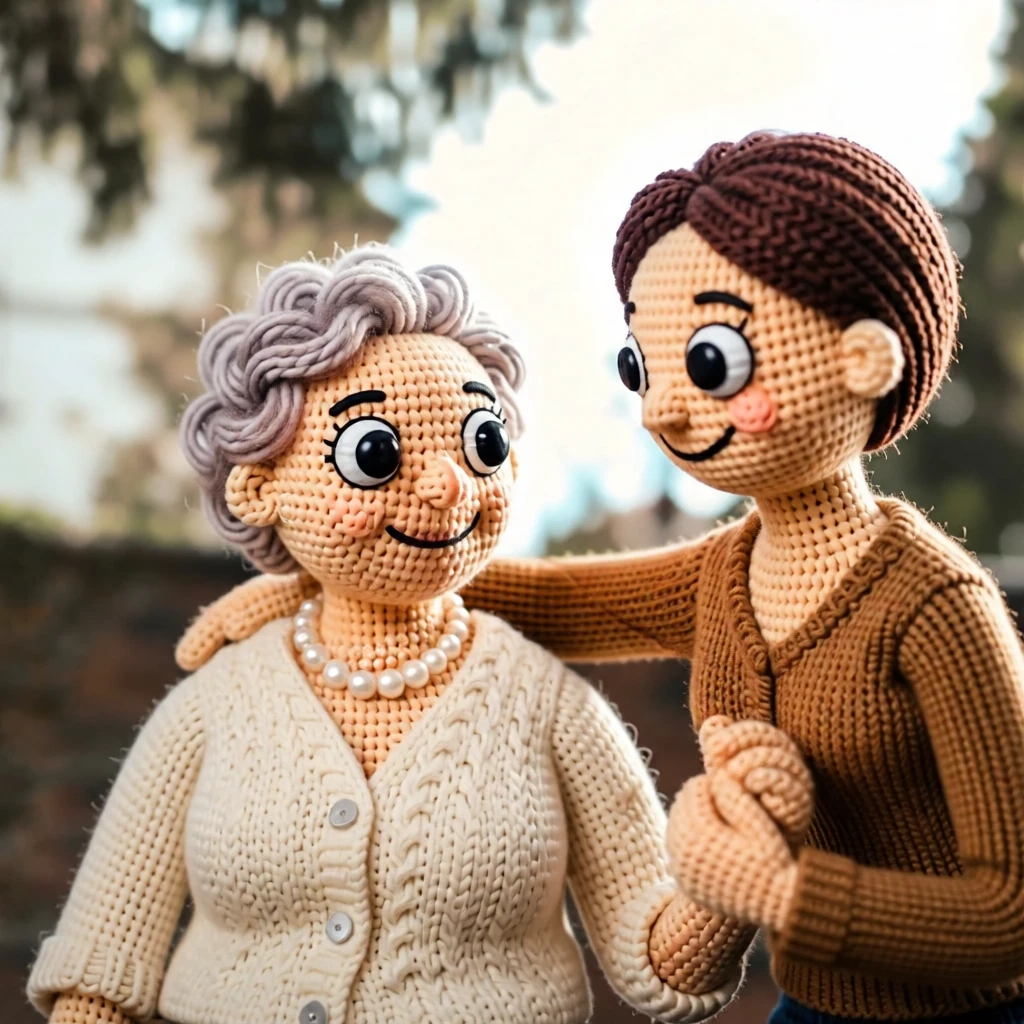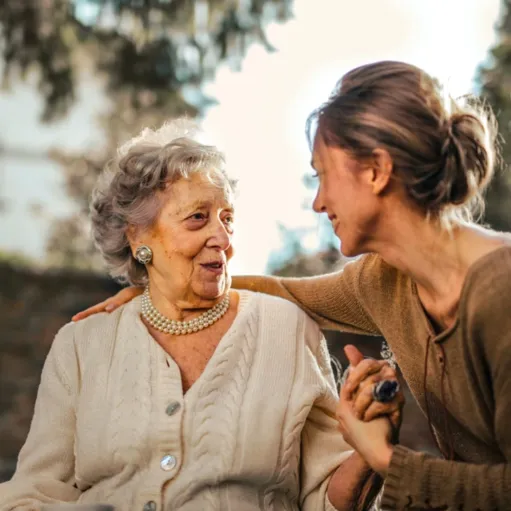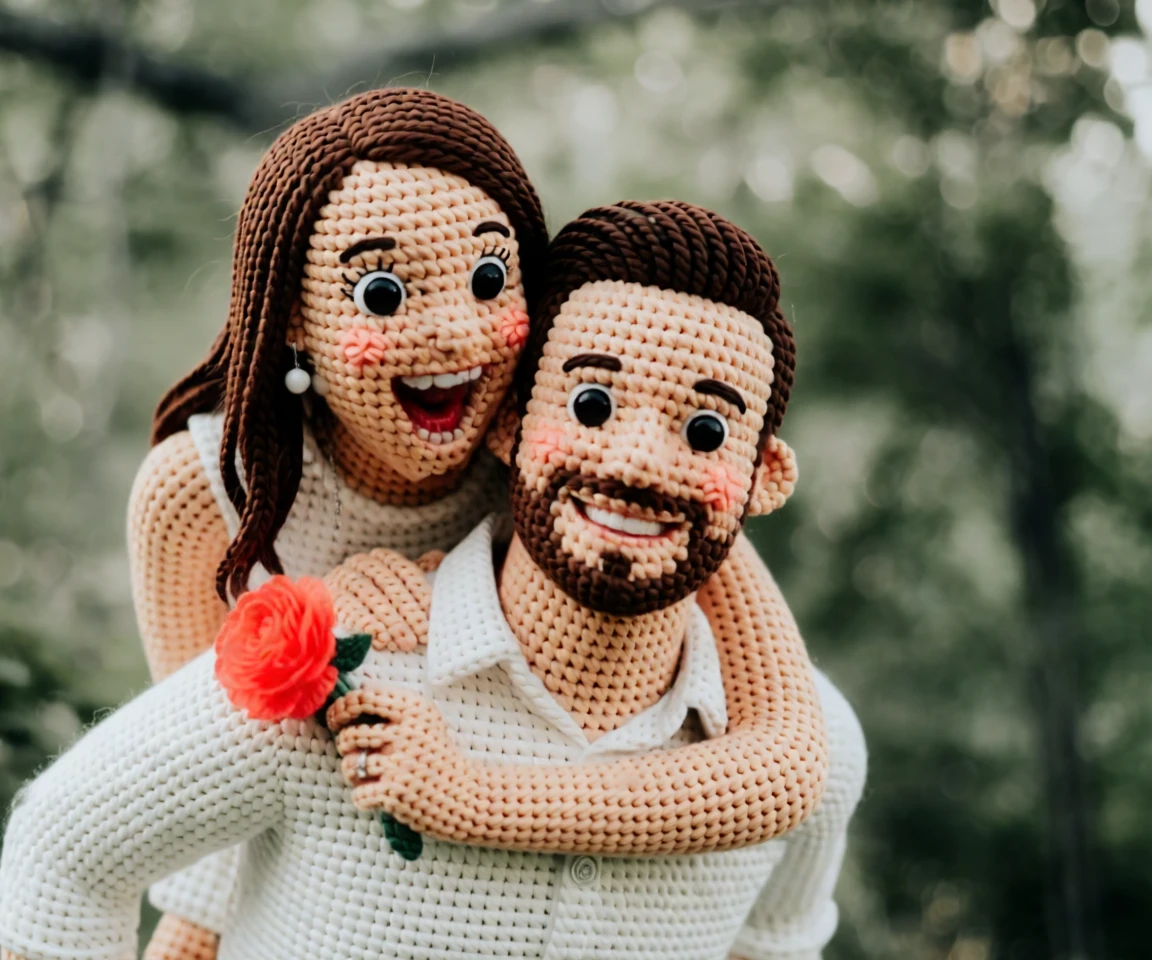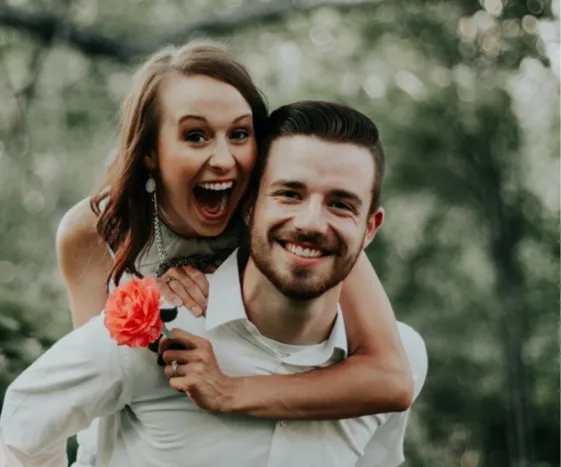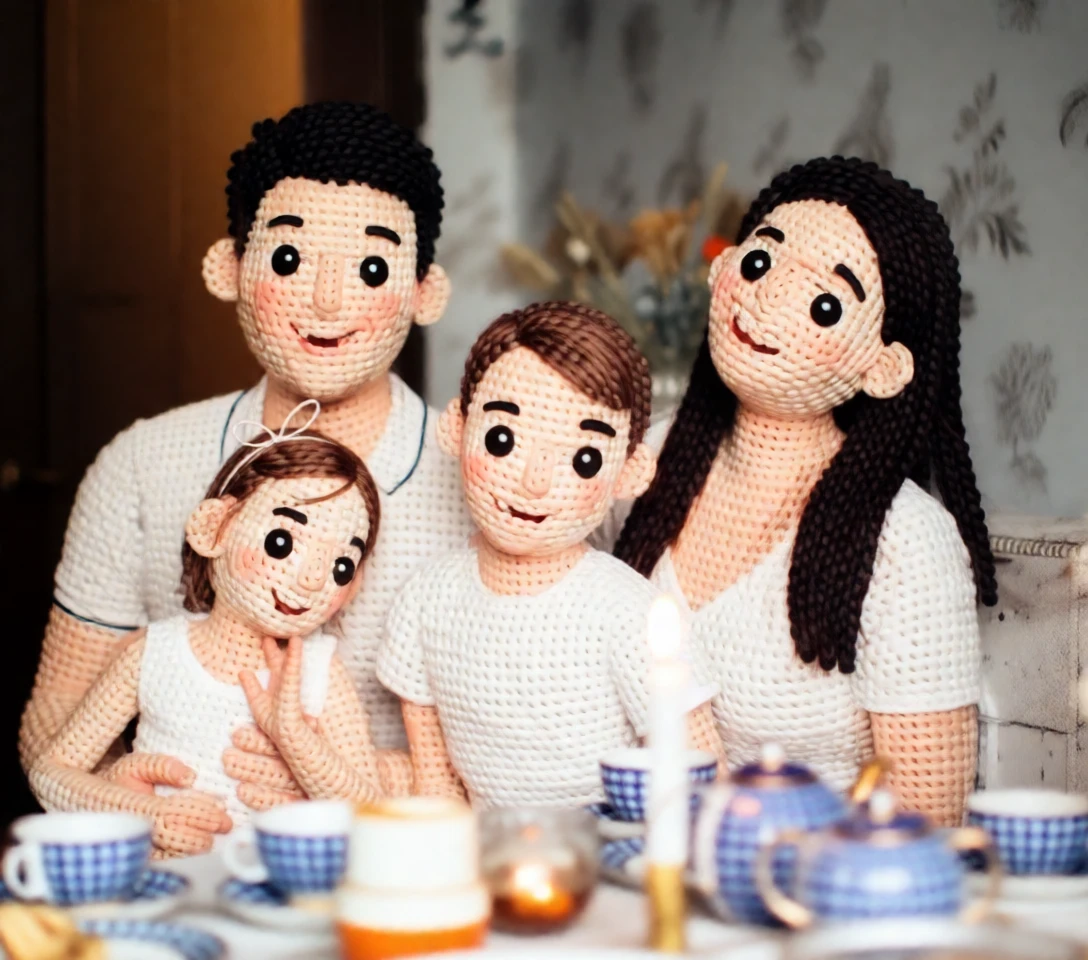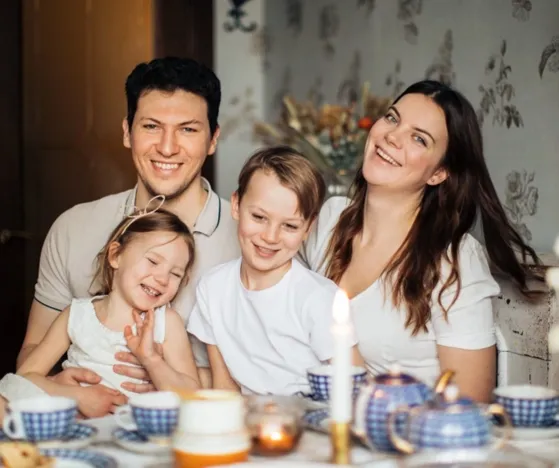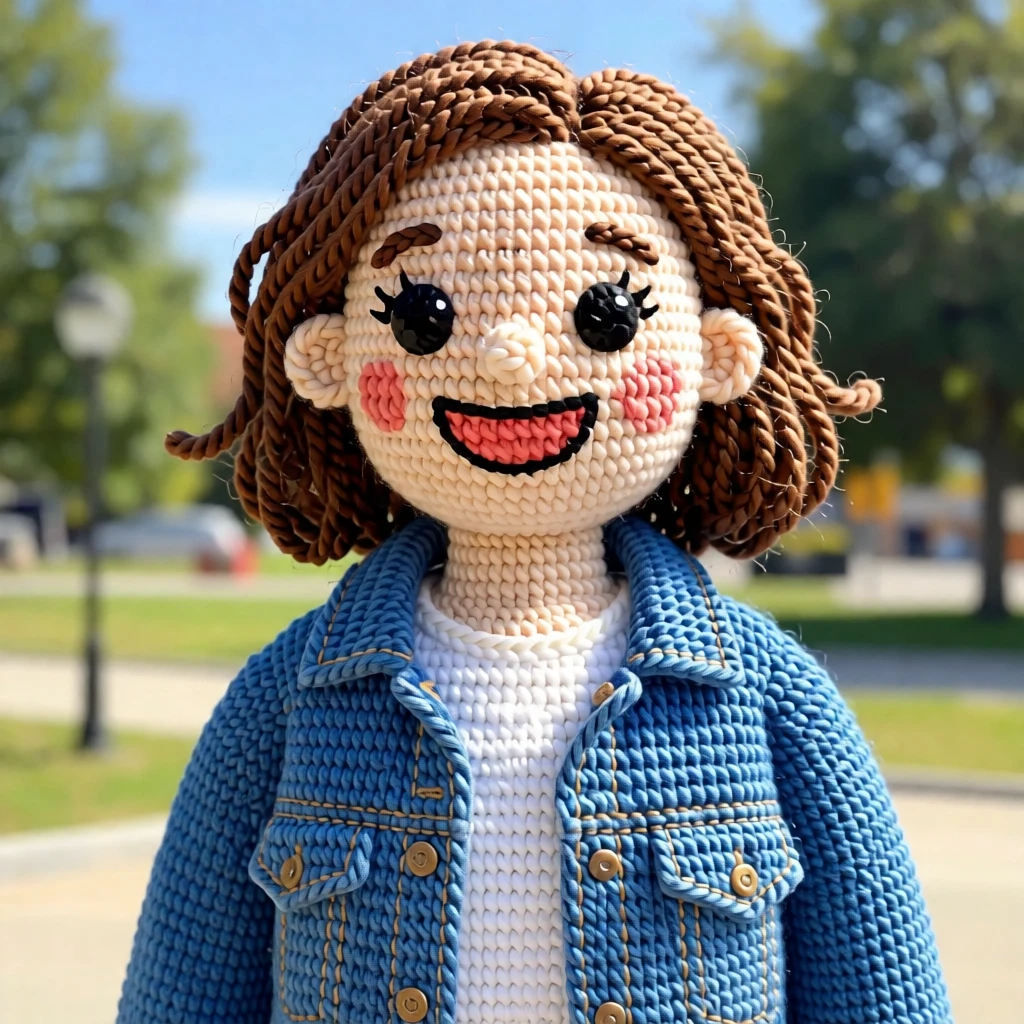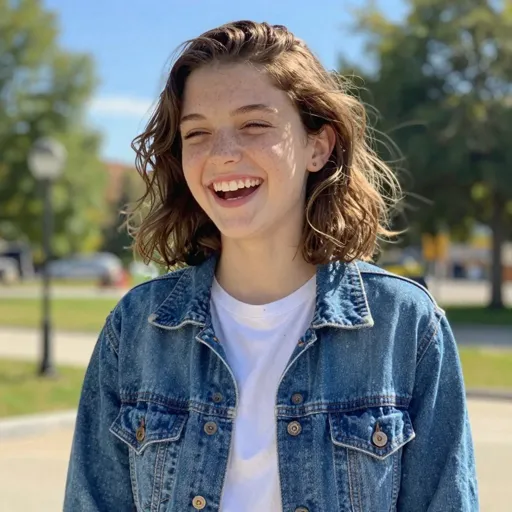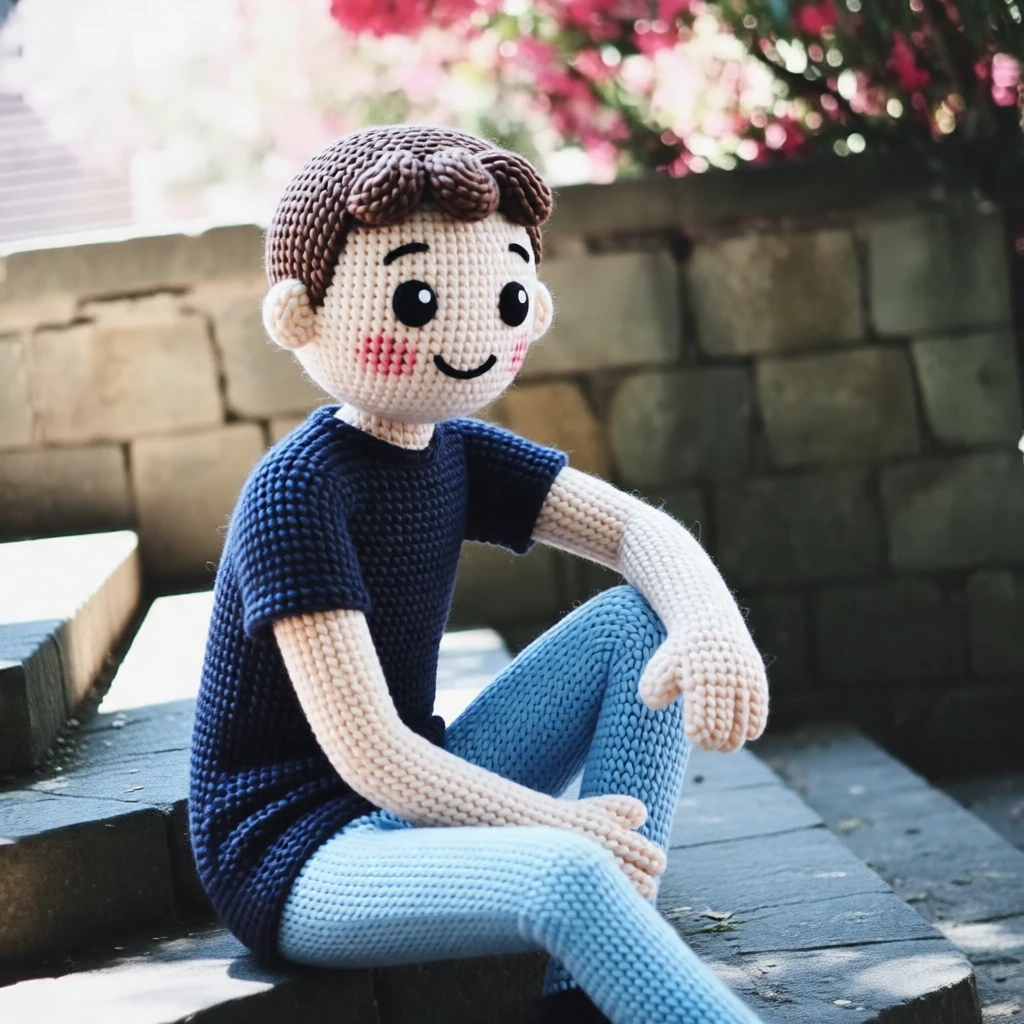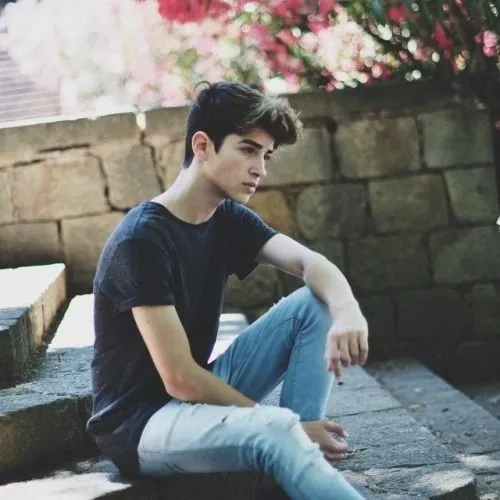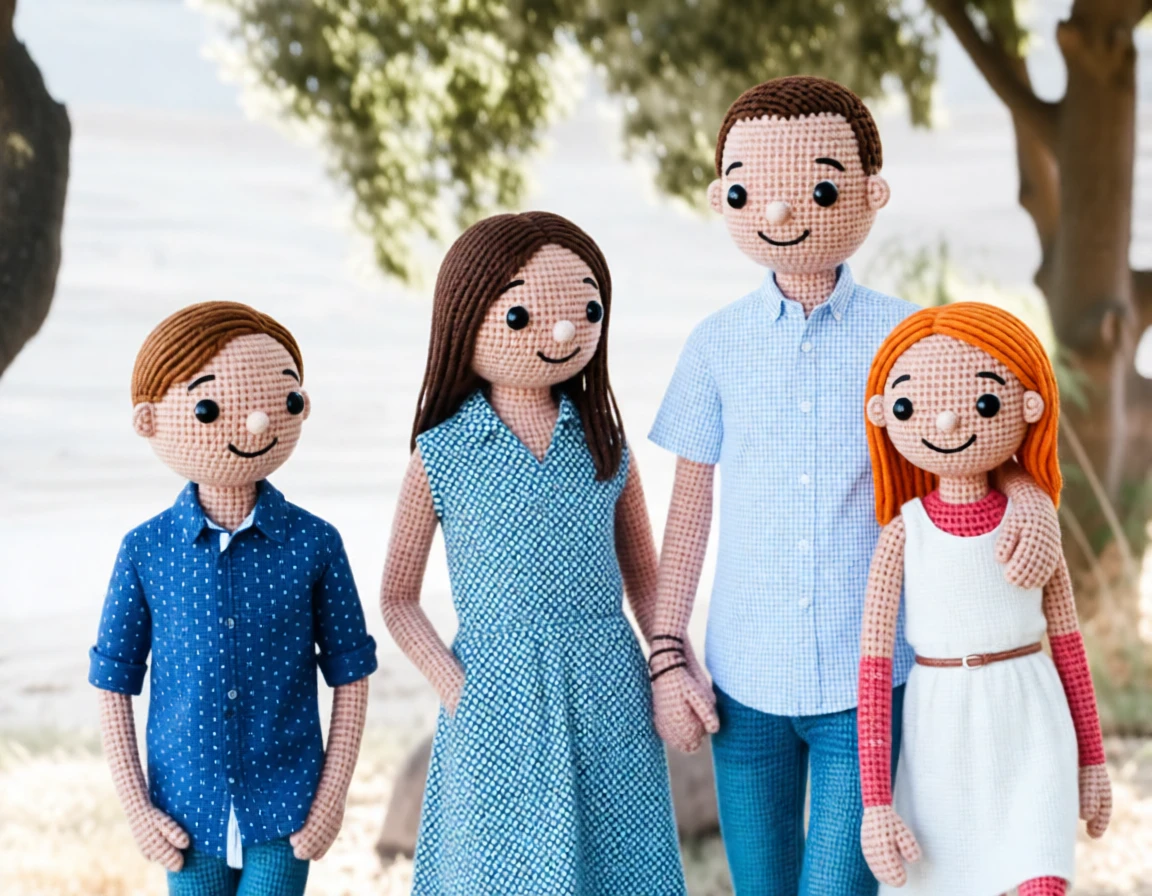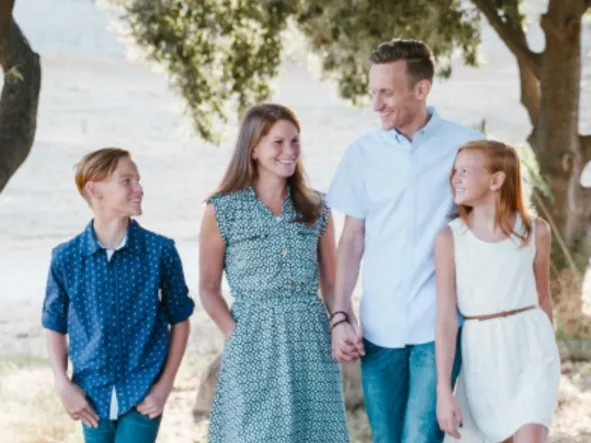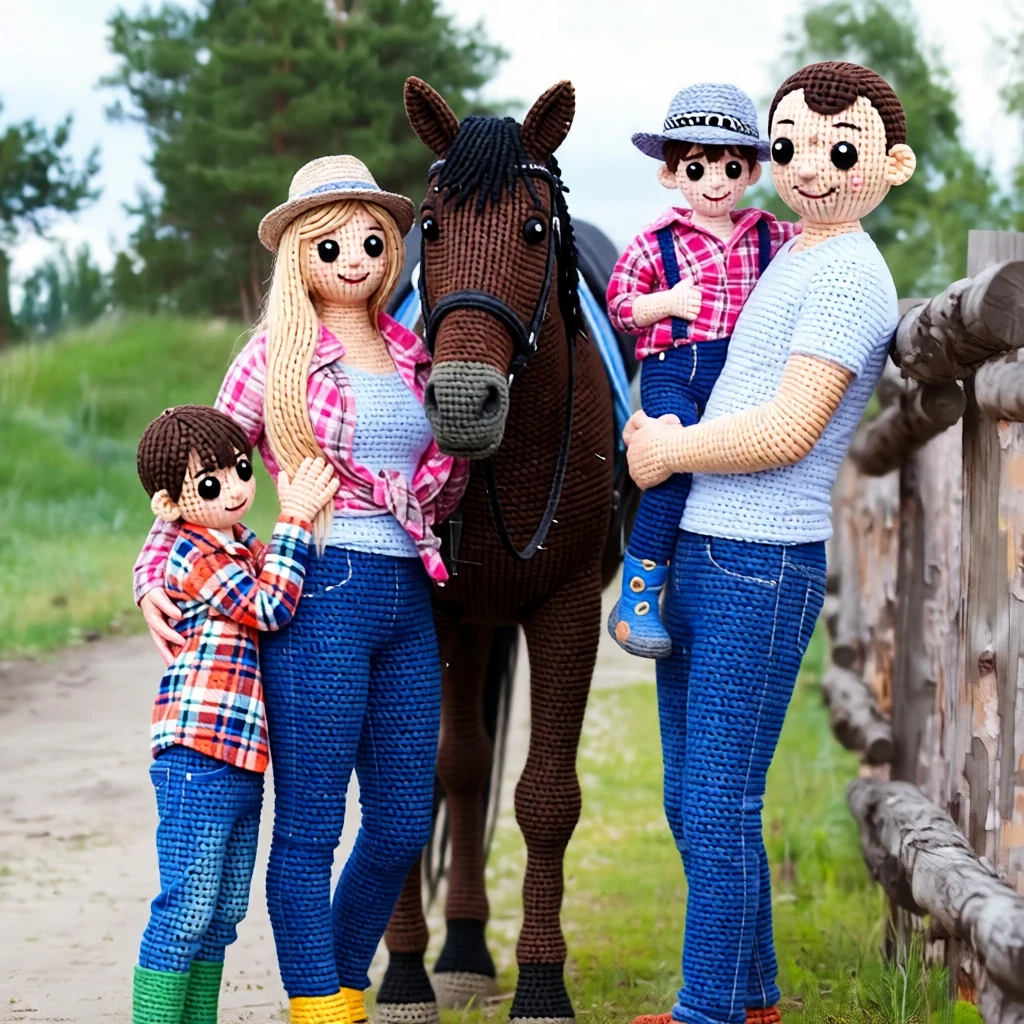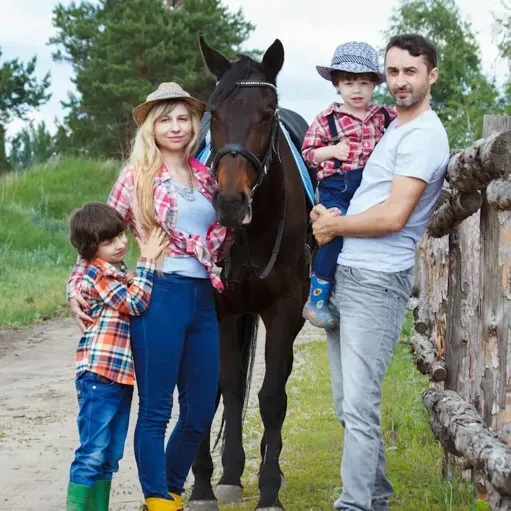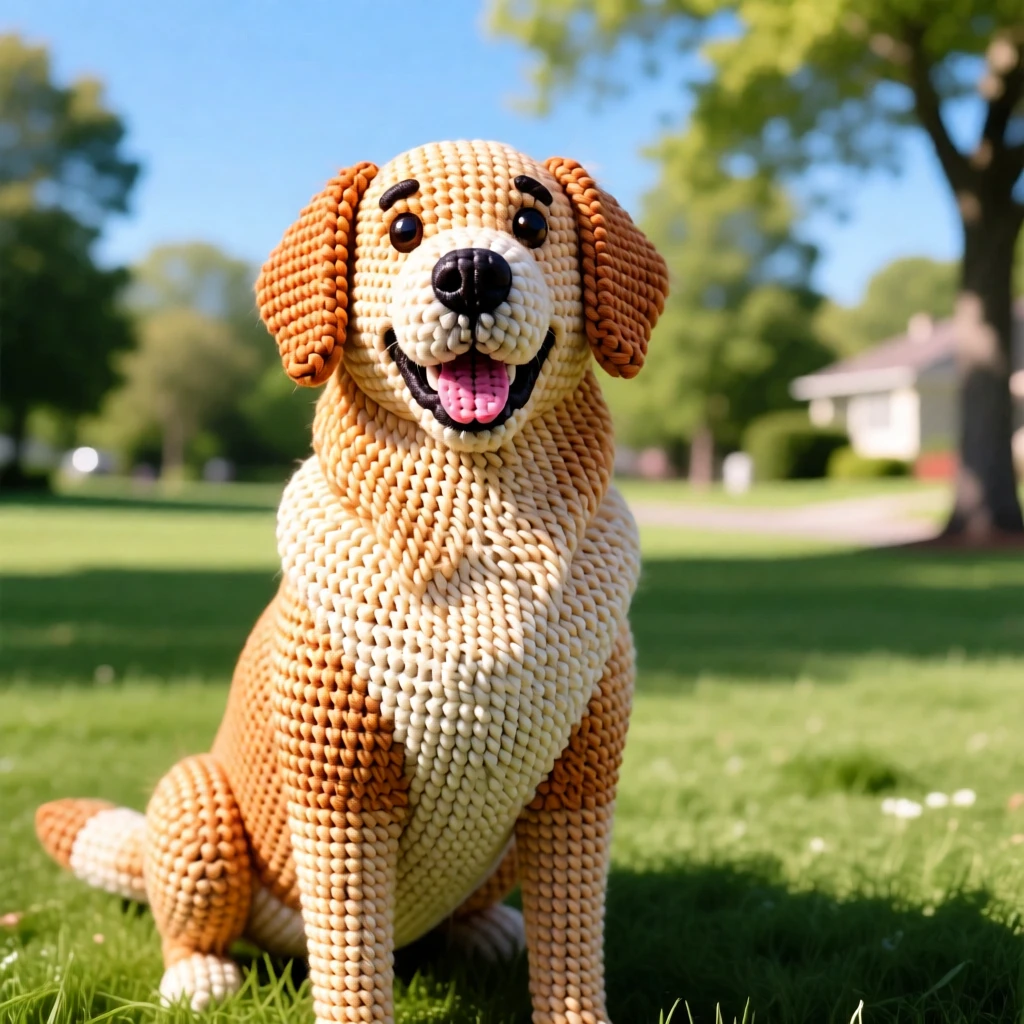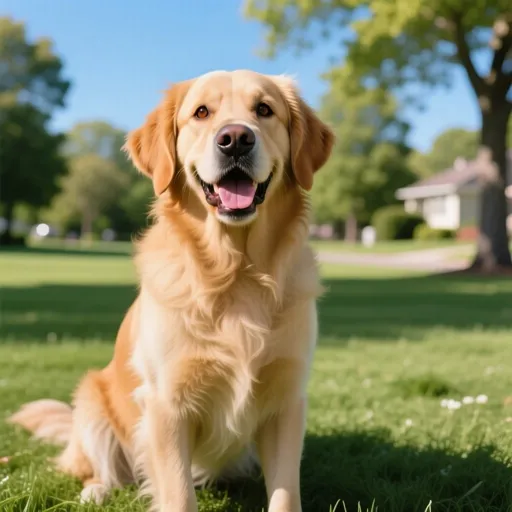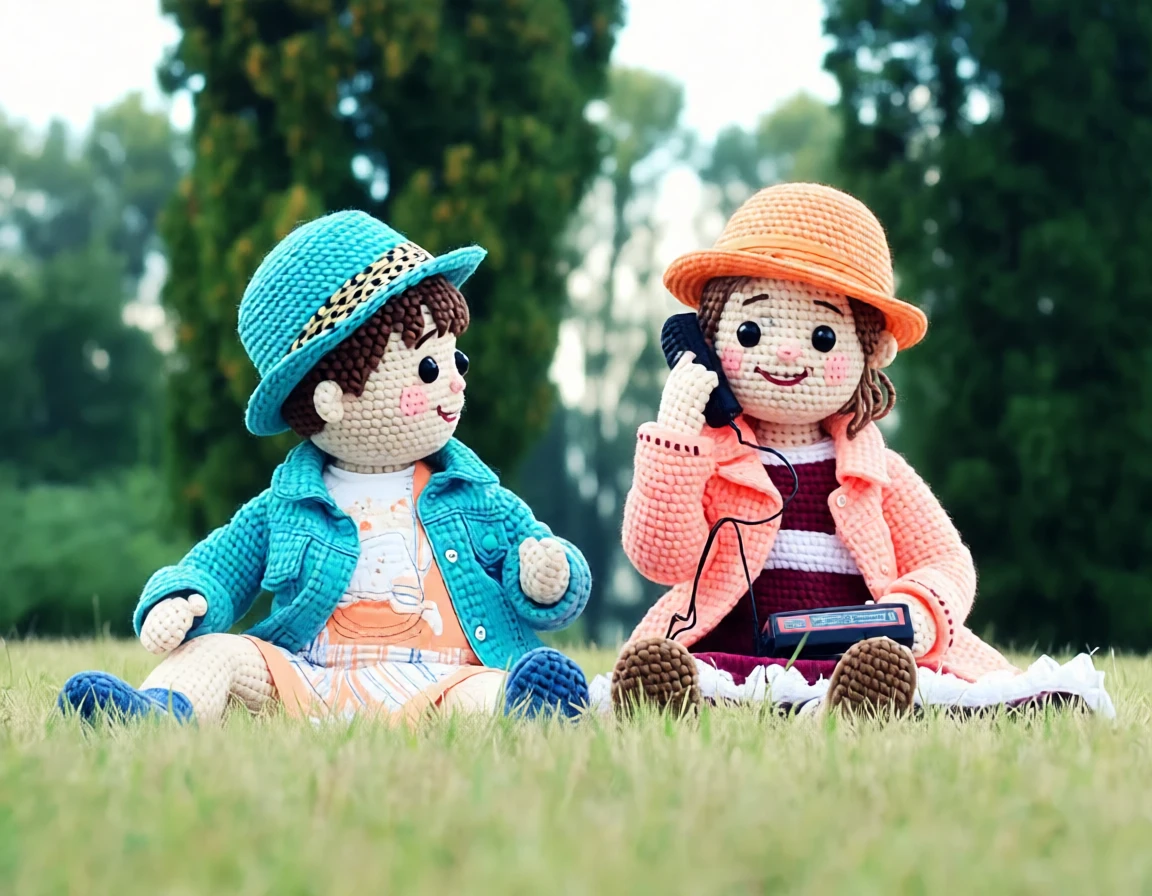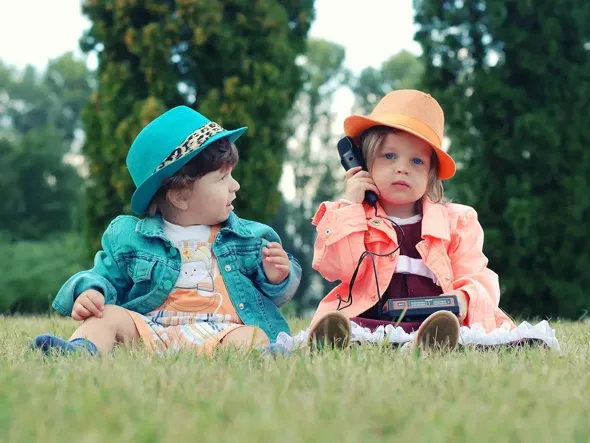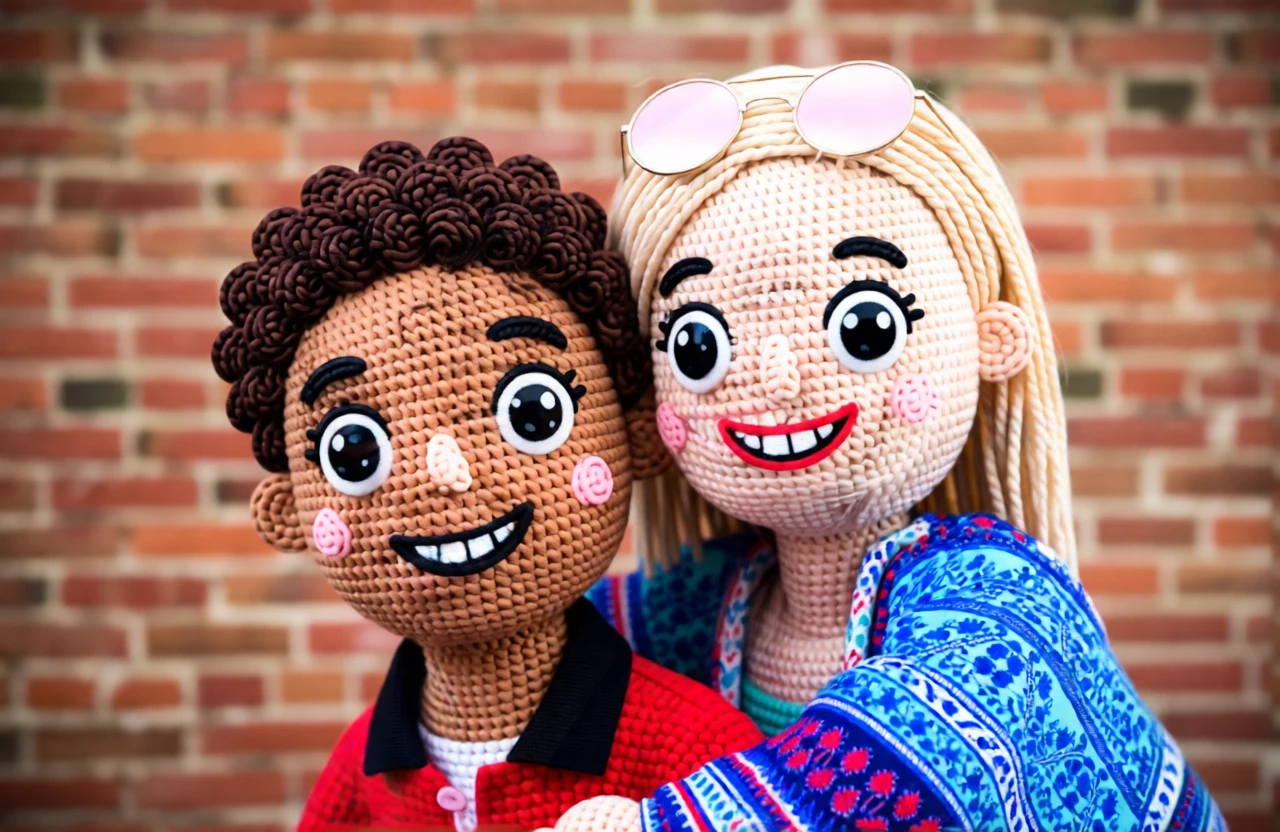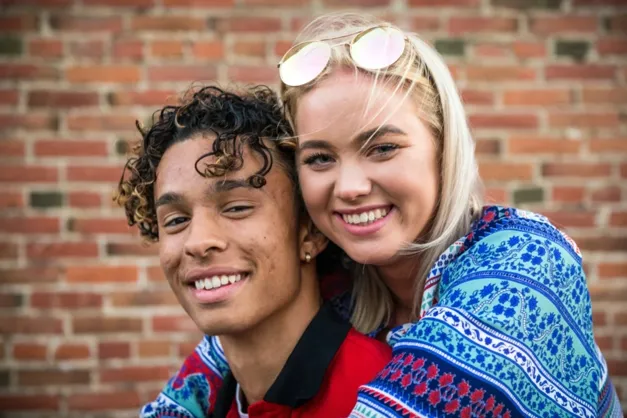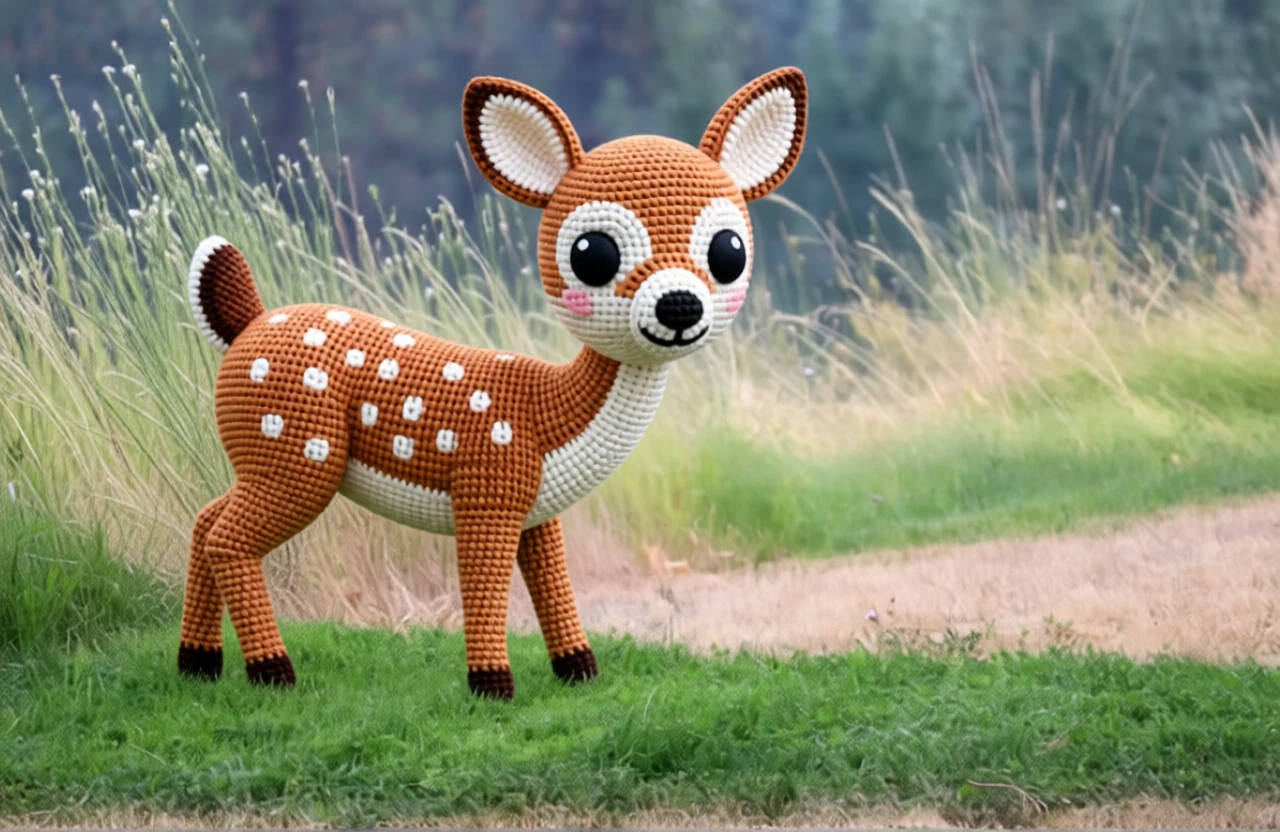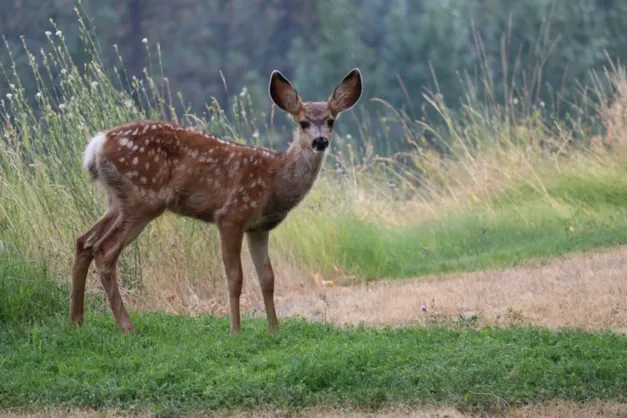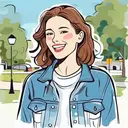
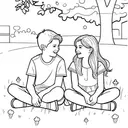
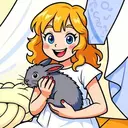
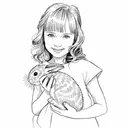
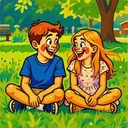
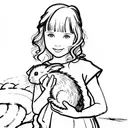
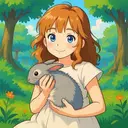
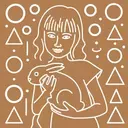
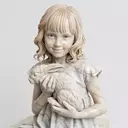
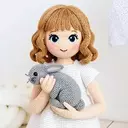
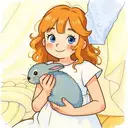
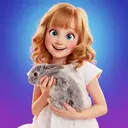
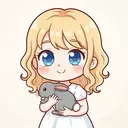
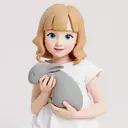
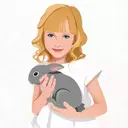
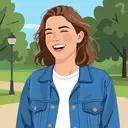
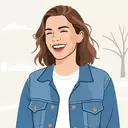
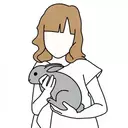
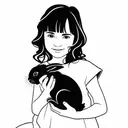
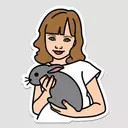
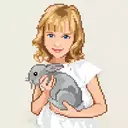
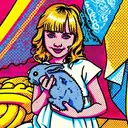
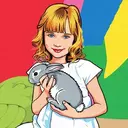
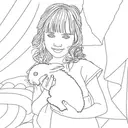
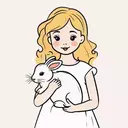
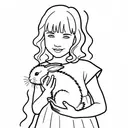
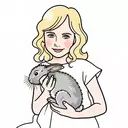
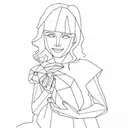
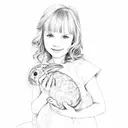
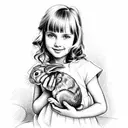
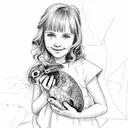
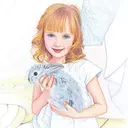
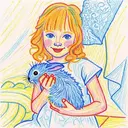
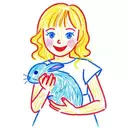
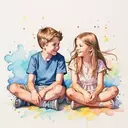
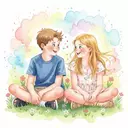

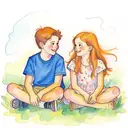
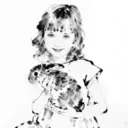
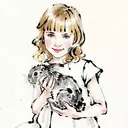
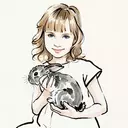
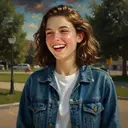

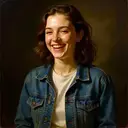
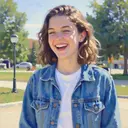
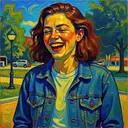
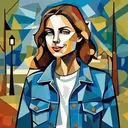
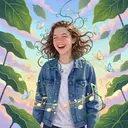
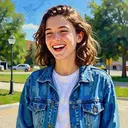
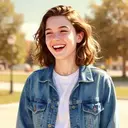
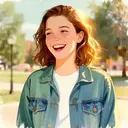
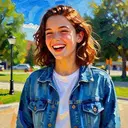
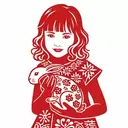
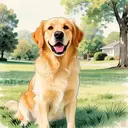
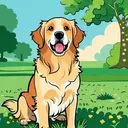
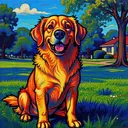
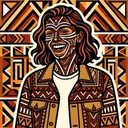
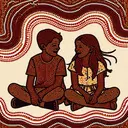
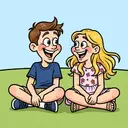
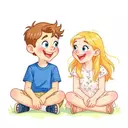
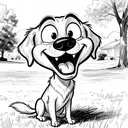
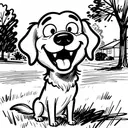
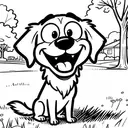
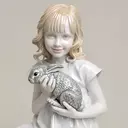
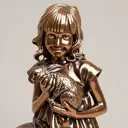
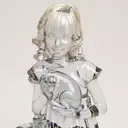
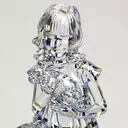
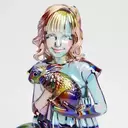
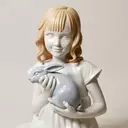
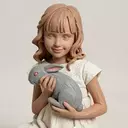
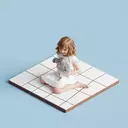
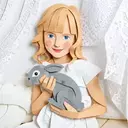
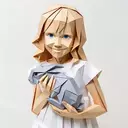
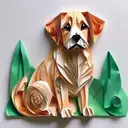
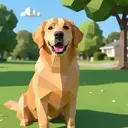
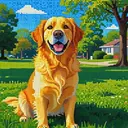
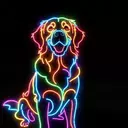


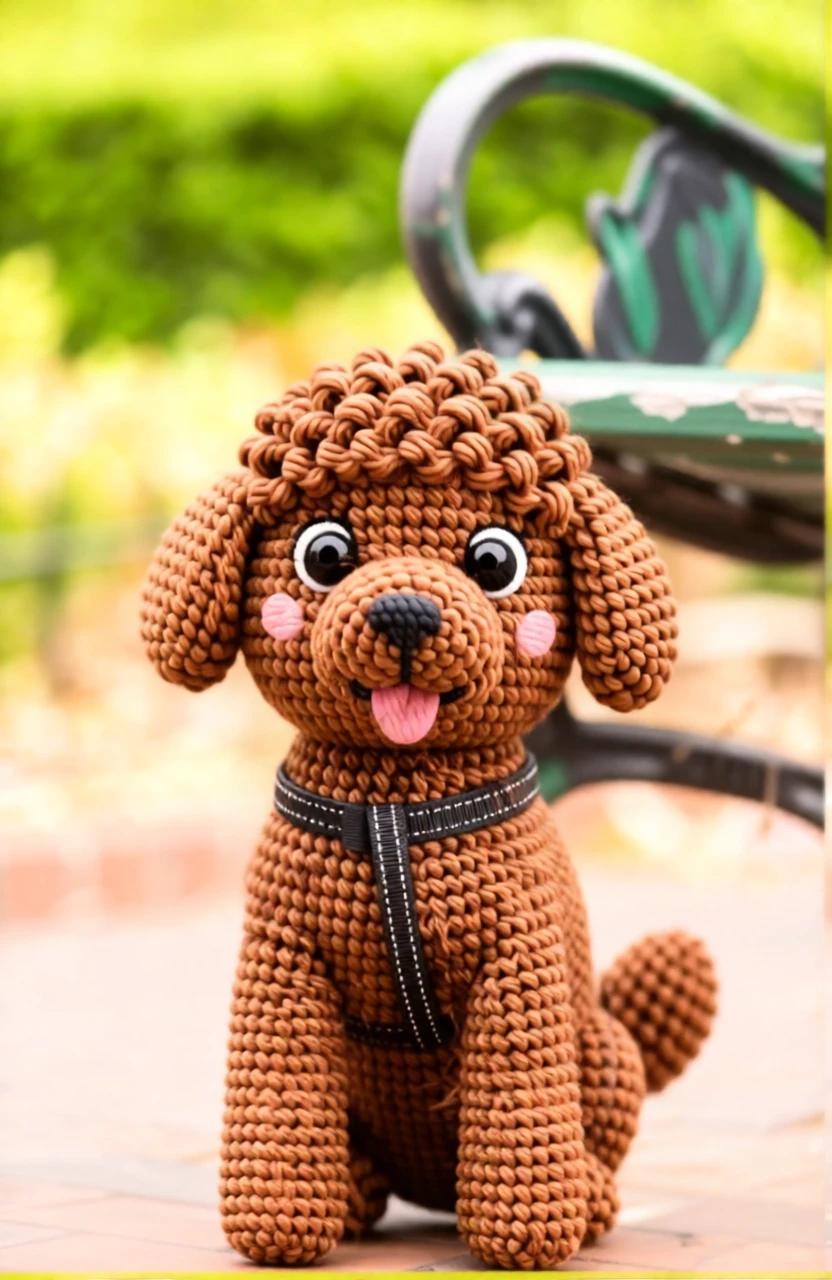
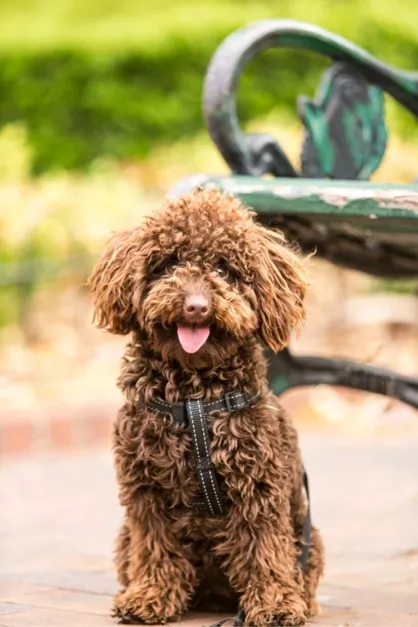
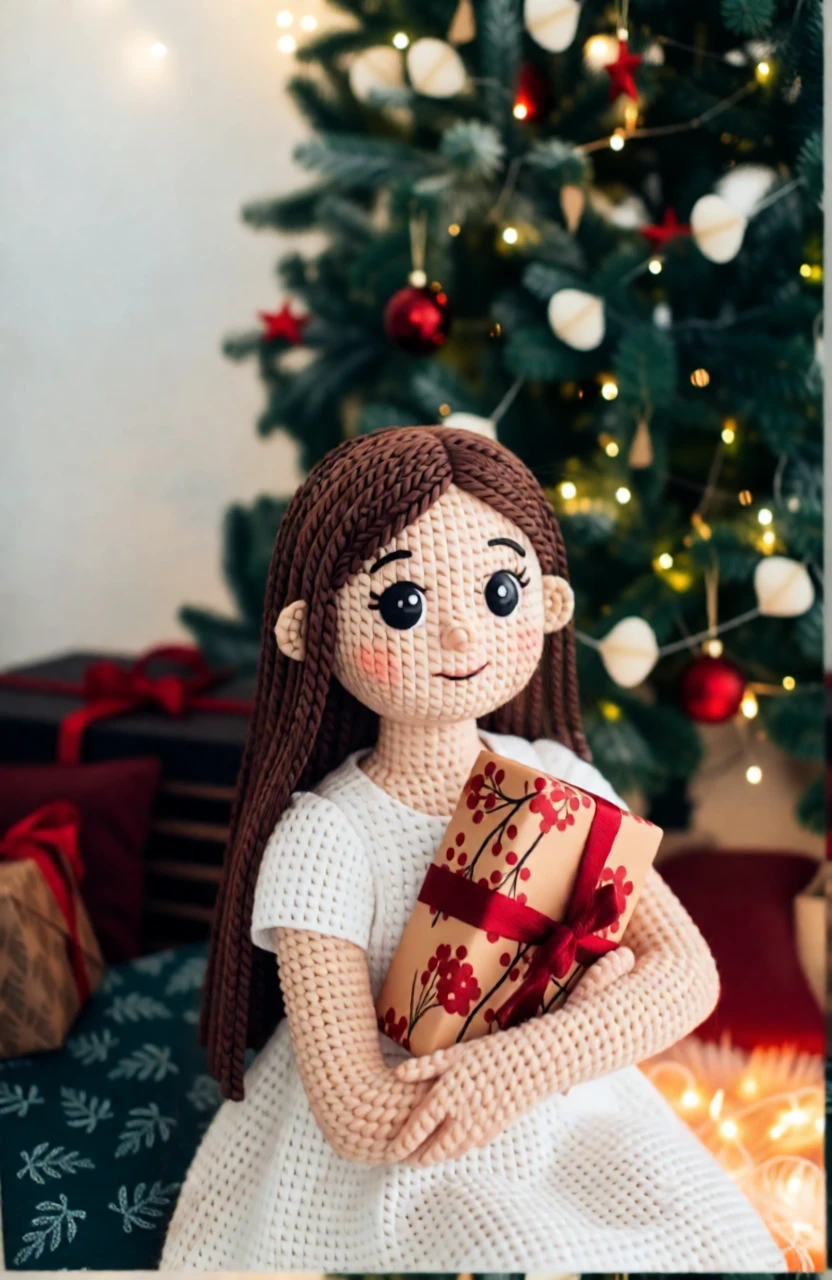
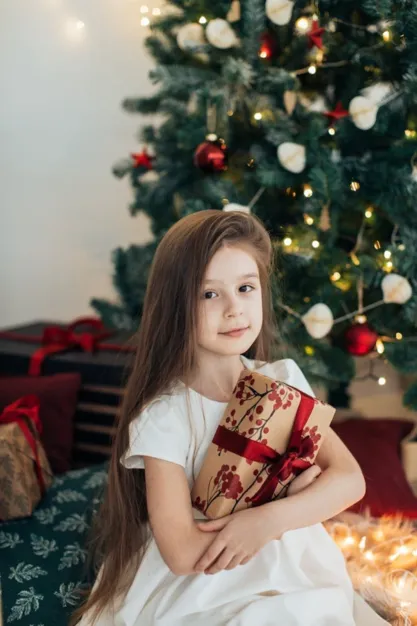
Turn your favorite photo into a cute and personal amigurumi doll with cozy yarn textures and charming stitched details in seconds.
Perfect for 🎁 unique gifts for friends and family, 💖 keepsakes of loved ones, 🐶 adorable pet portraits, 📱 cute social media avatars, 🧸 custom merch or plush inspiration.
Simply upload your photo and watch it become a cuddly, yarn-crafted amigurumi doll.
An amigurumi doll is a small, handmade stuffed toy that’s crocheted or knitted using yarn. The word comes from Japanese and simply means a knitted or crocheted stuffed doll. These dolls are usually cute and simple in style, often with big heads, tiny bodies, and sweet little faces. People make amigurumi dolls in all kinds of shapes—animals, people, food, or even favorite characters. They’re made by stitching yarn tightly together and filling the inside with soft stuffing so they hold their shape. Many crafters love adding personal touches like tiny outfits or embroidered smiles, which makes each doll feel special and one of a kind.
By default, generated images are about 1 megapixel. You can increase the resolution to 4 megapixels by clicking the “2× Upscale” button.
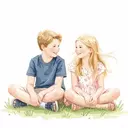
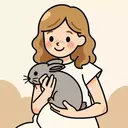
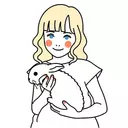
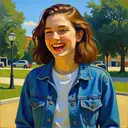
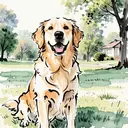
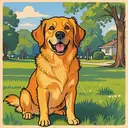
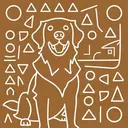
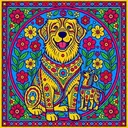
Photo-to-art conversion is the process of transforming your photos into artwork that retains the content and composition of the original image while adding an artistic touch. This could include styles like watercolor, illustration or line drawing. Unlike generic prints found in stores, these pieces are highly personalized, making them ideal for wall décor or meaningful gifts.
Traditionally, creating this kind of artwork meant hiring professional artists, making it a relatively expensive and less accessible option for most people. PortraitArt offers a similar experience at a fraction of the cost using our advanced photo-to-art AI generator, recreating the artistic process with precision and creativity.
PortraitArt works with various types of photos, including portraits, group shots, pet photos, buildings, and scenic views. For optimal results, use high-resolution images with good lighting and a clear background.
You can delete uploaded photo and all images generated from it. Click the ⚙ Settings button in the top-right corner of the input photo, then select "Delete this photo and all derived art pictures."